



 Shopping Cart
 Fujitsu FI-7160 Trade Compliant Scanner
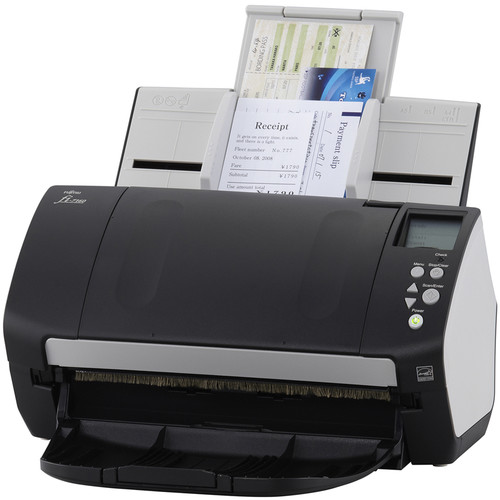


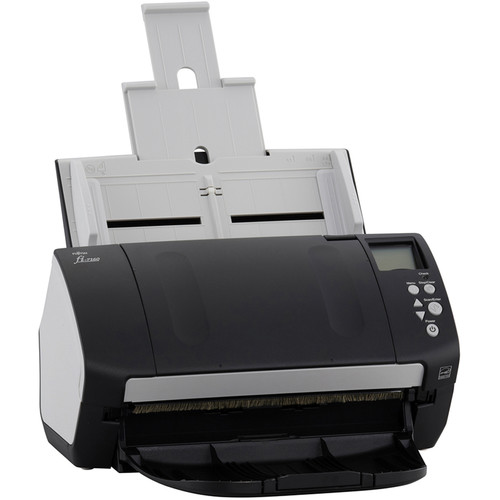
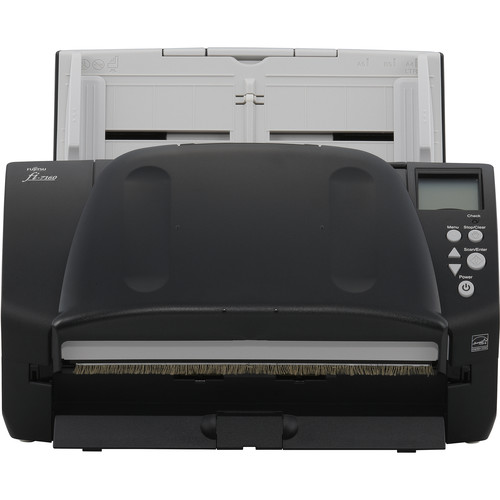
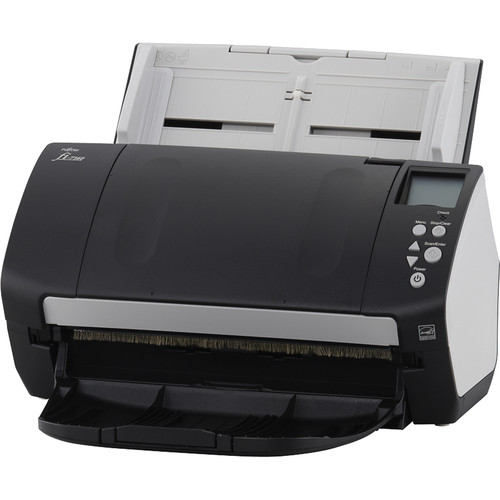
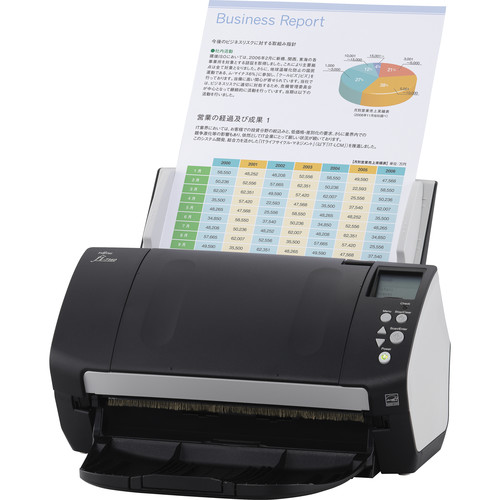


Images are for illustration purposes only and do not necessarily reflect the actual product.
Product Details
Specifications
Accessories
Reviews
Product Details
Main Features
- Desktop scanner
- Color scans
- Scan Speed: 60 pages per minute/120 images per minute
- Optical Resolution: 600 dpi
- Double sided scanning
- 80 sheet automatic document feeder
- Double feed detection sensor
- LCD display
- USB port
Specifications
General Specifications
Scanner
| Type | Automatic Document Feeder (ADF) |
| Maximum Resolution | 600 dpi (Optical) |
| Scan Modes | Color, Grayscale, Monochrome |
| Color Depth | 24-Bit (External) |
| Grayscale Depth | 8-Bit (Internal) |
| Light Source | LED |
| Image Sensor | 2 x Charge-Coupled Device (CCD) |
| Duplex Scanning | Yes |
| Single Pass Duplex | Yes |
| Scan Speed | Simplex Speed 60 ppm in Color/Grayscale Duplex Speed 120 ipm in Color/Grayscale |
| Automatic Image Corrections | Yes |
Scanner Media Handling
| Scan Sizes | Minimum: 2 x 2.1" / 5.08 x 5.33 cm Maximum: 8.5 x 220" / 21.59 x 558.8 cm |
| Paper Capacity | 80 x Sheet |
| Multi-Feed Detection | Yes |
| Daily Duty Cycle | 4000 Scans |
| Special Media Support | Business Card, Check, Credit Card, Envelope |
Connectivity
| Interface | USB 3.1 / USB 3.2 Gen 1 |
| Wireless | None |
| Operating System Support | Linux, Windows |
Environmental
| Operating Temperature | 41 to 95°F / 5 to 35°C |
| Operating Humidity | 20 to 80% |
General
| Power Source | AC Adapter |
| Battery | None |
| AC Input Power | 100 to 240 VAC, 50 / 60 Hz |
| Power Consumption | 38 W (Maximum) 1.8 W (Sleep) 0.4 W (Off) |
| Certifications | ENERGY STAR, EPEAT Silver, RoHS, as per Manufacturer |
| Dimensions (W x H x D) | 11.8 x 6.4 x 6.7" / 30 x 16.3 x 17 cm |
| Weight | 9.3 lb / 4.2 kg |
Packaging Info
| Package Weight | 13.8 lb |
| Box Dimensions (LxWxH) | 18.1 x 12.3 x 9.9" |
Accessories

Reviews


A batch mode allows you to scan multiple photos at once.
Some sheet-fed scanners can scan double sided.
If your scanner gives a ‘Scanner Access failed’ or a ‘Scanner not found’ message it may be because your scanner wasn't switched on before you started your computer.
MY ACCOUNT
INFO & POLICIES
SHOP EASY
PAYMENT OPTIONS



* Images are for illustration purposes only.