



 Shopping Cart
 Xerox WorkCentre 6515 Color Multifunction Printer RECONDITIONED
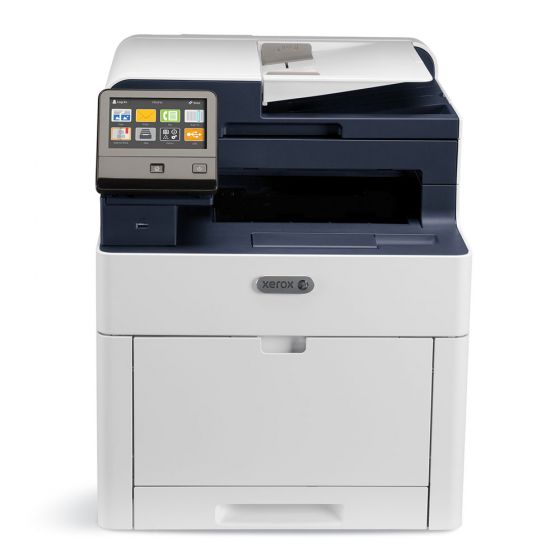

Images are for illustration purposes only and do not necessarily reflect the actual product.
Product Details
Specifications
Accessories
Reviews
Product Details
Main Features
- Print, Copy, Scan, Email, Fax
- Print Speed: 30 Pages per minute
- Print Resolution: 1200 x 2400 dpi
- Print Memory: 2GB
- Automatic Duplex
- 5 inch color touchscreen
Specifications
General Specifications
| SKU | 6515/DN |
|---|---|
| Printer Brand | Xerox |
| Print Speed | Up to 30 pages/minute |
| Paper Capacity | 300 sheets |
| Automatic Two-Sided Printing | Standard |
| Network Connectivity | 10/100/1000Base-T Ethernet, USB 3.0 |
| Shipping Weight | 82 lb |
| UPC | 095205835380 |
 Download Manufacturer Specifications
Accessories

Reviews


Handle inkjet papers like photographic papers - hold them by the edges to avoid oil deposits and fingerprints.
Printing photos? Make sure that they are of print quality - meaning 300dpi. Anything lower than this will appear pixelated and lower than photo quality.
Not all drivers are pre-installed on all operating systems and as new operating systems are released, you will need to install drivers yourself. Make sure to consult your printer manual.
MY ACCOUNT
INFO & POLICIES
SHOP EASY
PAYMENT OPTIONS



* Images are for illustration purposes only.