



 Shopping Cart
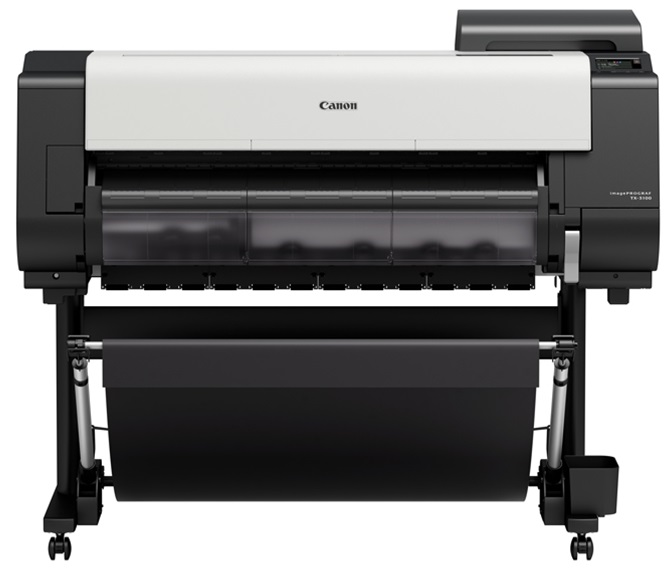
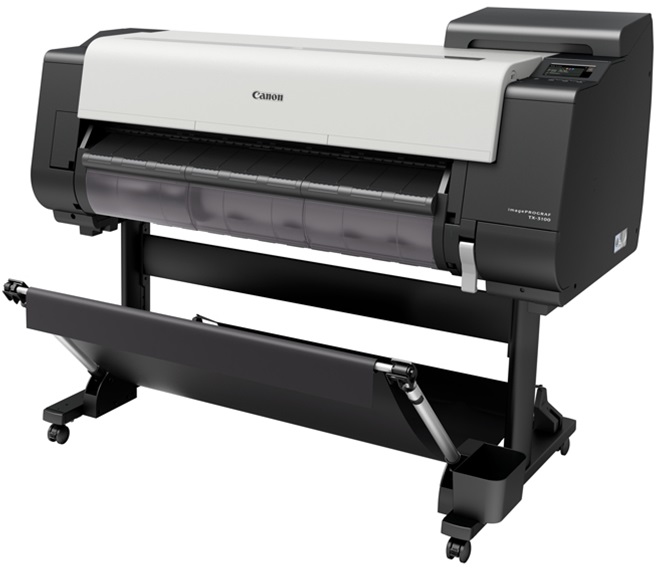
 Canon ImagePROGRAF TX 3100 36" Printer with Basket





Product Details
Specifications
Accessories
Reviews
Product Details
Main Features
- Multi-positional catch basket included
- 36 inch wide printouts
- Automatic roll loading function
- Intelligent media handling feature
- Print Speed: Upto 3.2 ppm
- Free size borderless printing
- Wi-Fi enabled
- LUCIA TD Pigment Ink Set
- USB port
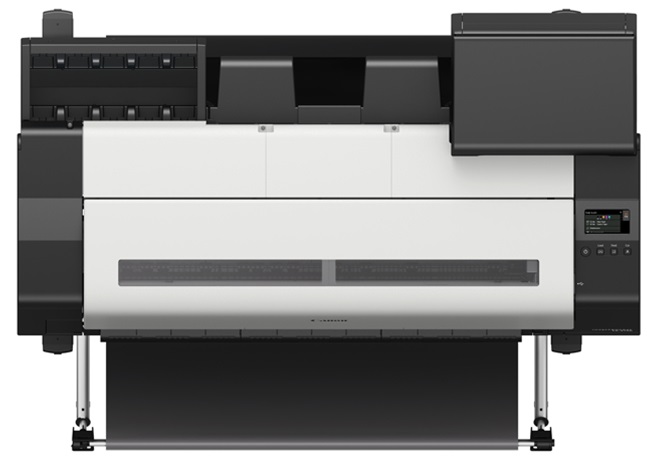
- 4.3 inch LCD touch screen
Specifications
Accessories

Reviews


Use a lightly dampened cloth to clean the outside of your laser printer. To clean the inside, use a dry, lint-free cloth to make sure that no liquid enters the inner parts of the printer.
If debris is the primary cause of failures, toner is the primary cause of debris. All toner cartridges release a small amount of toner powder into the machine. This is why it's important to clean the machine when you change the cartridge.
Not all drivers are pre-installed on all operating systems and as new operating systems are released, you will need to install drivers yourself. Make sure to consult your printer manual.
MY ACCOUNT
INFO & POLICIES
SHOP EASY
PAYMENT OPTIONS



* Images are for illustration purposes only.