



Contact Us
FAQ |
We will match any price
Canon ImagePROGRAF TX 3100 36" Printer with Basket
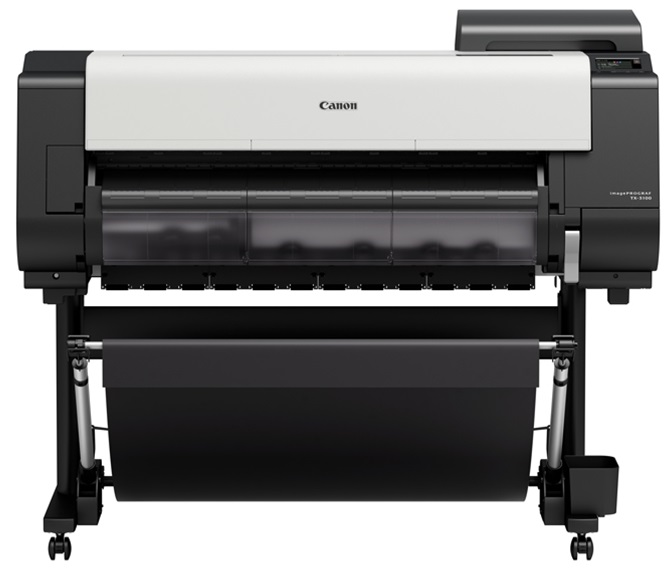
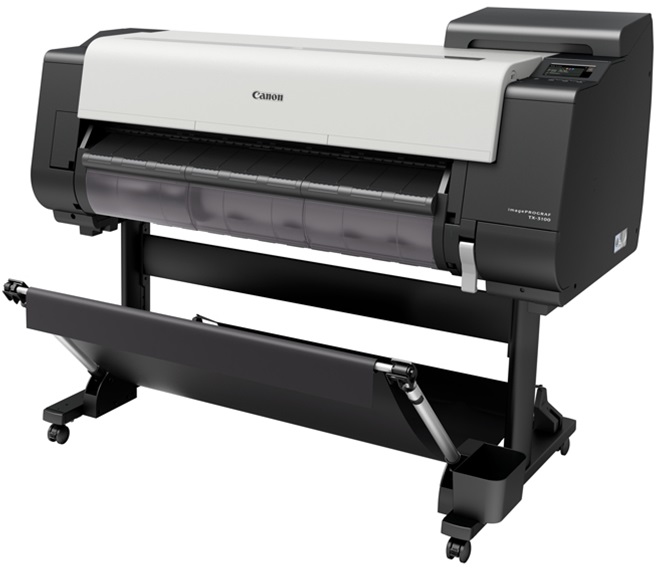
*Images may show options not included in price. Canon ImagePROGRAF TX 3100 36" Printer with Basket
previous image next image
  • Canon ImagePROGRAF TX 3100 36" Printer with Basket
  • Canon ImagePROGRAF TX 3100 36" Printer with Basket
  • Canon ImagePROGRAF TX 3100 36" Printer with Basket
customers choose us for our low prices

Canon ImagePROGRAF TX 3100 36" Printer with Basket
  • Printer

Model No.:5515C002AA

Condition:New

Availability: Out Of Stock

Shipping:FREE SHIPPING

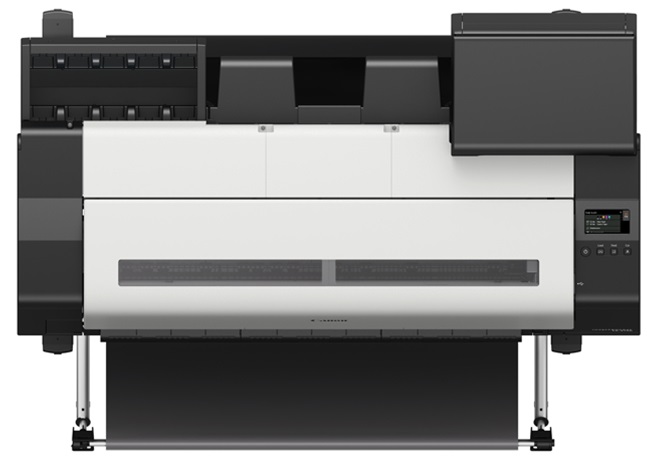
*Free Shipping for Commercial Zone. Loading Doc Required. The Canon ImagePROGRAF TX-3100 Large Format Printer features fast print speeds, enhanced automatic roll loading function, and free-size borderless printing. It includes a multi positional catch basket which can be adjusted to enable various output positions and options including a catch basket, flatbed stacking or a slope to display a print. Control the Canon TX1300 Printer Series using its large 4.3 inch LCD touch screen. SPECIAL REBATES AVAILABLE

Please click here for a replacement product.

1 1 N/A N/A
Product Image Canon ImagePROGRAF TX 3100 36" Printer with Basket Canon 732-832-7744 310 Park Avenue Lakewood, NJ 08701

$6397.00

Call for special pricing or rebates

Images are for illustration purposes only and do not necessarily reflect the actual product.

Product Details

Specifications

Accessories

Reviews

Product Details

Main Features

  • Multi-positional catch basket included
  • 36 inch wide printouts
  • Automatic roll loading function
  • Intelligent media handling feature
  • Print Speed: Upto 3.2 ppm
  • Free size borderless printing
  • Wi-Fi enabled
  • LUCIA TD Pigment Ink Set
  • USB port
  • 4.3 inch LCD touch screen

Specifications

Accessories

Reviews

  • If your print settings are too dark, it could be detrimental to the life of the cartridge in the long run. It’s important that the density control of the machine be properly set to prevent the machine from pulling too much toner into itself.

  • After installing a printer, go to the Windows dialog box and check the settings, so you won't be surprised by what happens the first time you print.

  • Don't move a print head unless the instructions direct it. You can damage the belt or other parts.

* Images are for illustration purposes only.
CopyFaxes.com
Coupon Code

Enter this coupon code at checkout
to save $10:

10OFF


To get $10 off the customers have to spend a minimum of $150

Happy Shopping,

The CopyFaxes Team
