



 Shopping Cart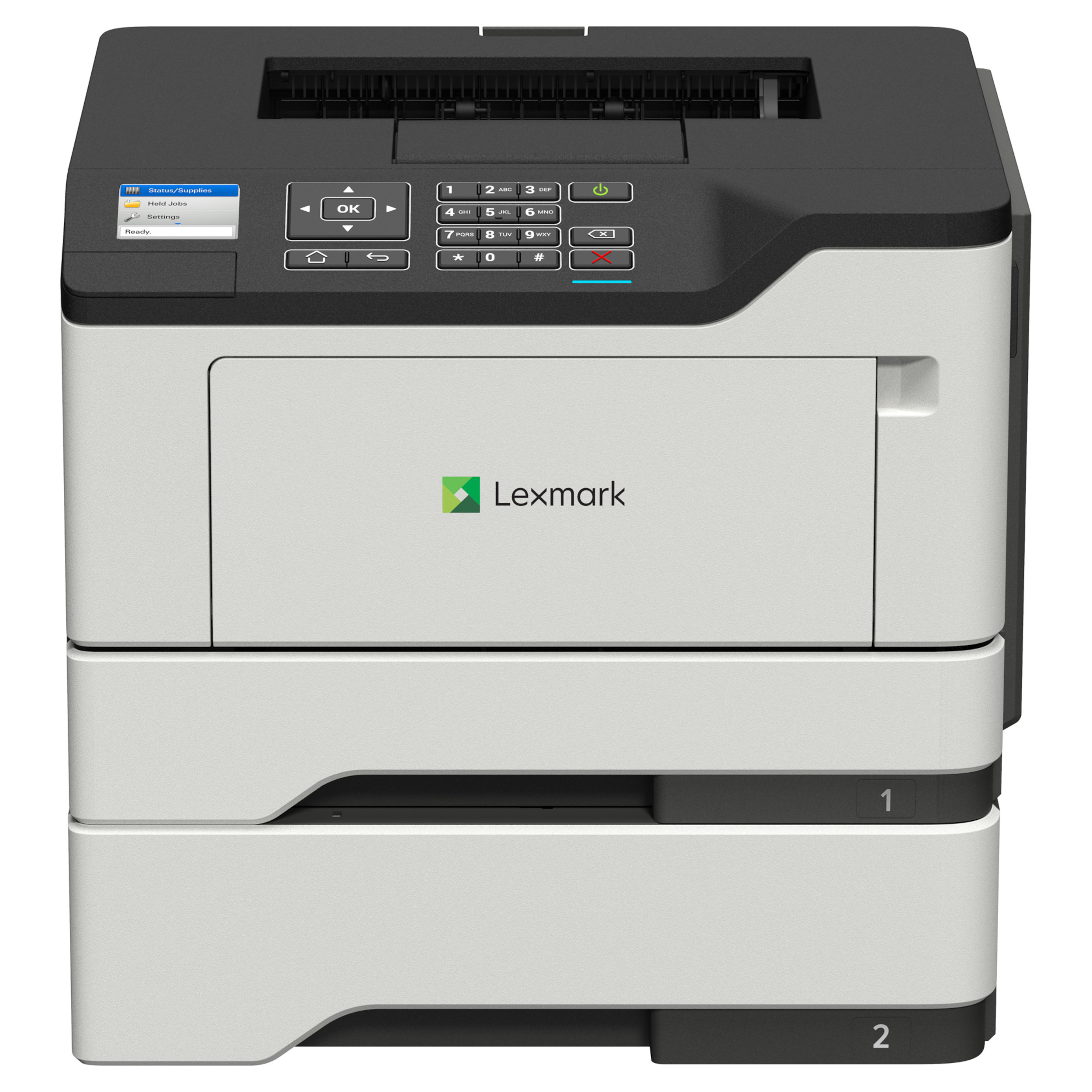



*** ALL TONERS AND SUPPLIES ARE IN STOCK AT DISCOUNTED PRICING , CALL +18882983095.
All reconditioned printers do not include supplies - toners , drums (Imaging Units) (where applicable) , printer cables , manuals , consumables, trays (where applicable). Power cables are included. Drivers can be downloaded from the manufacturers website. Please verify that drivers available are compatible with your software on the manufacturers site.
Product Details
Specifications
Accessories
Reviews
Product Details
Main Features
- Black and white printouts
- Print Speed: 46 pages per minute
- Double sided prints
- Supports A4 and legal sized documents
- Standard Media Capacity: 350 sheets
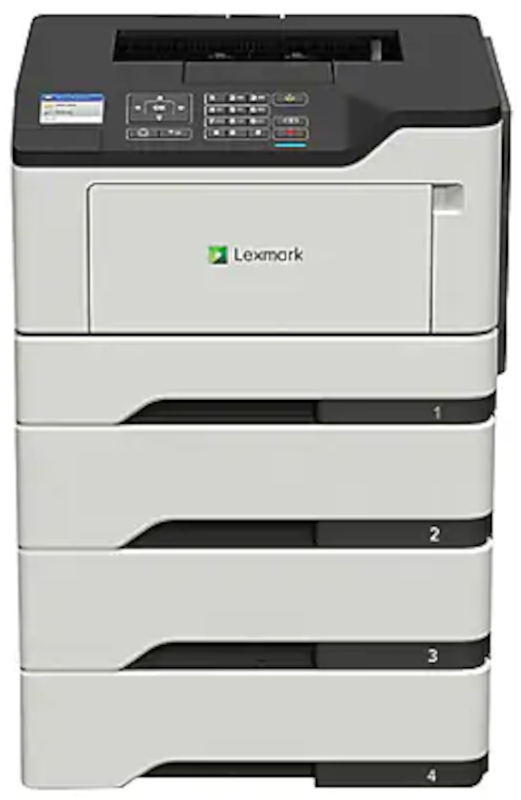
- Max Media Capacity: 2000 sheets
- 2.4 inch color control screen
- USB port
Specifications
General Specifications
| Item # | 8114208 |
| Manufacturer # | 5148057 |
| Width | 15-7/10 in. |
| Height | 10-2/10 in. |
| Depth | 18-1/2 in. |
| Display Screen Size | 2.4 in. |
| Number Of Users | 15-30 |
| Duplex Printing | Automatic |
| Maximum Print Speed (Monochrome) | 46 pages/min |
| Memory | 512 MB |
| Model | MS521dn |
| Monthly Duty Cycle | 120000 sheets |
| Print Technology | Laser |
| Portable | No |
| Recommended Monthly Print Volume | 2000 sheets |
| Total Paper Tray Capacity | 350 sheets |
| Photo Printing | No |
| Quantity | 1 |
| Brand Name | Lexmark |
| Eco-Conscious | Energy Efficient |
| Eco Label Standard | EPEAT Silver |
| Manufacturer | LEXMARK INTERNATIONAL, INC. |
| Print Color | Black & White |
| Printer Use | Medium Business |
| Product Type | Printer |
| Type | Laser Printer |
| Maximum Memory Supported | 536870912 |
| Maximum Print Resolution (Dpi) | 1200.00012 |
 Download Manufacturer Specifications
Accessories

Reviews


Handle inkjet papers like photographic papers - hold them by the edges to avoid oil deposits and fingerprints.
Flashing light on your printer? Each printer has a different reason for a blinking or orange light but in general it is due to a paper jam, an empty paper tray, a printer cartridge problem or a problem with the printer hardware.
Most printers will beep once or twice during or after initialization. If it beeps more than that or beeps constantly, it is telling you that something is wrong. Most printers beep when out of paper or out of ink.
MY ACCOUNT
INFO & POLICIES
SHOP EASY
PAYMENT OPTIONS



