



 Shopping Cart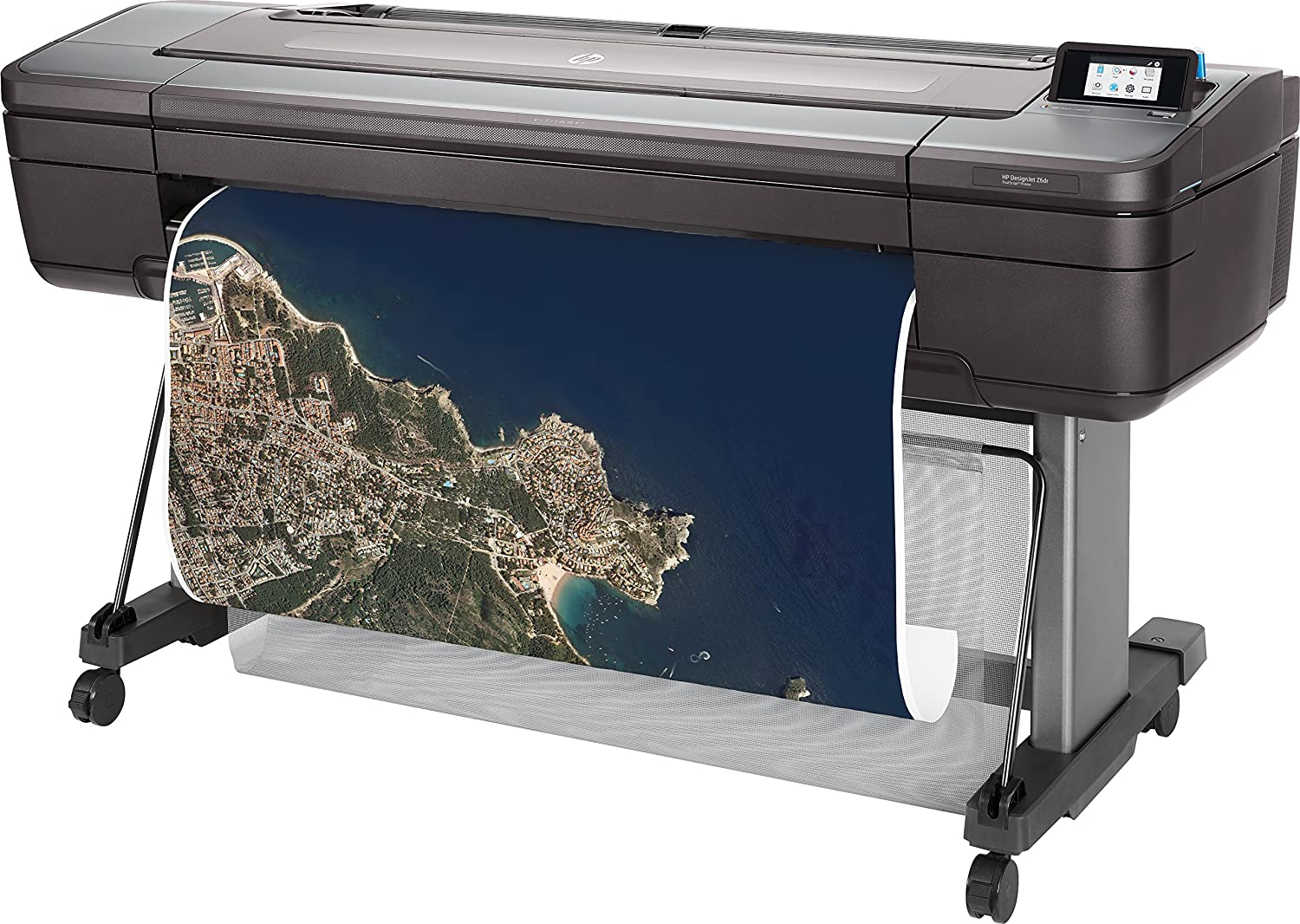

Product Details
Specifications
Accessories
Reviews
Product Details
Main Features
- Includes HP 1 year warranty
- Includes Starter Inks and Printhead (s)
- Includes vertical trimmer
- Color printouts
- Print speed: 202 ft²/hr
- Print on plain media, glossy media or coated media
- Advanced security features
- Automatic roll feed
- Cut sheet feeder
- 500 GB HDD
- Touchscreen display
Specifications
General Specifications
Model size
44 in
Functions
Speed specifications
Print time color image ISO N5 (best, D glossy paper)
3.2 min/page
Print time color image ISO N5 (normal, D glossy paper)
2.6 min/page[2]
Print time color image ISO N5 (normal, D coated paper)
1.1 min/page[2]
Memory specifications
Memory
128 GB (virtual)[6]
Internal Storage
500 GB self-encrypting
Technical specifications
Print quality (best)
Color: Up to 2400 x 1200 optimized dpi
Print technology
HP Thermal Inkjet
Number of print cartridges
6 (cyan, magenta, yellow, matte black, photo black, chromatic red)
Finished output handling
Two automatic roll feeds, smart roll-switching, top sheet feed, media output bin, automatic horizontal cutter and vertical trimmer (cuts all HP Z-series printer-qualified media, including most canvas)
Media types
Photographic, fine art printing material, self-adhesive, banner and sign, bond and coated, backlit
Media sizes standard (sheets, rolls)
11 to 44-in
Connectivity
Connectivity, standard
Ethernet, Fast Ethernet, Gigabit Ethernet, 10/100/1000Base-T Ethernet (802.3, 802.3u, 802.3ab)
USB Type-A host port
Print languages
Adobe PostScript 3, Adobe PDF 1.7, TIFF, JPEG, CALS G4, HP-GL/2, HP-RTL
Power and operating requirements
Power consumption
< 100 W (printing); < 32 W (ready); < 0.3 W (< 6.5 W with embedded Digital Front End) (sleep); 0.1 W (off)
Operating temperature range
41 to 104ºF
(5 to 40ºC )
Operating humidity range
20 to 80% RH
Dimensions and weight
Minimum dimensions (W x D x H)
71 x 27.4 x 39.3 in
Weight
211 lb
What's included
Warranty
Accessories

Reviews


Looking to save paper and ink? Make sure to only print the pages you need of your document.
Save memory on your PC by choosing the Custom option when you install your printer, and picking just the software you want to install.
If debris is the primary cause of failures, toner is the primary cause of debris. All toner cartridges release a small amount of toner powder into the machine. This is why it's important to clean the machine when you change the cartridge.
MY ACCOUNT
INFO & POLICIES
SHOP EASY
PAYMENT OPTIONS



