



 Shopping Cart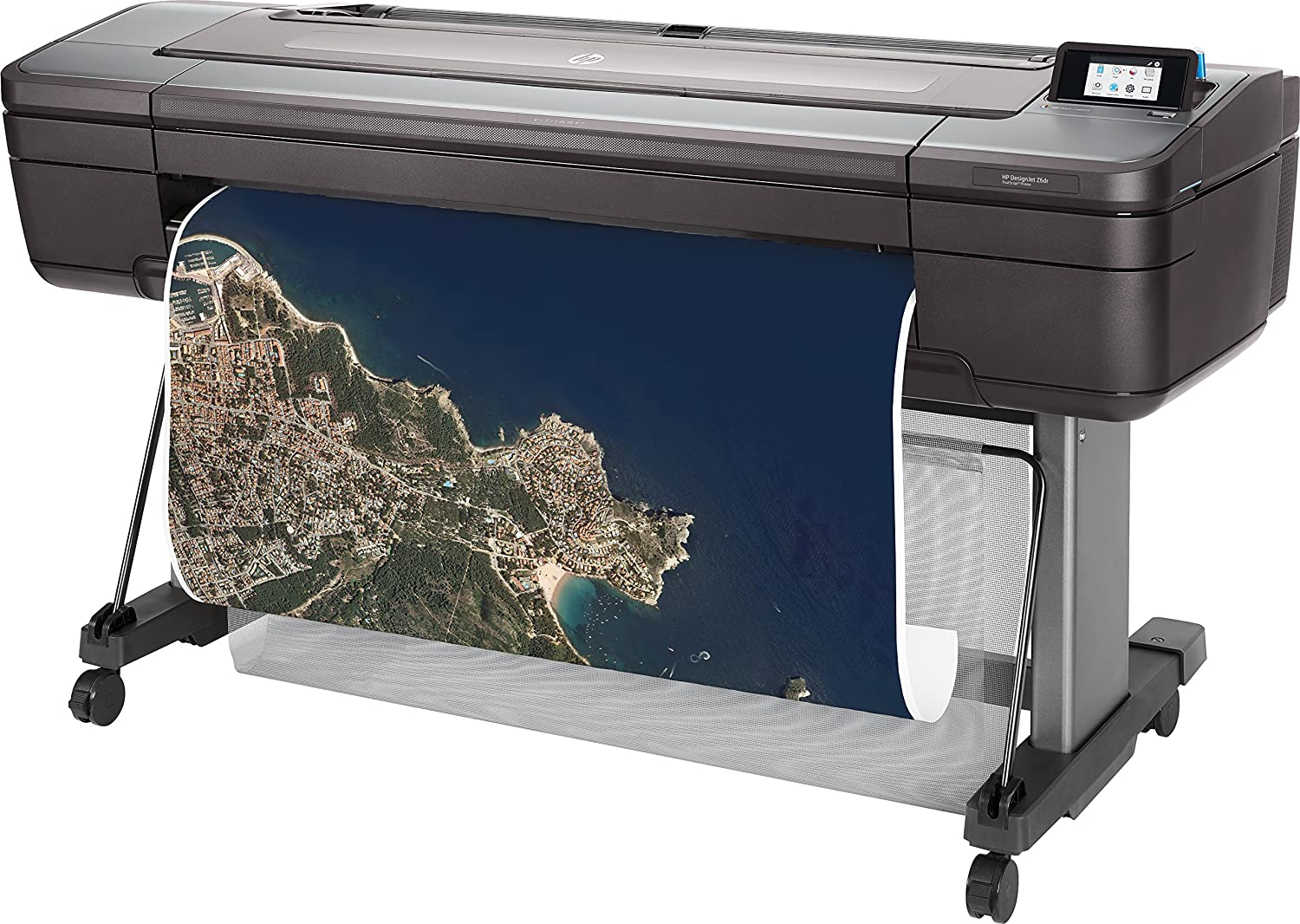

Product Details
Specifications
Accessories
Reviews
Product Details
Main Features
- Includes HP 1 year warranty
- Includes Starter Inks and Printhead (s)
- Includes vertical trimmer
- Color printouts
- Print speed: 202 ft²/hr
- Print on plain media, glossy media or coated media
- Advanced security features
- Automatic roll feed
- Cut sheet feeder
- 500 GB HDD
- Touchscreen display
Specifications
General Specifications
Model size
44 in
Functions
Speed specifications
Print time color image ISO N5 (best, D glossy paper)
3.2 min/page
Print time color image ISO N5 (normal, D glossy paper)
2.6 min/page[2]
Print time color image ISO N5 (normal, D coated paper)
1.1 min/page[2]
Memory specifications
Memory
128 GB (virtual)[6]
Internal Storage
500 GB self-encrypting
Technical specifications
Print quality (best)
Color: Up to 2400 x 1200 optimized dpi
Print technology
HP Thermal Inkjet
Number of print cartridges
6 (cyan, magenta, yellow, matte black, photo black, chromatic red)
Finished output handling
Two automatic roll feeds, smart roll-switching, top sheet feed, media output bin, automatic horizontal cutter and vertical trimmer (cuts all HP Z-series printer-qualified media, including most canvas)
Media types
Photographic, fine art printing material, self-adhesive, banner and sign, bond and coated, backlit
Media sizes standard (sheets, rolls)
11 to 44-in
Connectivity
Connectivity, standard
Ethernet, Fast Ethernet, Gigabit Ethernet, 10/100/1000Base-T Ethernet (802.3, 802.3u, 802.3ab)
USB Type-A host port
Print languages
Adobe PostScript 3, Adobe PDF 1.7, TIFF, JPEG, CALS G4, HP-GL/2, HP-RTL
Power and operating requirements
Power consumption
< 100 W (printing); < 32 W (ready); < 0.3 W (< 6.5 W with embedded Digital Front End) (sleep); 0.1 W (off)
Operating temperature range
41 to 104ºF
(5 to 40ºC )
Operating humidity range
20 to 80% RH
Dimensions and weight
Minimum dimensions (W x D x H)
71 x 27.4 x 39.3 in
Weight
211 lb
What's included
Warranty
Accessories

Reviews


After installing a printer, go to the Windows dialog box and check the settings, so you won't be surprised by what happens the first time you print.
Not all drivers are pre-installed on all operating systems and as new operating systems are released, you will need to install drivers yourself. Make sure to consult your printer manual.
Out of a color cartridge? Many printer drivers include an option to print using black only, or equivalent options to override the refusal to print.
MY ACCOUNT
INFO & POLICIES
SHOP EASY
PAYMENT OPTIONS



