



 Shopping Cart
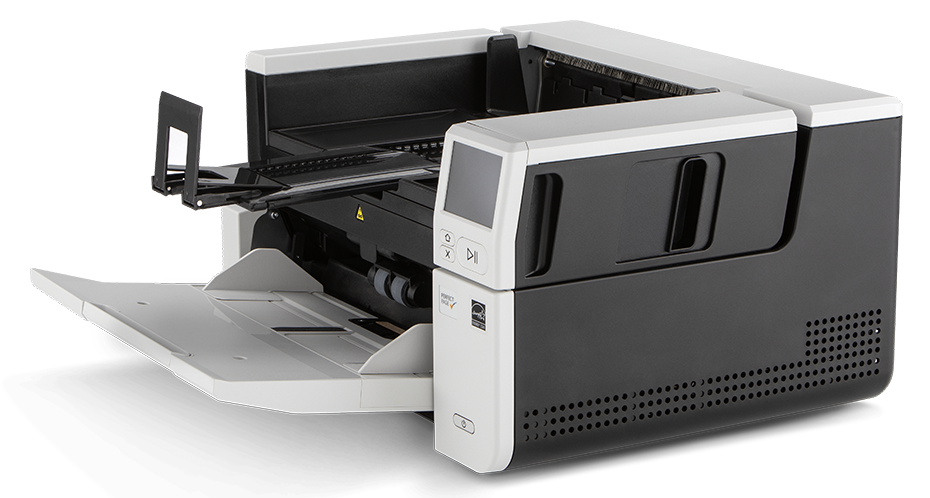
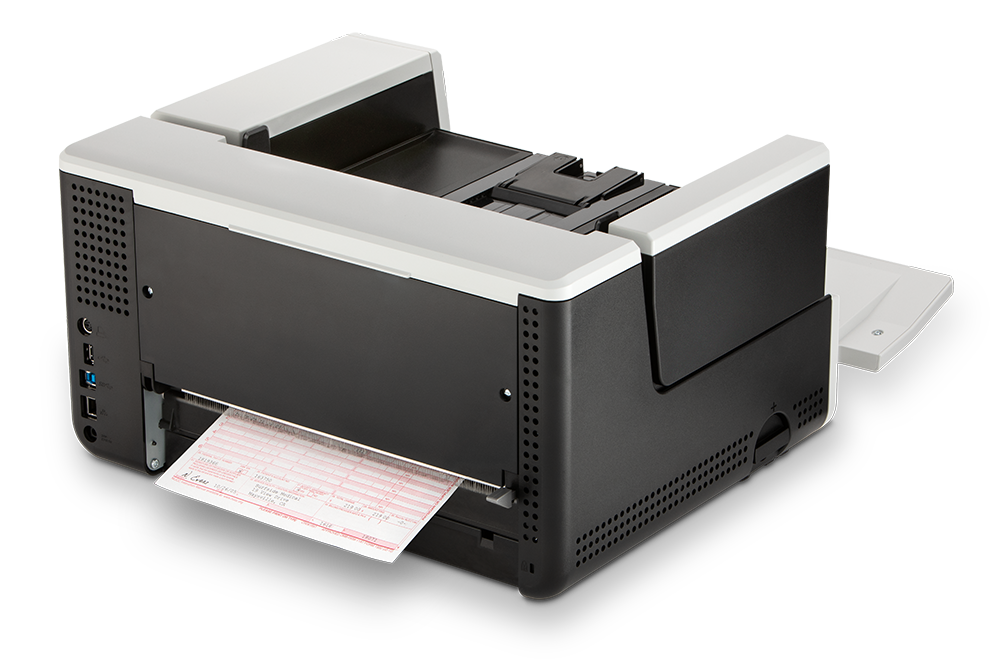
 Kodak S3060 Document Scanner



Product Details
Specifications
Accessories
Reviews
Product Details
Main Features:
- A3 scanner
- Scan Speed: 60 pages per minute/120 images per minute
- Scan directly to apps
- 300 sheet automatic document feeder
- USB and network features available
- Smart touch technology
- Large touch screen
Specifications
General Specifications
| Speed B&W (A4 Landscape) | 60ppm |
|---|---|
| Speed Colour (A4 Landscape) | 60ppm |
| ADF | 300 sheets |
| Duty cycle | approx. 25.000 pages/day |
| Format | A3 |
| Duplex | Yes |
| Capture | Colour, Greyscale and Black & White |
| Optical resolution | 600 dpi |
| Max document length | 4,06 m |
| Max document width | 305mm |
| Connection(s) | ISIS, TWAIN, WIA |
| Interface | USB 3.2 Gen 1x1 Compatible, 10/100/1000 ETHERNET |
| Size closed (L x H x P mm) | 457,2 mmx 254mm x 370,84 mm |
| Weight (Kg) | 16,8 kg |
| Electric characteristics | Running: > 50W, Sleep Mode: > 4W, Standby: > 0,3 W |
Accessories
*** ALL TONERS AND SUPPLIES ARE IN STOCK AT DISCOUNTED PRICING , CALL +18882983095
Reviews


In order for your image to come out as sharp as possible, ensure the document is flat against the glass.
Slide scanners are designed for scanning transparencies rather than opaque originals.
Handheld scanners require the user to manually scan the image by dragging the unit over the original document.
MY ACCOUNT
INFO & POLICIES
SHOP EASY
PAYMENT OPTIONS



* Images are for illustration purposes only.