



 Shopping Cart
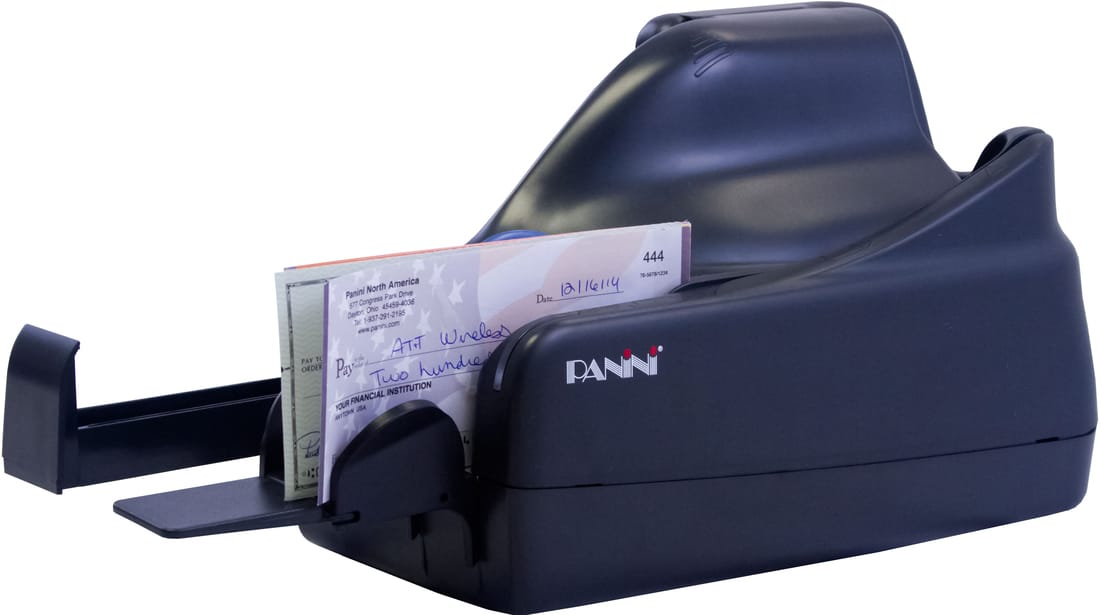
 Panini Vision 1 Check Scanner

Product Details
Specifications
Accessories
Reviews
Product Details
Main Features
- Single feed check capture
- Vertical single feed
- Outstanding MICR read accuracy
- Superior image quality
- Optimized paper handling
- No InkJet
Specifications
 Download Manufacturer Specifications
Accessories

Reviews


If your scanner gives a ‘Scanner Access failed’ or a ‘Scanner not found’ message it may be because your scanner wasn't switched on before you started your computer.
In order for your image to come out as sharp as possible, ensure the document is flat against the glass.
In order to speed up scanning, try to use a faster PC with more memory / RAM and work with as little data as possible.
MY ACCOUNT
INFO & POLICIES
SHOP EASY
PAYMENT OPTIONS



* Images are for illustration purposes only.