



 Shopping Cart
 Panini Vision 1 Check Scanner
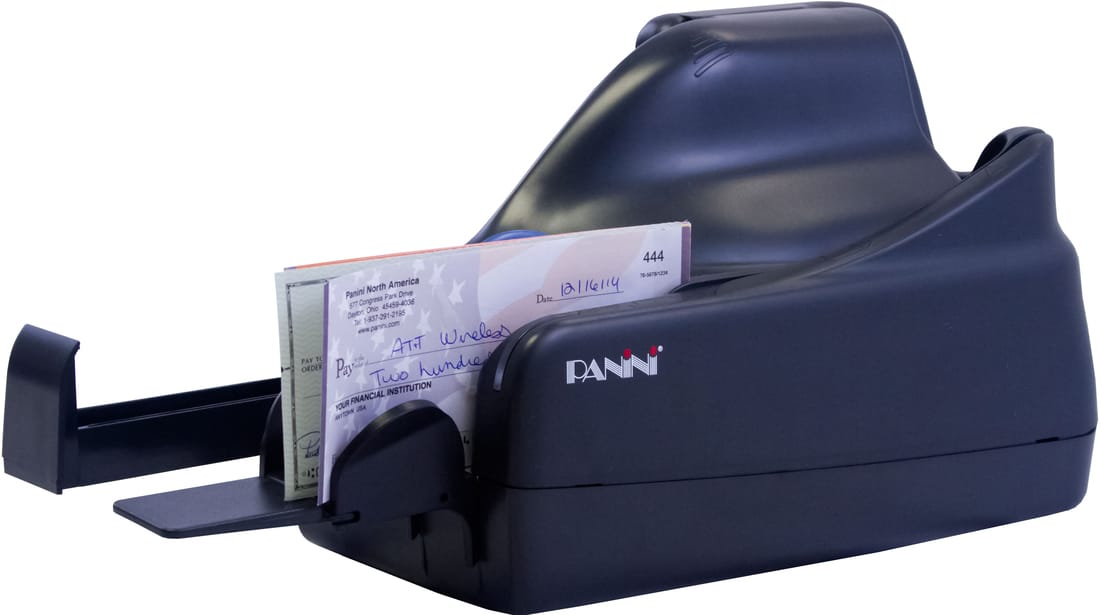

Images are for illustration purposes only and do not necessarily reflect the actual product.
Product Details
Specifications
Accessories
Reviews
Product Details
Main Features
- Single feed check capture
- Vertical single feed
- Outstanding MICR read accuracy
- Superior image quality
- Optimized paper handling
- No InkJet
Specifications
 Download Manufacturer Specifications
Accessories

Reviews


Backlight correction, featured on some scanners, can automatically improve photos that were taken with a bright light behind the person.
A scanner may cost more due to a lower noise CCD array that delivers cleaner dark colors.
An easy way to get a feel for any given scanning option is to scan the same image with different settings and compare the results.
MY ACCOUNT
INFO & POLICIES
SHOP EASY
PAYMENT OPTIONS



* Images are for illustration purposes only.