



 Shopping Cart
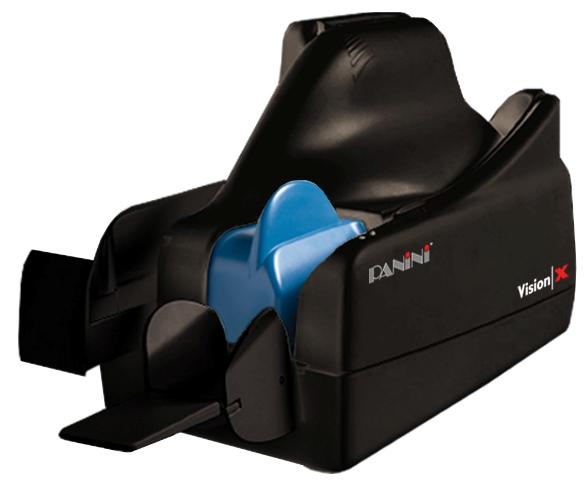
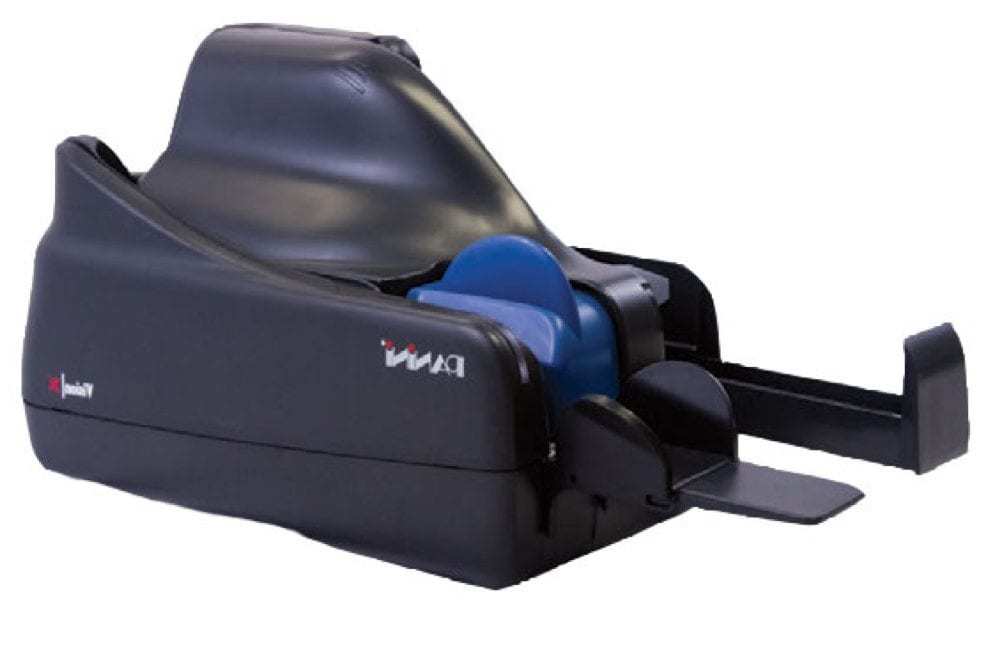
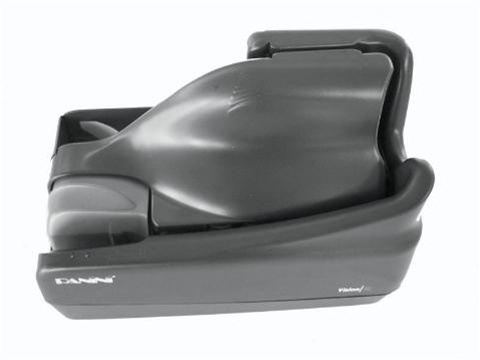
 Panini VX100-1-FF-NJ Check Scanner



Product Details
Specifications
Accessories
Reviews
Product Details
Main Features
- Single Document Feed
- Scans 100 documents per minute
- Document Feeder Capacity: 100
- High speed image cameras
- Interface: USB 2.0
- Advanced MICR Reading
- Quiet performance
- No Ink Jet
Specifications
 Download Manufacturer Specifications
Accessories

Reviews


If you get a ‘Scanner Access failed’ or a ‘Scanner not found’ message on your scanner, check that the SCSI cable is well connected from the card to the scanner.
Most MFPs are designed for scanning documents and so are best to avoid if you're looking for photo scanning. The few exceptions can be recognized if they feature scanning options that are clearly meant for photos, such as a color restore feature.
In order for your image to come out as sharp as possible, ensure the document is flat against the glass.
MY ACCOUNT
INFO & POLICIES
SHOP EASY
PAYMENT OPTIONS



* Images are for illustration purposes only.