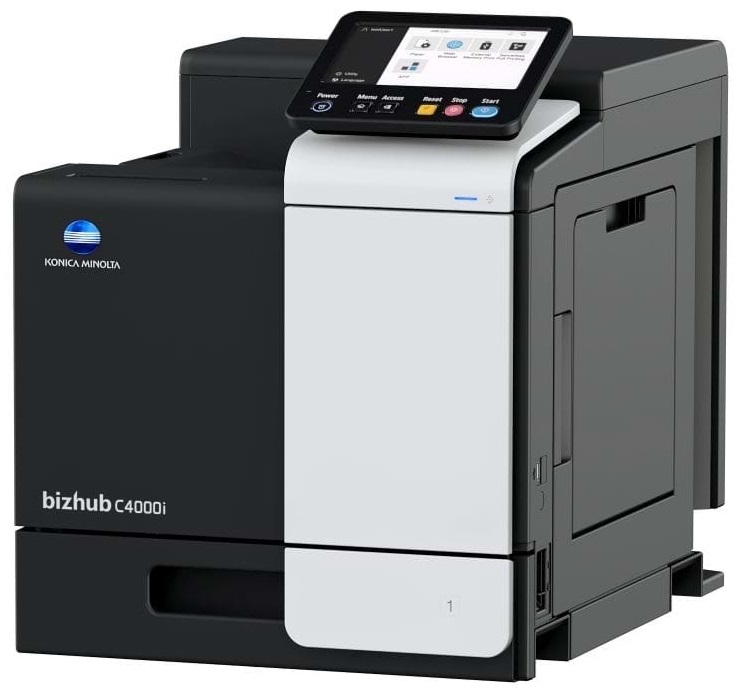
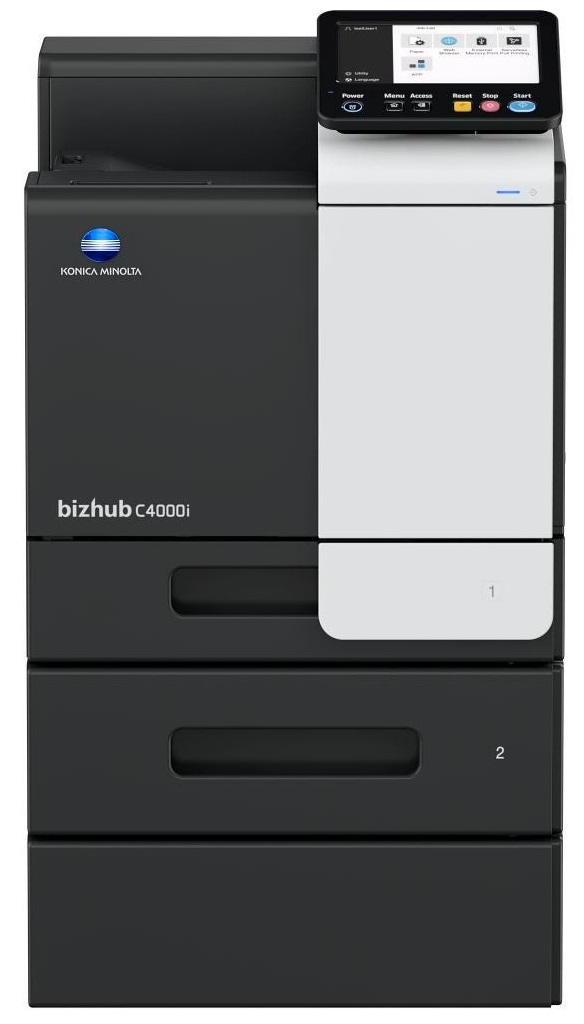
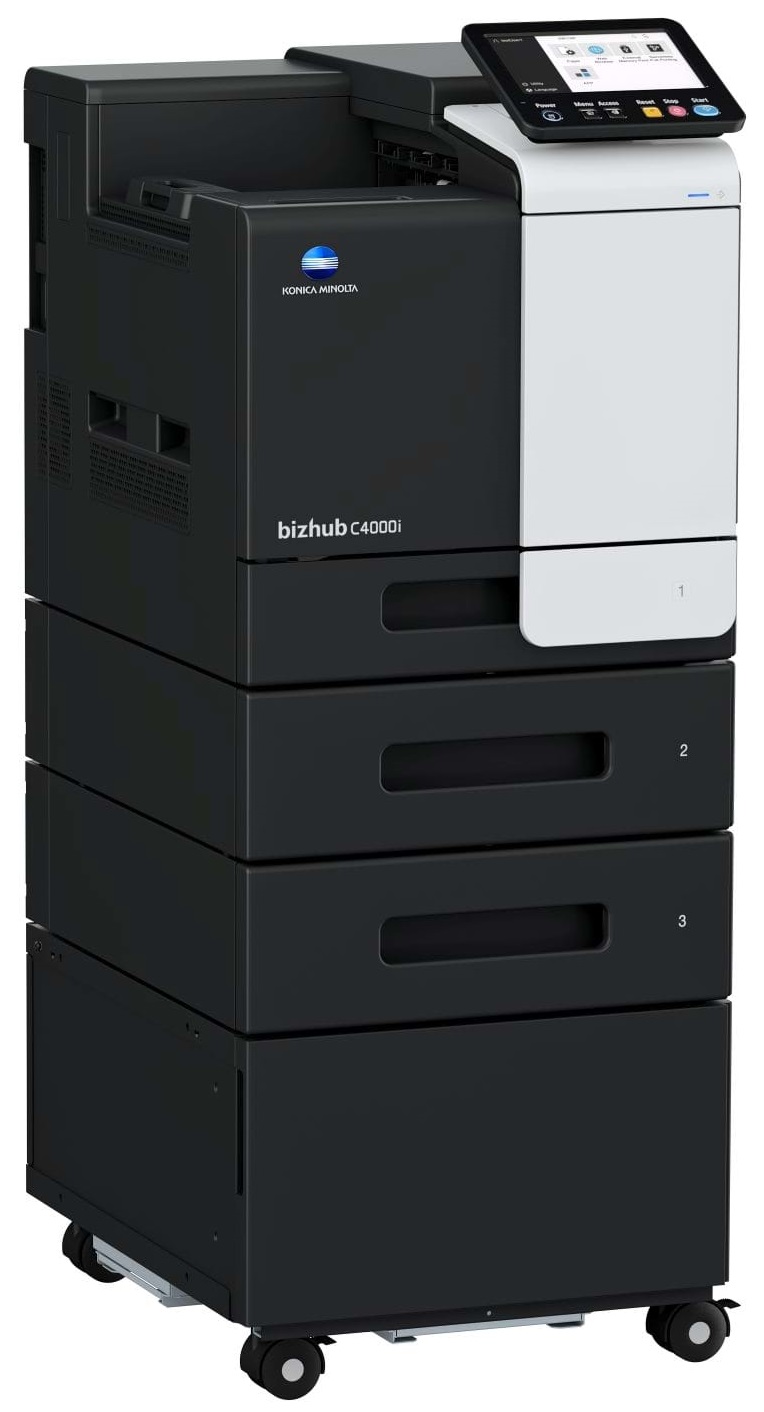
Windows 7 (32/64); Windows 8/8.1 (32/64); Windows 10 (32/64); Windows Server 2008 (32/64); Windows Server 2008 R2; Windows Server 2012; Windows Server 2012 R2; Windows Server 2016; Windows Server 2019;Macintosh OS X 10.10 or later; Unix; Linux; Citrix
Printer fonts
80 PCL Latin; 137 PostScript 3 Emulation Latin
Mobile printing
AirPrint (iOS); Mopria (Android); Konica Minolta Mobile Print (iOS/Android/Windows 10 Mobile); Mobile Authentication and Pairing (iOS/Android) Optional: Google Cloud Print; WiFi Direct
System Specifications
Panel size/resolution
7” / 800 x 480
System memory (standard/max)
4,096 MB
System hard disk
8 GB (standard)
Interface
10/100/1,000-Base-T Ethernet; USB 2.0; Wi-Fi 802.11 b/g/n (optional)
Most printers have a paper-out detector. On most dot matrix printers it is a photo diode. If form-fed paper is not aligned correctly (usually on the left side) the diode won't see it.
Using heavy or stiff paper? Feed the paper one sheet at a time or try placing a sheet of plain copier or bond paper behind a heavy sheet.
After installing a printer, go to the Windows dialog box and check the settings, so you won't be surprised by what happens the first time you print.




 Shopping Cart