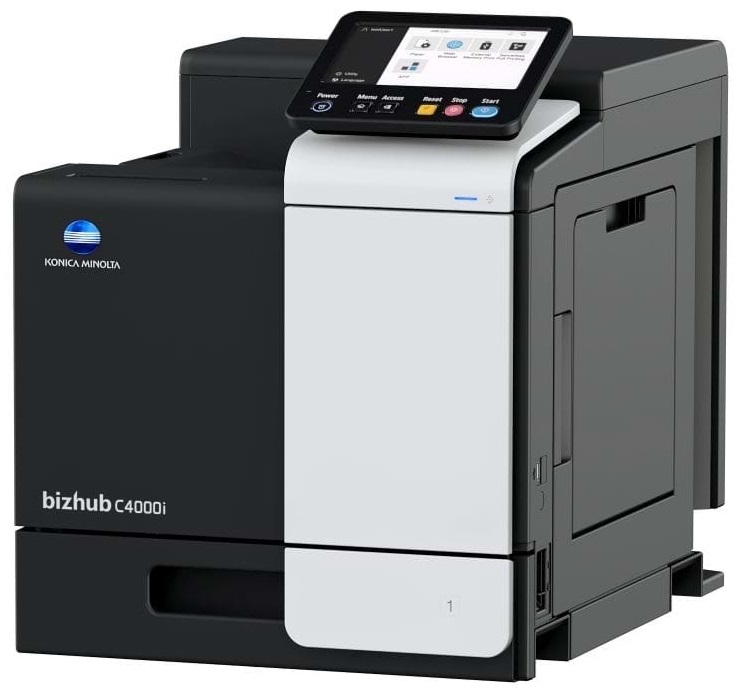
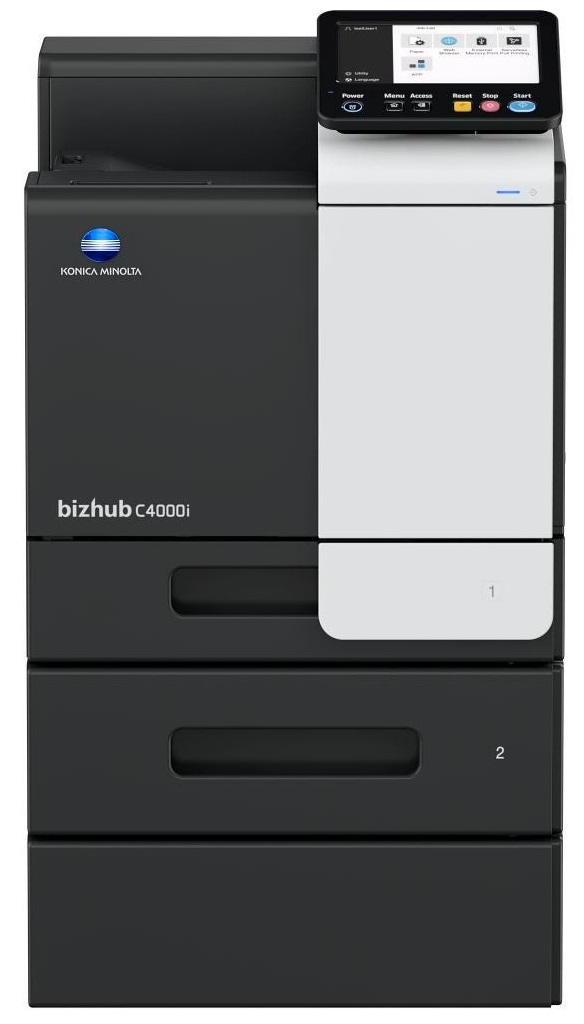
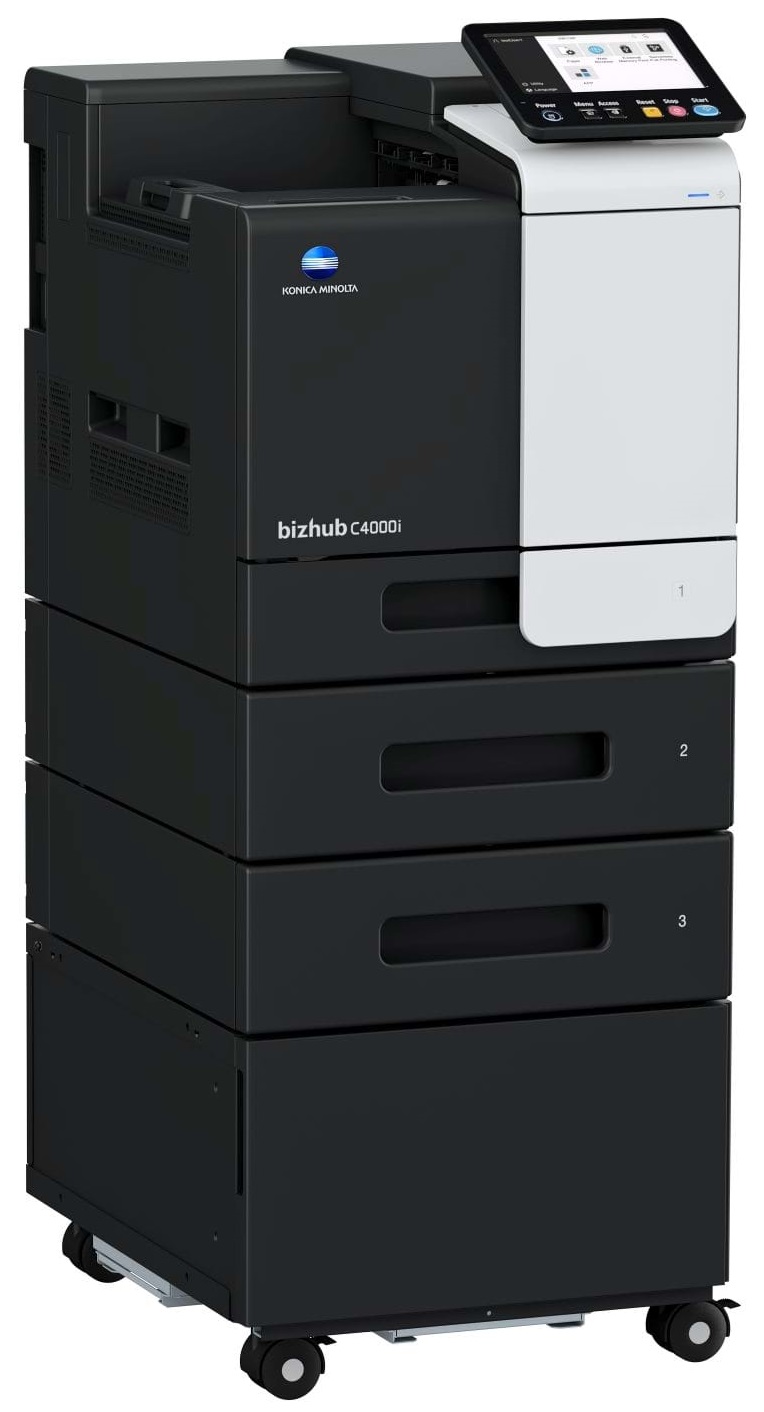
Windows 7 (32/64); Windows 8/8.1 (32/64); Windows 10 (32/64); Windows Server 2008 (32/64); Windows Server 2008 R2; Windows Server 2012; Windows Server 2012 R2; Windows Server 2016; Windows Server 2019;Macintosh OS X 10.10 or later; Unix; Linux; Citrix
Printer fonts
80 PCL Latin; 137 PostScript 3 Emulation Latin
Mobile printing
AirPrint (iOS); Mopria (Android); Konica Minolta Mobile Print (iOS/Android/Windows 10 Mobile); Mobile Authentication and Pairing (iOS/Android) Optional: Google Cloud Print; WiFi Direct
System Specifications
Panel size/resolution
7” / 800 x 480
System memory (standard/max)
4,096 MB
System hard disk
8 GB (standard)
Interface
10/100/1,000-Base-T Ethernet; USB 2.0; Wi-Fi 802.11 b/g/n (optional)
Don't be in a rush with your printer as you can easily damage a printer, or even get hurt, if you do not follow the instructions in the user manual.
Getting blank pages after you installed a new cartridge? Check that the sticker from the cartridge was properly removed. Alternatively, run the clean print head function to make sure all air bubbles are removed. Do not remove the cartridge once it has been installed.
Using heavy or stiff paper? Feed the paper one sheet at a time or try placing a sheet of plain copier or bond paper behind a heavy sheet.




 Shopping Cart