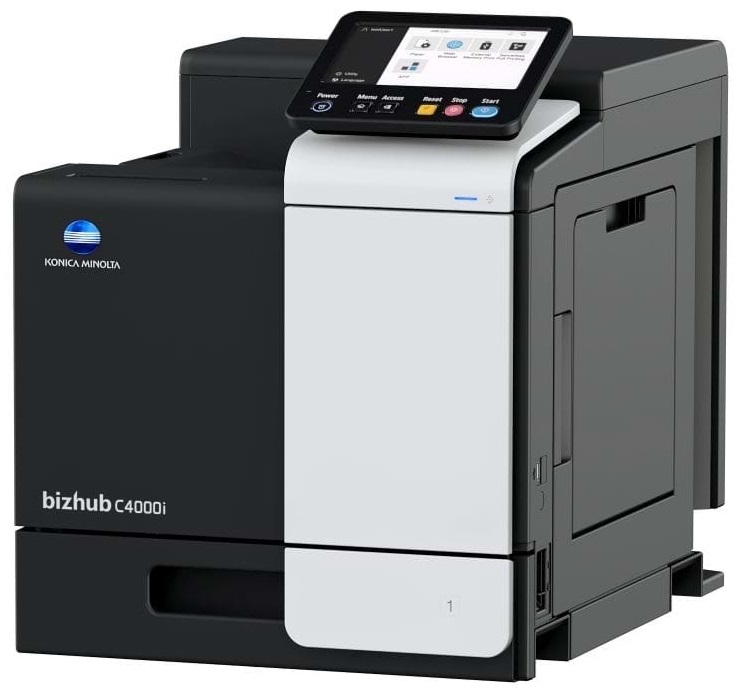
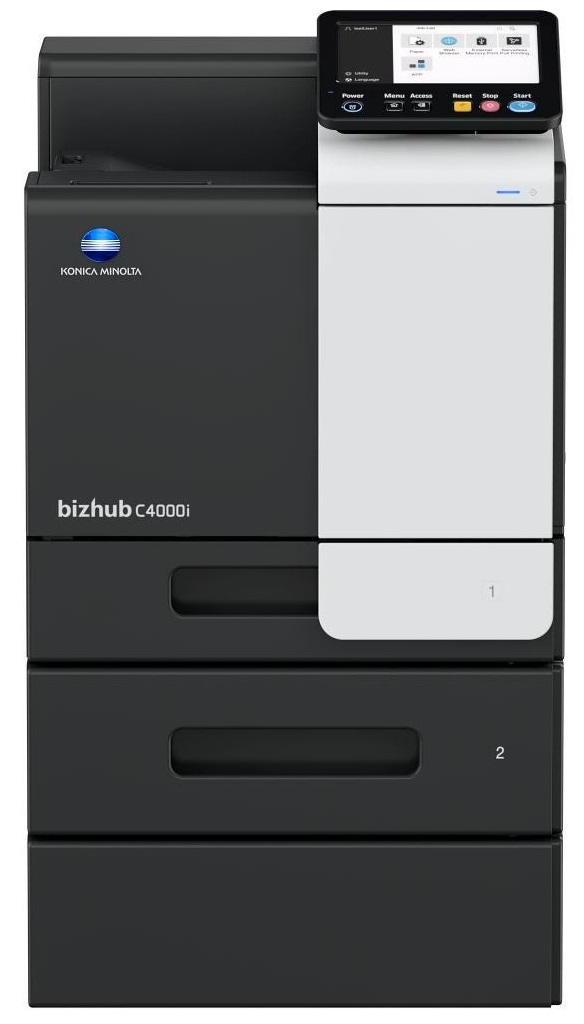
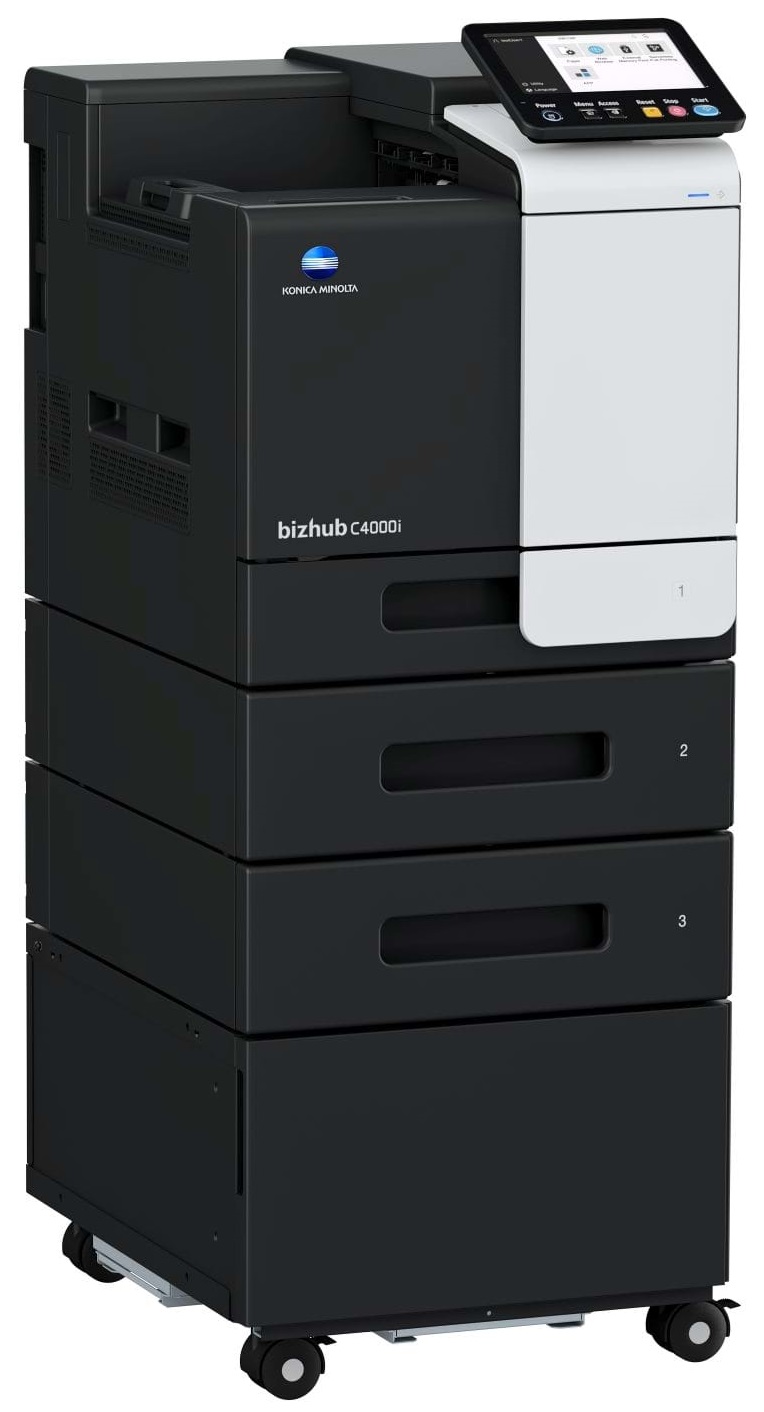
Windows 7 (32/64); Windows 8/8.1 (32/64); Windows 10 (32/64); Windows Server 2008 (32/64); Windows Server 2008 R2; Windows Server 2012; Windows Server 2012 R2; Windows Server 2016; Windows Server 2019;Macintosh OS X 10.10 or later; Unix; Linux; Citrix
Printer fonts
80 PCL Latin; 137 PostScript 3 Emulation Latin
Mobile printing
AirPrint (iOS); Mopria (Android); Konica Minolta Mobile Print (iOS/Android/Windows 10 Mobile); Mobile Authentication and Pairing (iOS/Android) Optional: Google Cloud Print; WiFi Direct
System Specifications
Panel size/resolution
7” / 800 x 480
System memory (standard/max)
4,096 MB
System hard disk
8 GB (standard)
Interface
10/100/1,000-Base-T Ethernet; USB 2.0; Wi-Fi 802.11 b/g/n (optional)
Fed up of re-sorting your printouts? For those inkjets that don't have a reverse print feature in the driver, some programs offer printing in reverse order.
Your printer is not a dumping ground. Don't pile documents or other things on top of it, as they could cause damage. Your printer could overheat and this could result in malfunctioning and even a reduction in the printer's life.
Allow ink to dry completely to avoid smudging. The time will vary based on the ink and paper quality used as well as the temperature and humidity conditions.




 Shopping Cart