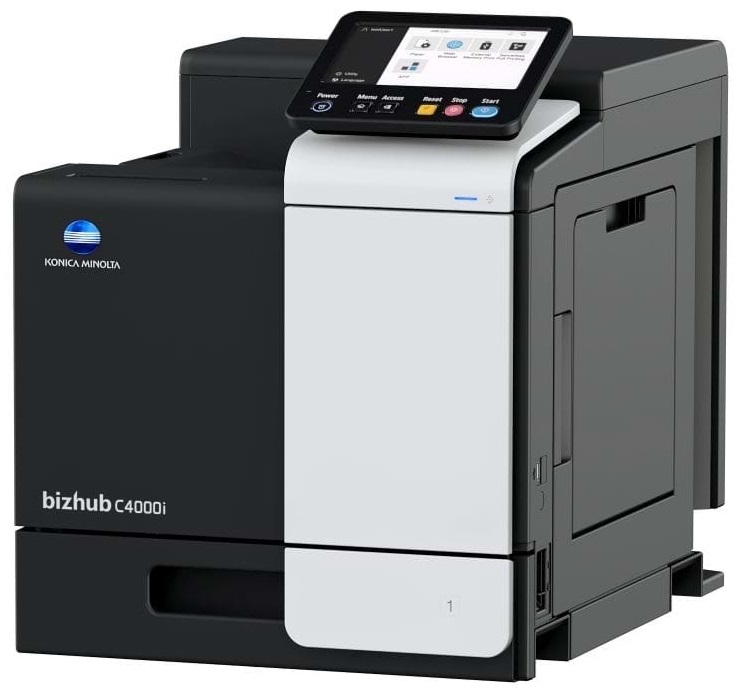
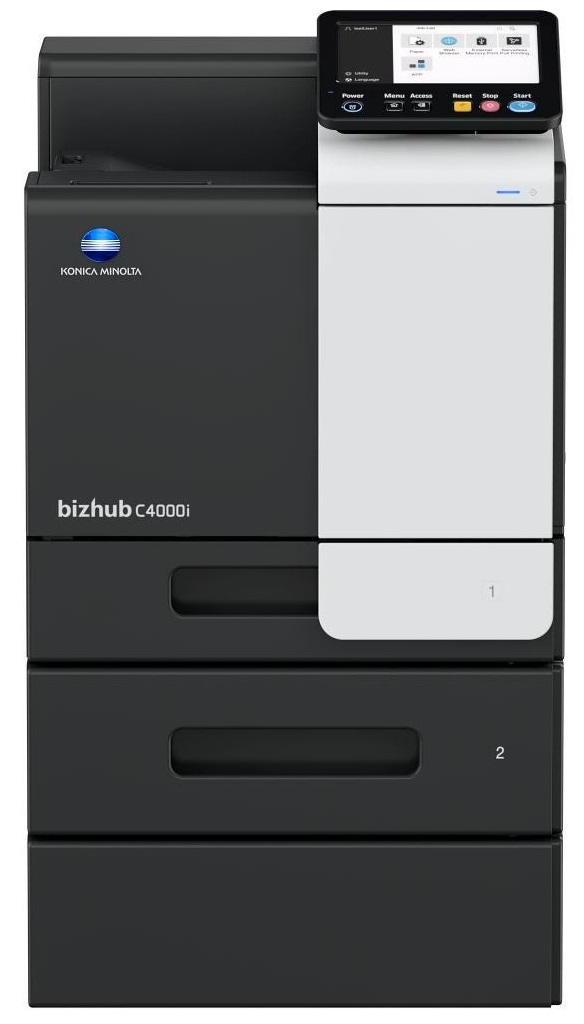
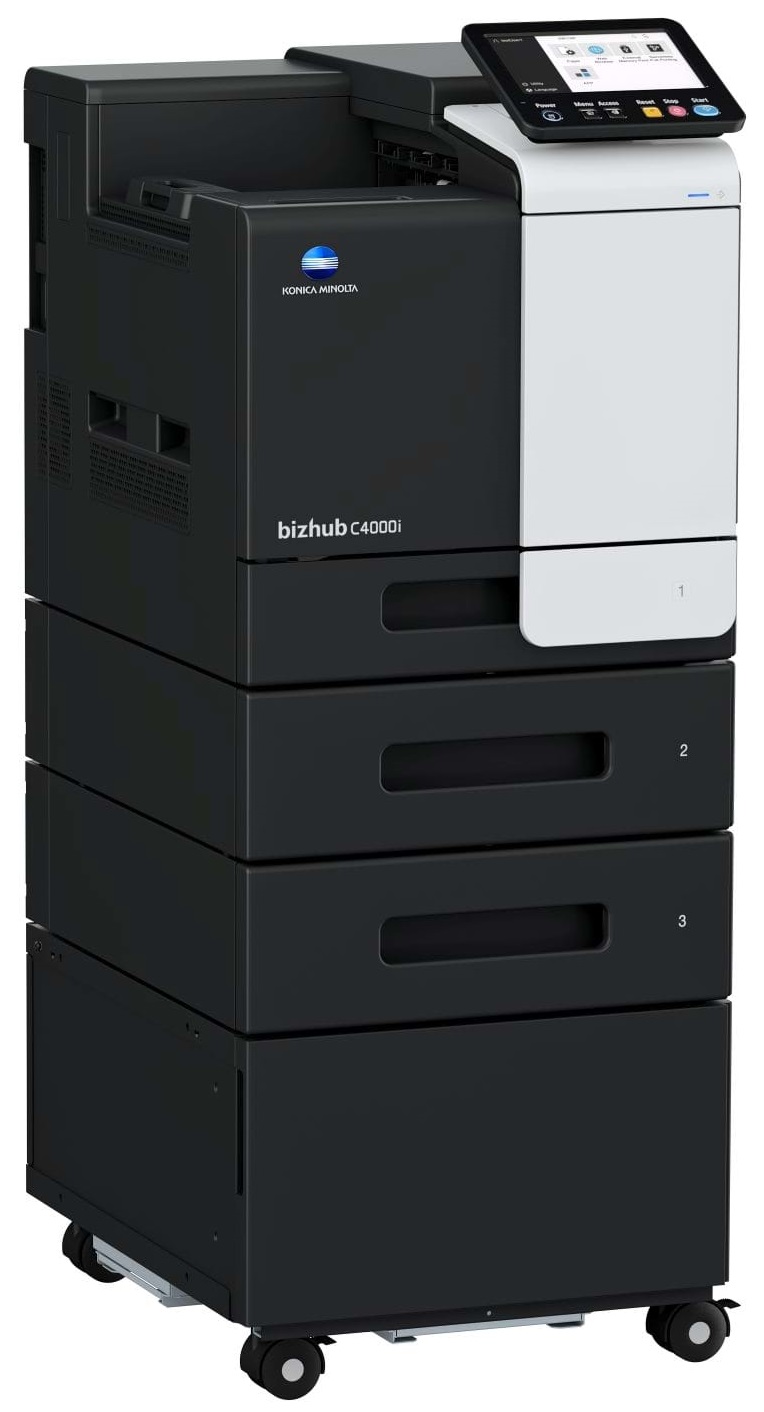
Windows 7 (32/64); Windows 8/8.1 (32/64); Windows 10 (32/64); Windows Server 2008 (32/64); Windows Server 2008 R2; Windows Server 2012; Windows Server 2012 R2; Windows Server 2016; Windows Server 2019;Macintosh OS X 10.10 or later; Unix; Linux; Citrix
Printer fonts
80 PCL Latin; 137 PostScript 3 Emulation Latin
Mobile printing
AirPrint (iOS); Mopria (Android); Konica Minolta Mobile Print (iOS/Android/Windows 10 Mobile); Mobile Authentication and Pairing (iOS/Android) Optional: Google Cloud Print; WiFi Direct
System Specifications
Panel size/resolution
7” / 800 x 480
System memory (standard/max)
4,096 MB
System hard disk
8 GB (standard)
Interface
10/100/1,000-Base-T Ethernet; USB 2.0; Wi-Fi 802.11 b/g/n (optional)
Most printers have a built-in diagnostics program which can be very useful for troubleshooting problems and test-printing without a computer. They are usually initiated by pressing a button or two while turning on the printer.
Flashing light on your printer? Each printer has a different reason for a blinking or orange light but in general it is due to a paper jam, an empty paper tray, a printer cartridge problem or a problem with the printer hardware.
Don't be in a rush with your printer as you can easily damage a printer, or even get hurt, if you do not follow the instructions in the user manual.




 Shopping Cart