



 Shopping Cart
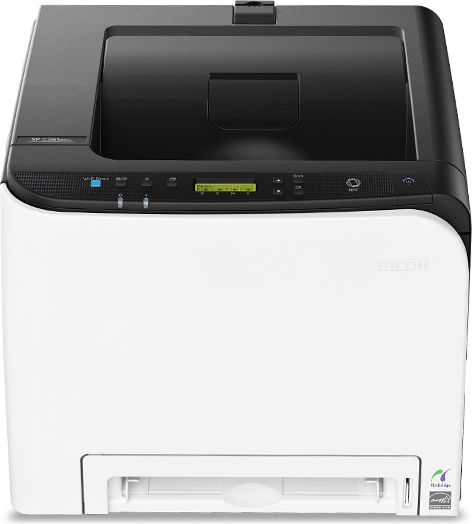
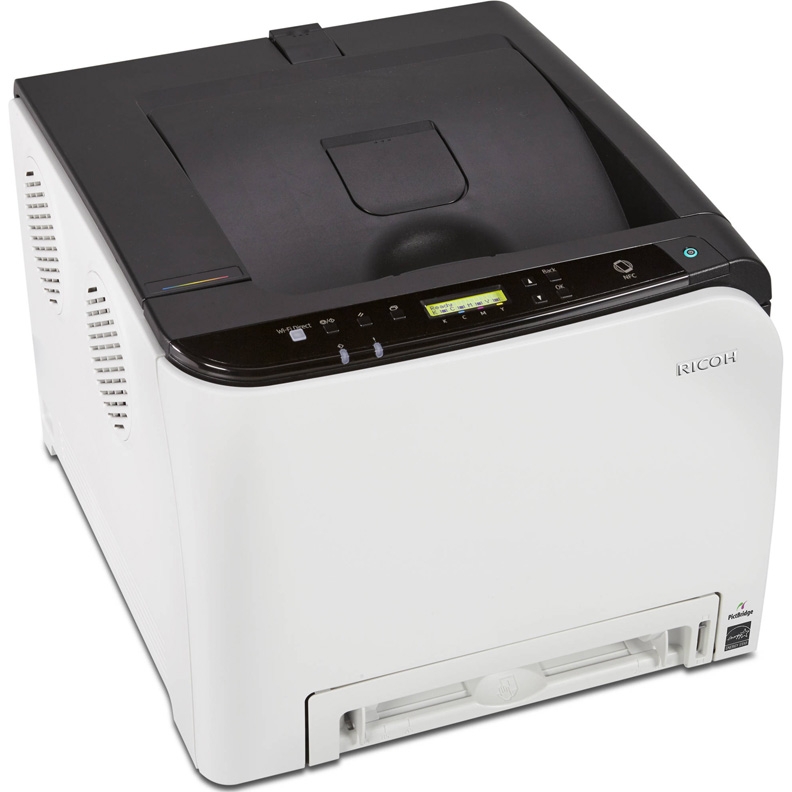
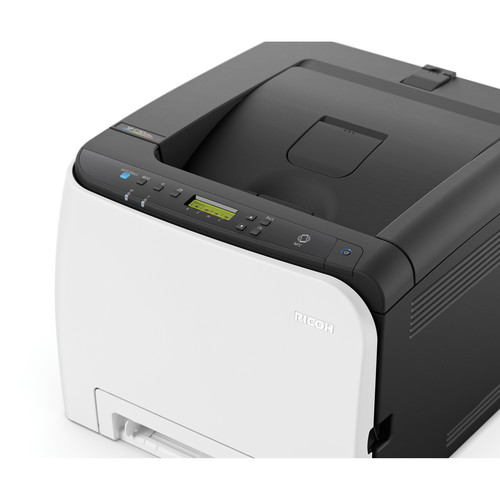
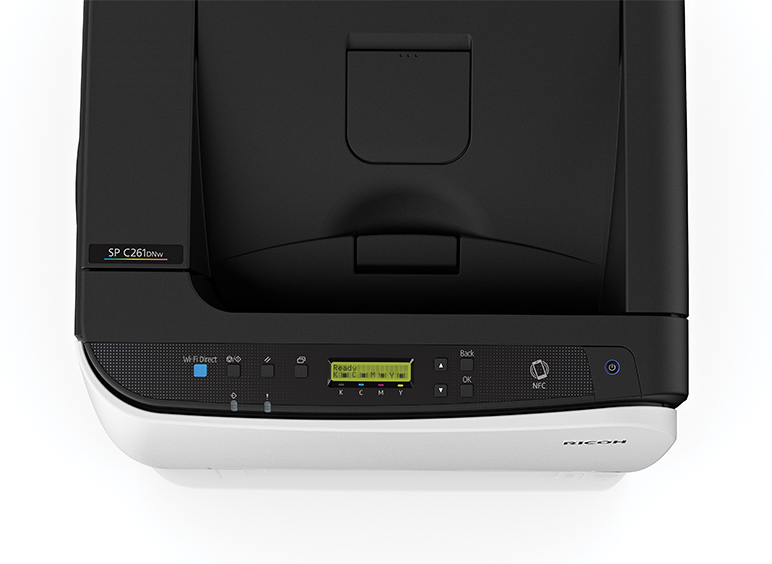
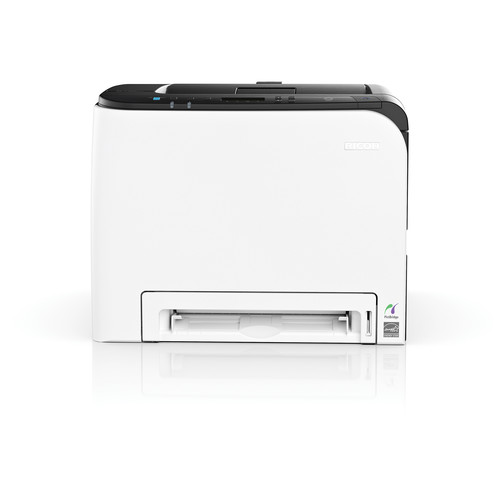
 Ricoh SP C261DNW Color Laser Printer




Product Details
Specifications
Accessories
Reviews
Product Details
General Features
- Desktop Color Printer
- Print speed: 21 ppm
- Max Print Resolution: 2400 x 600 dpi
- Paper Capacity: up to751 sheets
- Memory: 256 MB RAM
- Automatic Duplexing
- Multiple wireless connectivity options
- Personal mobile device printing
- Enhanced Security Options
- ENERGY STAR® certified
Specifications
General Specifications
Configuration
Desktop
Color / Black & White
Color
Technology
Color laser electro-photographic printing
Toner Type
Dry mono-component toner developer, AIO Cartridge
Operation Panel
2-line LCD
Black & White Speed
21 ppm
Color Print Speed
21 ppm
Maximum Monthly Volume
Up to 1,500 prints
Maximum Duty Cycle
30,000 prints
First Print Speed
14 seconds
Warm-Up Time
30 seconds
Print Resolution
600 x 600 dpi (Default) (Speed Mode)
1200 x 600 dpi equivalent (Standard Mode)
2400 x 600 dpi equivalent (Fine Mode)
Standard Paper Capacity
250-sheet Paper Tray + 1-sheet Bypass Tray
Maximum Paper Capacity
751 sheets
Optional Paper Capacity
500-sheet Paper Feed Unit
Maximum Input Capacity
751 sheets
Output Capacity
150 sheets
Supported Paper Sizes
Standard Tray/Bypass Tray 3.54" x 5.83" - 8.5" x 14.0"
Supported Paper Weights
Standard Tray: 16 - 43 lb. Bond/90 lb. Index (60 - 160 g/m2)
Optional Tray: 16 - 28 lb. Bond (60 - 105 g/m2)
Duplexing: 16 - 24 lb. Bond (60 - 90 g/m2)
Supported Paper Types
Bond*, Cardstock*, Color, Label*, Letterhead, Plain, Pre-printed, Pre-punched, Thick, Thin & Recycled papers, Envelopes* (*via Standard Tray and Bypass only)
Duplexing
Automatic (standard)
Power Requirements
120V, 60Hz, 11A
Power Consumption
Operating: Color 383.8 W, B&W: 321.2 W
Sleep Mode: 1.2 W
1.362 kWh/week
ENERGY STAR Status
Certified
EPEAT status
Silver
Dimensions W x D x H
15.8" x 17.7" x 12.6" (400 x 450 x 320 mm)
Weight
52.5 lbs. (23.8 kg)
 Download Manufacturer Specifications
Accessories

Reviews


Paper jam? The best way to remove jammed paper is to gently pull the paper in the direction of the paper path - with power off, of course. Do not pull the paper backwards - you could damage your printer forever by doing so.
Allow ink to dry completely to avoid smudging. The time will vary based on the ink and paper quality used as well as the temperature and humidity conditions.
Don't move a print head unless the instructions direct it. You can damage the belt or other parts.
MY ACCOUNT
INFO & POLICIES
SHOP EASY
PAYMENT OPTIONS



* Images are for illustration purposes only.