



 Shopping Cart
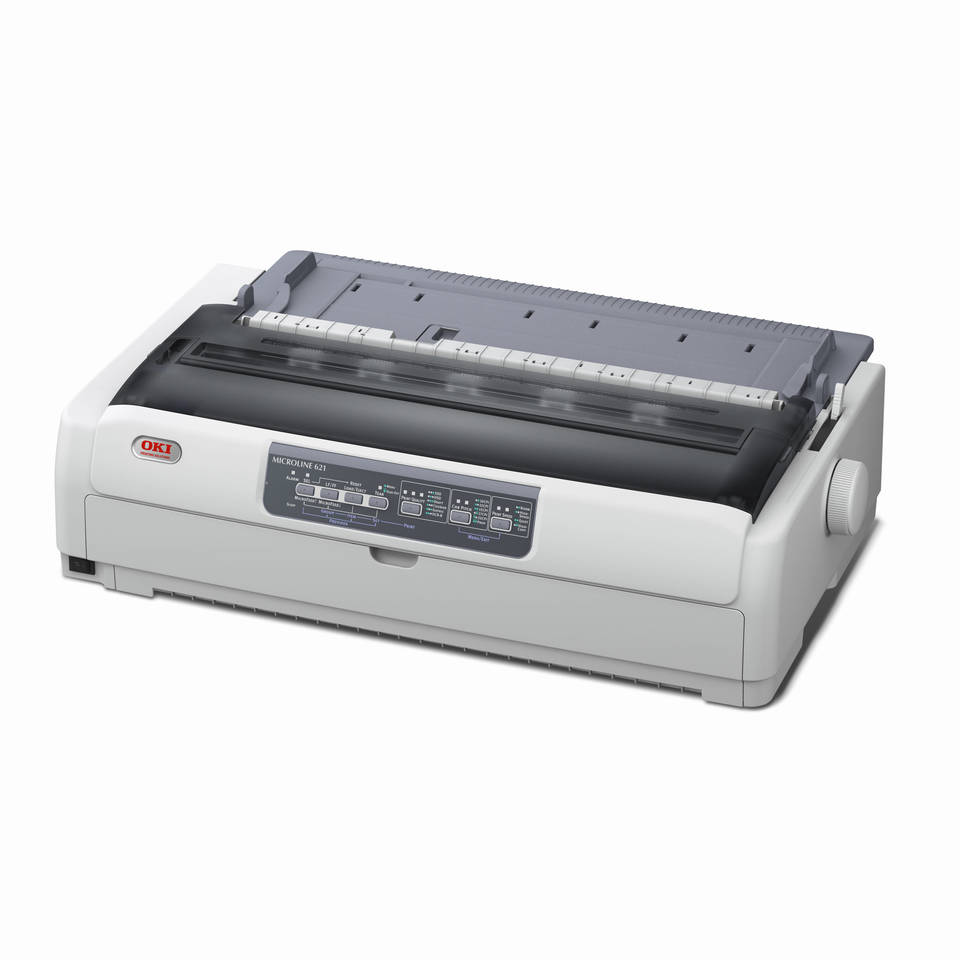
 Okidata MicroLine 621 - DUAL 9 PIN DOT MATRIX PRINTER
*Images may show options not included in price.

Product Details
Specifications
Accessories
Reviews
Product Details
Main Features
- Dual 9-pin dot matrix printing
- Best-in-class reliability: 25,000-hour MTBF
- Convenient front paper feed
- Fastest-in-class print speeds: up to 700 cps
- Up to 13 million character ribbon life
- USB and Parallel connectivity standard
- Crisp, clear printing – on letterhead or up to 7-part forms (7 sheets max with optional top pull tractor)
- 128 KB receive buffer/memory
- 400-million character printhead life
- ENERGY STAR® compliant
Specifications
| General Information | |
| Product Name | ML621 Dual 9-Pin 700CPS Parallel USB 120V Epson Esc/P IBM PPDS |
| Manufacturer Part Number | 62433901 |
| Product Line | MICROLINE |
| Product Series | 600 |
| Product Model | 621 |
| Product Type | Dot Matrix Printer |
| Technical Information | |
| Print Color Capability | Monochrome |
| Maximum Mono Print Speed (cps) | 700 |
| Maximum Print Resolution | 288 x 72 dpi |
| Number of Pins | 9-pin |
| Interfaces/Ports | |
| Parallel Port | Yes |
| USB | Yes |
| Memory | |
| Standard Memory | 128 KB |
| Reliability | |
| Duty Cycle | 20000 |
| Physical Characteristics | |
| Form Factor | Desktop |
| Color | White |
| Height | 7.5" |
| Width | 23.3" |
| Depth | 14.8" |
| Miscellaneous | |
| Platform Supported | PC |
| Energy Star | Yes |
| Environmentally Friendly | Yes |
| Environmental Certification | ENERGY STAR |
| Other Information | |
| Product Family | MICROLINE 600 |
| Maximum Print Size | Letter - 8.50" x 11" |
| Operating Power Consumption | 59 W |
| Standby Power Consumption | 1.50 W |
| USB Standard | USB 2.0 |
| Language Emulation | Epson ESC/P
Oki Microline PPDS |
| MTBF | 25000 Hour |
| Media Handling | 1 x Push Tractor |
| Input Voltage | 120 V AC |
| Power Source | AC Supply |
Accessories

Reviews


Flashing light on your printer? Each printer has a different reason for a blinking or orange light but in general it is due to a paper jam, an empty paper tray, a printer cartridge problem or a problem with the printer hardware.
After installing a printer, go to the Windows dialog box and check the settings, so you won't be surprised by what happens the first time you print.
Are your printer nozzles getting clogged? Try adding a humidifier to the room where you keep your printer.
MY ACCOUNT
INFO & POLICIES
SHOP EASY
PAYMENT OPTIONS



* Images are for illustration purposes only.