



 Shopping Cart
 Okidata MicroLine 621 - DUAL 9 PIN DOT MATRIX PRINTER
*Images may show options not included in price.
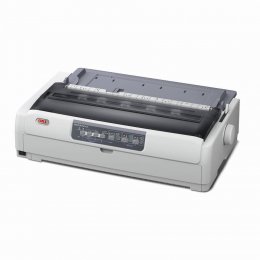

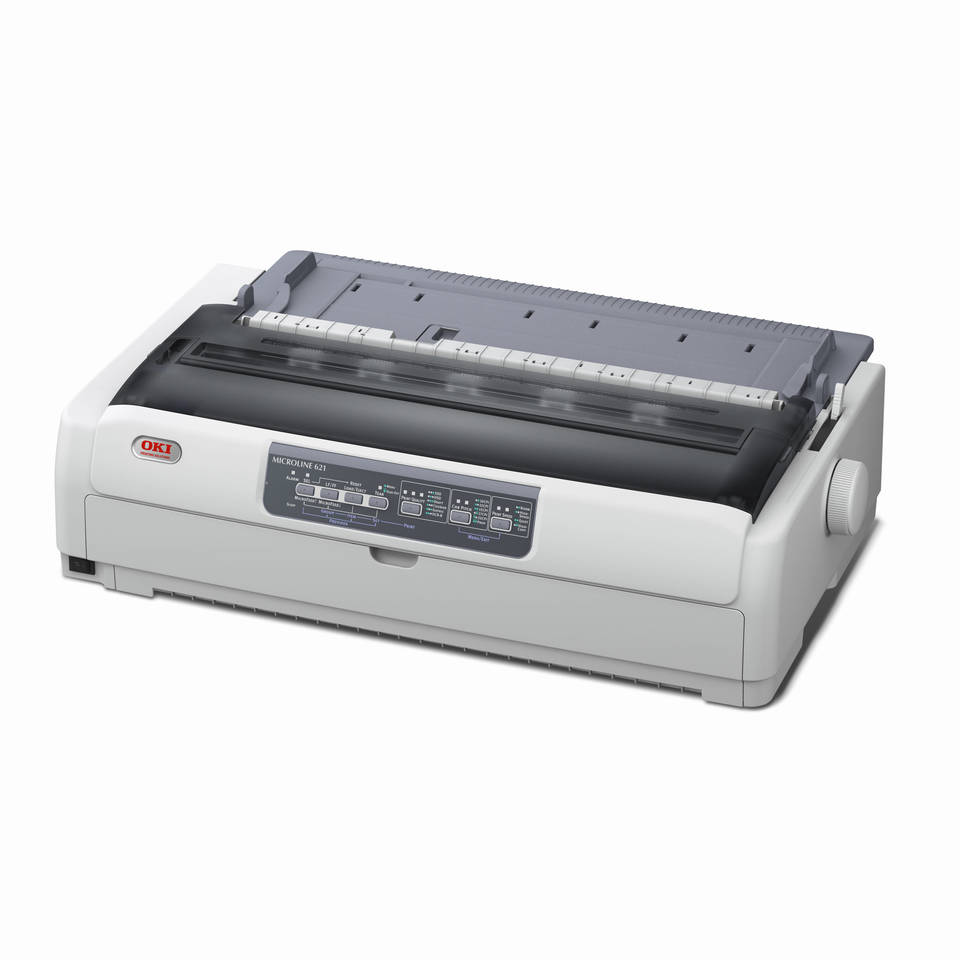
Product Details
Specifications
Accessories
Reviews
Product Details
Main Features
- Dual 9-pin dot matrix printing
- Best-in-class reliability: 25,000-hour MTBF
- Convenient front paper feed
- Fastest-in-class print speeds: up to 700 cps
- Up to 13 million character ribbon life
- USB and Parallel connectivity standard
- Crisp, clear printing – on letterhead or up to 7-part forms (7 sheets max with optional top pull tractor)
- 128 KB receive buffer/memory
- 400-million character printhead life
- ENERGY STAR® compliant
Specifications
| General Information | |
| Product Name | ML621 Dual 9-Pin 700CPS Parallel USB 120V Epson Esc/P IBM PPDS |
| Manufacturer Part Number | 62433901 |
| Product Line | MICROLINE |
| Product Series | 600 |
| Product Model | 621 |
| Product Type | Dot Matrix Printer |
| Technical Information | |
| Print Color Capability | Monochrome |
| Maximum Mono Print Speed (cps) | 700 |
| Maximum Print Resolution | 288 x 72 dpi |
| Number of Pins | 9-pin |
| Interfaces/Ports | |
| Parallel Port | Yes |
| USB | Yes |
| Memory | |
| Standard Memory | 128 KB |
| Reliability | |
| Duty Cycle | 20000 |
| Physical Characteristics | |
| Form Factor | Desktop |
| Color | White |
| Height | 7.5" |
| Width | 23.3" |
| Depth | 14.8" |
| Miscellaneous | |
| Platform Supported | PC |
| Energy Star | Yes |
| Environmentally Friendly | Yes |
| Environmental Certification | ENERGY STAR |
| Other Information | |
| Product Family | MICROLINE 600 |
| Maximum Print Size | Letter - 8.50" x 11" |
| Operating Power Consumption | 59 W |
| Standby Power Consumption | 1.50 W |
| USB Standard | USB 2.0 |
| Language Emulation | Epson ESC/P
Oki Microline PPDS |
| MTBF | 25000 Hour |
| Media Handling | 1 x Push Tractor |
| Input Voltage | 120 V AC |
| Power Source | AC Supply |
Accessories

Reviews


Getting blank pages after you installed a new cartridge? Check that the sticker from the cartridge was properly removed. Alternatively, run the clean print head function to make sure all air bubbles are removed. Do not remove the cartridge once it has been installed.
Printing photos? Make sure that they are of print quality - meaning 300dpi. Anything lower than this will appear pixelated and lower than photo quality.
Be sure that you are printing on the 'right' side of the paper - that is - the coated side.
MY ACCOUNT
INFO & POLICIES
SHOP EASY
PAYMENT OPTIONS



* Images are for illustration purposes only.