



 Shopping Cart
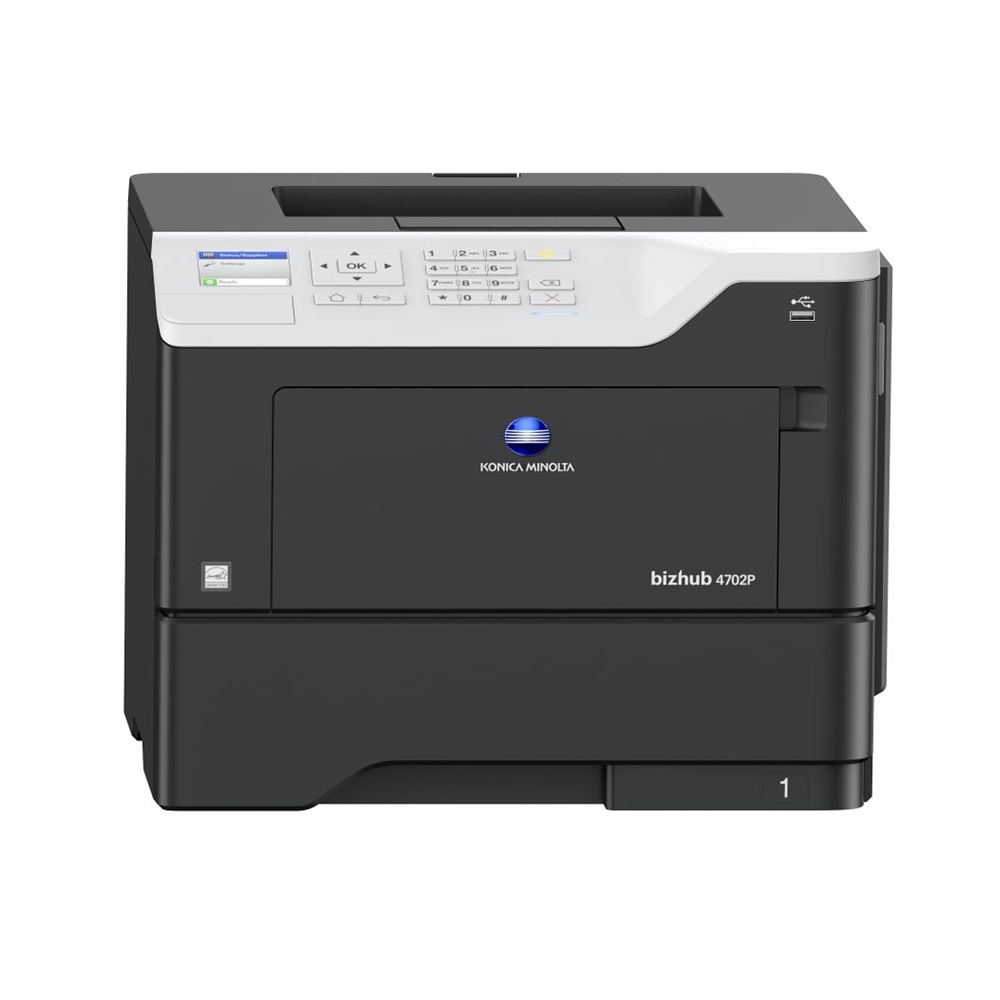
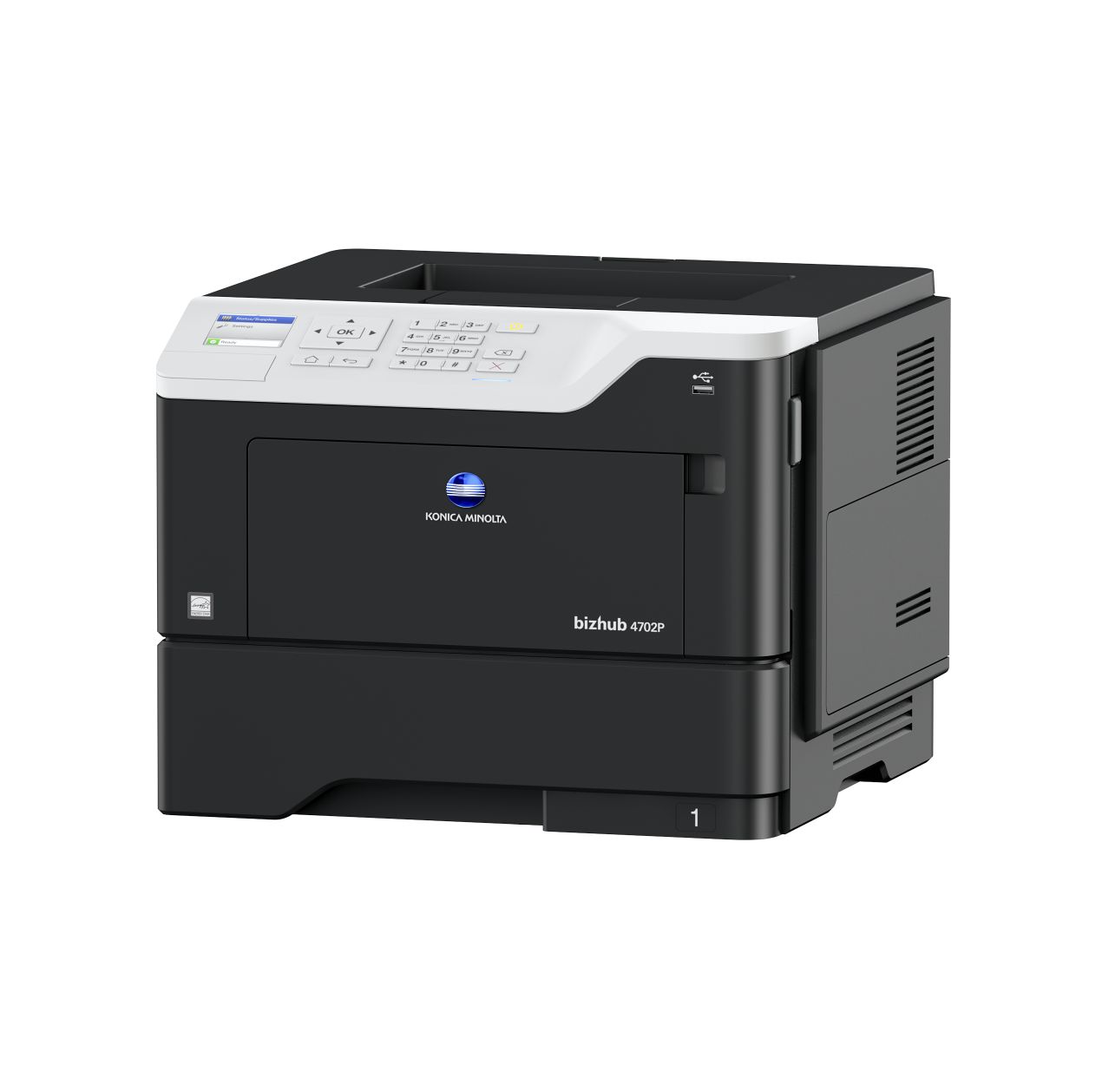
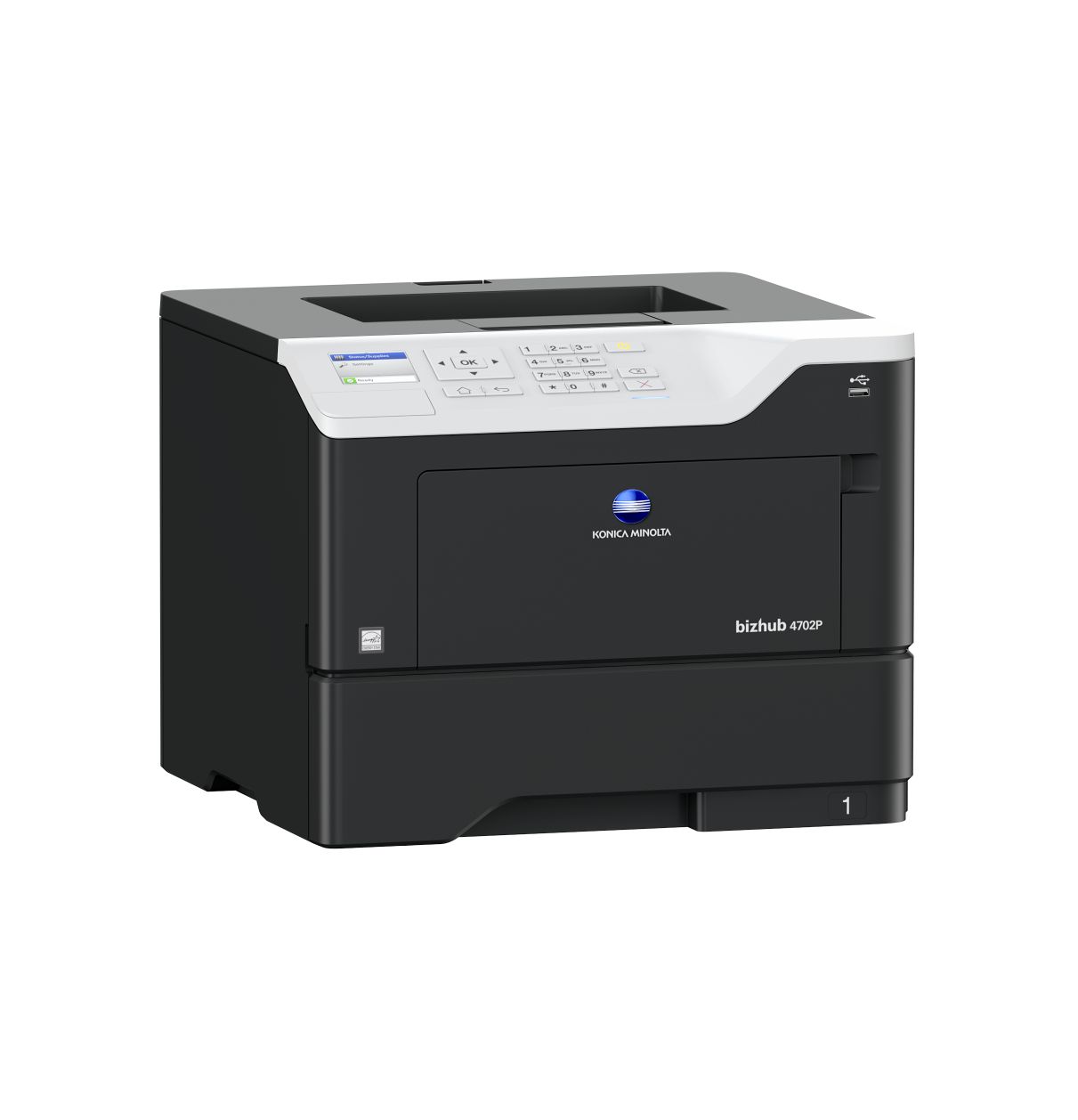
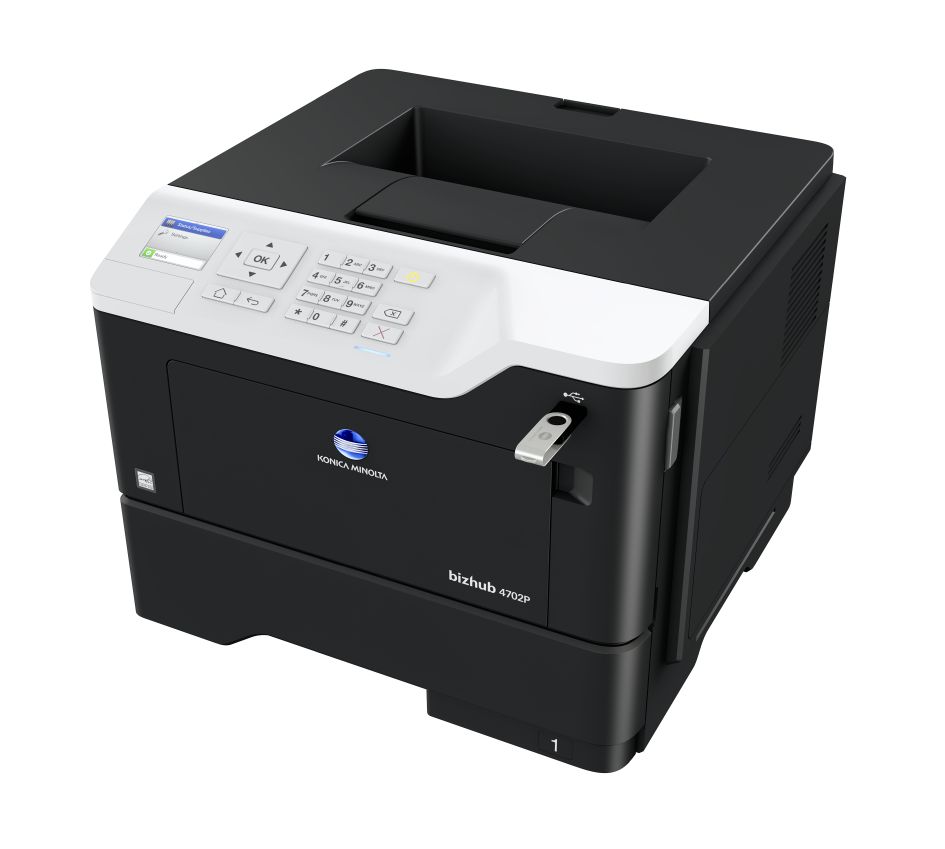
 Konica Minolta Bizhub 4702P Laser Printer



Product Details
Specifications
Accessories
Reviews
Product Details
Main Features
- Speed: 47 ppm
- Resolution: 1200 x 1200 dpi
- Max Paper Capacity: 2300 sheets
- Printable Paper size: A6-A4, customised paper sizes
- Paper Weight: 60 - 216 g/m²
- Auto duplex
- Direct USB printing
- Mobile Printing
- 2.4 inch color LCD display
- Hibernation mode: Low energy consumption
- Quiet mode
Specifications
System Specifications
| Panel size/resolution | 2.4” / 320 x 240 |
|---|---|
| System memory (standard/max) | 512 MB (standard) |
| Interface | 10-Base-T/100-Base-TX/1,000-Base-T Ethernet; USB 2.0; Wi-Fi 802.11b/g/n (optional) |
| Network protocols | TCP/IP (IPv4 / IPv6); Appletalk; Bonjour; SMB; LPD; IPP; SNMP; HTTP/S |
| Printable paper size | A6-A4, customised paper sizes |
| Printable paper weight | 60 - 216 g/m² |
| Paper input capacity (standard/max) | 650 sheets/2,300 sheets |
| Paper tray input (standard) | 550 sheets; A6 - A4, 60 - 120 g/m² |
| Paper tray input (optional) | 3x 250/550 sheets; A5-A4; 60-120 g/m² |
| Manual bypass | 100 sheets, A6 - A4, custom sizes, 60 - 216 g/m² |
| Automatic duplexing | A4; 60 - 90 g/m² |
| Output capacity (standard) | Max.: 250 sheets |
| Copy/print volume (monthly) | Rec.: 7,000 pages Max.: 175,000 pages If the maximum volume is reached within a period of one year, then a maintenance cycle must be performed |
| Toner lifetime | Up to 25,000 pages |
| Imaging unit lifetime | Up to 60,000 pages |
| Power consumption | 220 - 240 V/50/60 Hz; Less than 670 W |
| System dimension (WxDxH) | 399 x 374 x 303 mm |
| System weight | Approx. 16 kg |
Printer Specifications
| Print resolution | 1200 x 1200 dpi |
|---|---|
| Page description language | PCL 5/6; PostScript 3; XPS |
| Operating systems | Windows 7 (32/64); Windows 8/8.1 (32/64); Windows 10 (32/64); Windows Server 2008 (32/64); Windows Server 2008 R2; Windows Server 2012; Windows Server 2012 R2; Windows Server 2016; Macintosh OS X 10.9 or later; Linux; Citrix |
| Printer fonts | 89 PCL Latin; 158 PostScript 3 Emulation Latin |
| Print functions | Duplex, n-up, watermark, electronic sorting, USB direct print (PDF v1.7; TIFF; JPEG; GIF; BMP; PNG; XPS; docx; xlsx; pptx) |
| Mobile printing | AirPrint (iOS), Mopria (Android), Google Cloud Print, Konica Minolta Mobile Print (iOS, Android and Windows 10 Mobile), Konica Minolta Print Service (Android) optional: Wifi Direct |
System Features
| Security | TCP/UDP port disabling; certificate management; SNMPv3; IPSec support; HTTPS; IP filtering and port blocking; IEEE 802.1x support; SMTP authentication; Secure print (print hold/PIN) |
|---|---|
| Software | PageScope Net Care Device Manager |
Accessories

Reviews


Getting blank pages after you installed a new cartridge? Check that the sticker from the cartridge was properly removed. Alternatively, run the clean print head function to make sure all air bubbles are removed. Do not remove the cartridge once it has been installed.
Store your laser printer in a properly ventilated area where temperature and humidity do not change frequently. Avoid areas with heavy dust buildup.
Flashing light on your printer? Each printer has a different reason for a blinking or orange light but in general it is due to a paper jam, an empty paper tray, a printer cartridge problem or a problem with the printer hardware.
MY ACCOUNT
INFO & POLICIES
SHOP EASY
PAYMENT OPTIONS



* Images are for illustration purposes only.