



 Shopping Cart
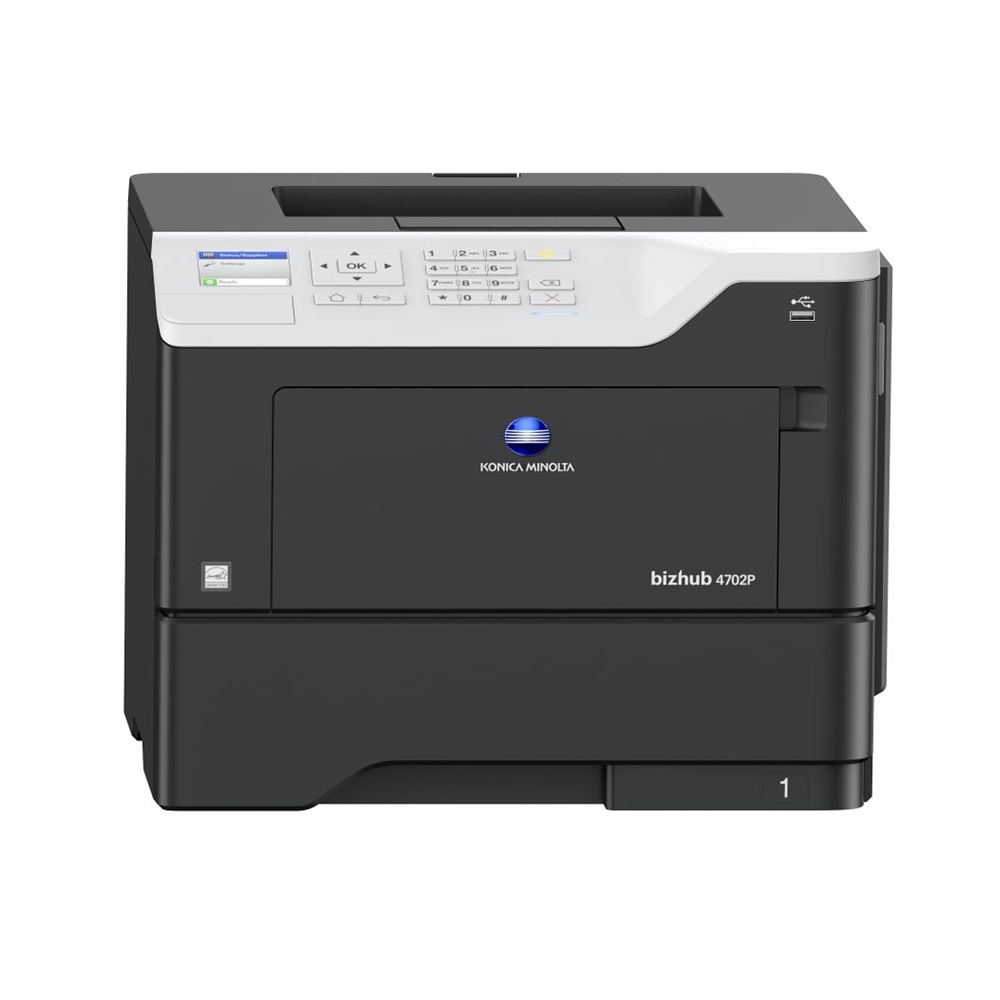
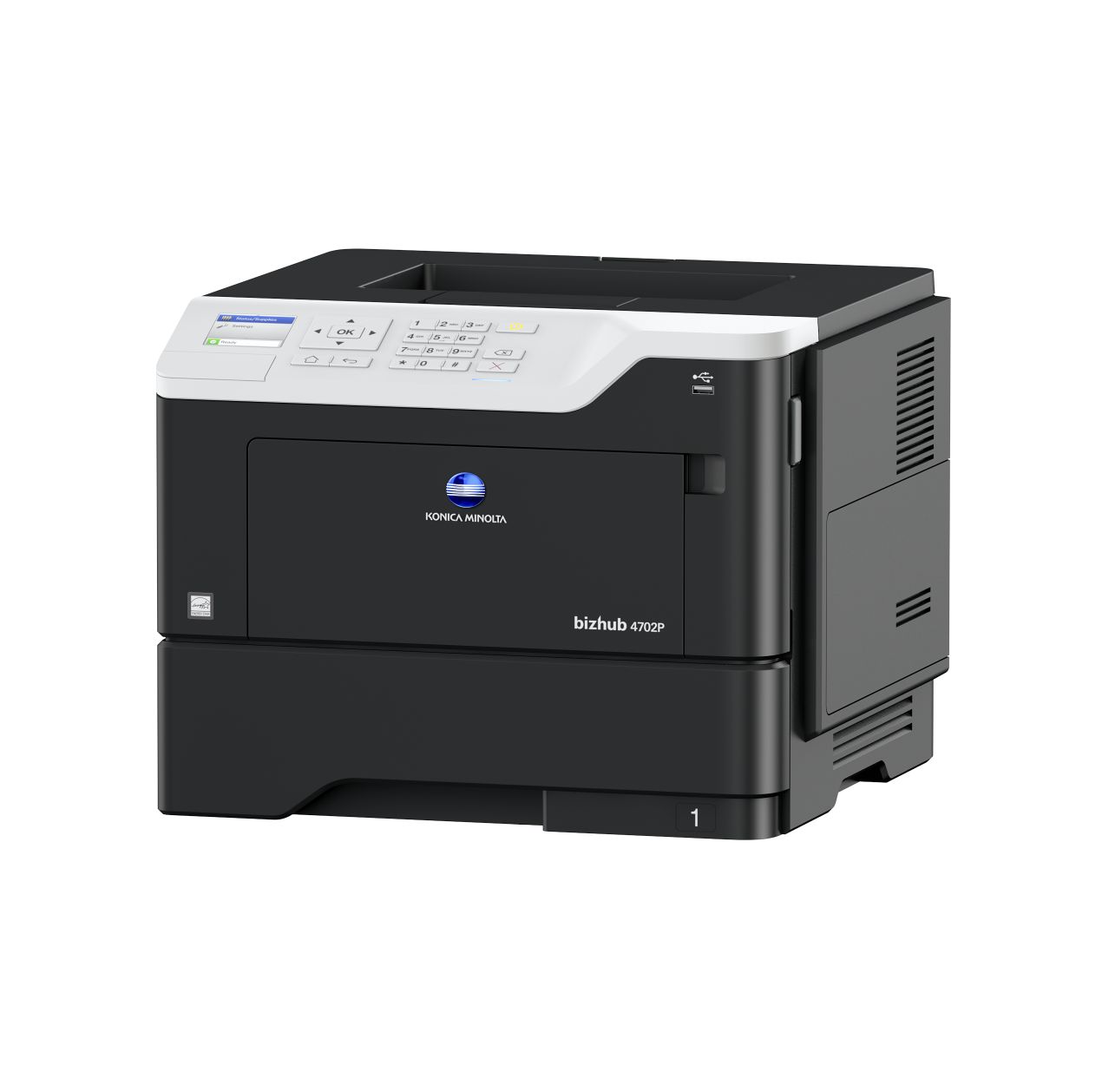
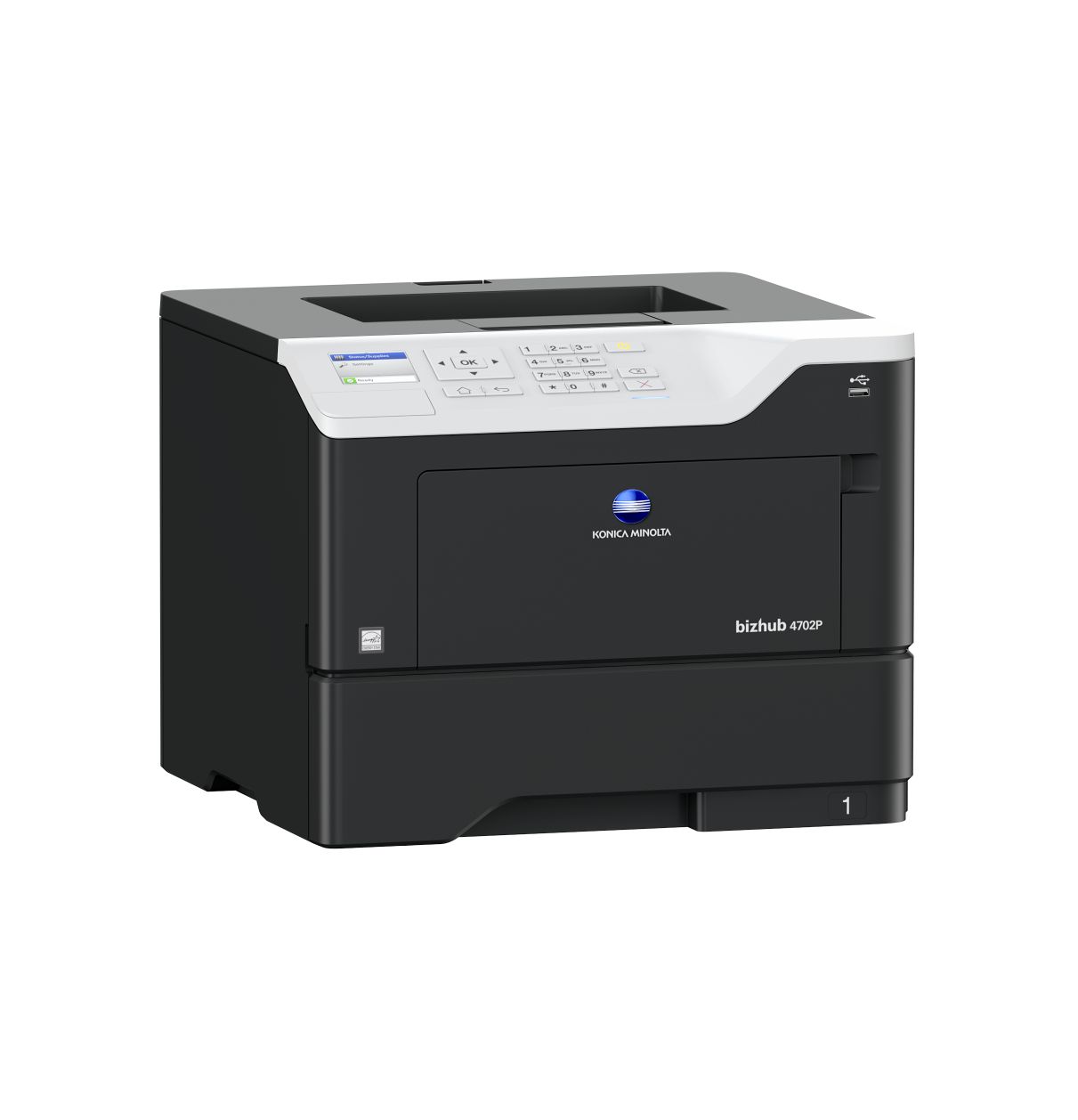
 Konica Minolta Bizhub 4702P Laser Printer



Product Details
Specifications
Accessories
Reviews
Product Details
Main Features
- Speed: 47 ppm
- Resolution: 1200 x 1200 dpi
- Max Paper Capacity: 2300 sheets
- Printable Paper size: A6-A4, customised paper sizes
- Paper Weight: 60 - 216 g/m²
- Auto duplex
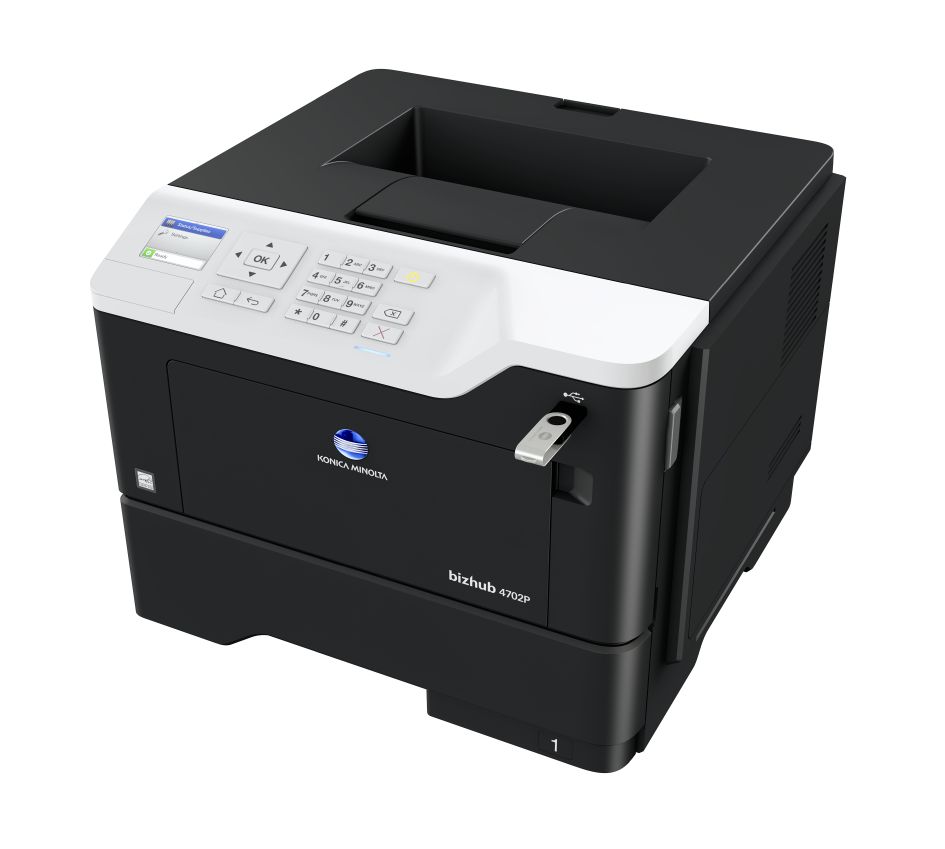
- Direct USB printing
- Mobile Printing
- 2.4 inch color LCD display
- Hibernation mode: Low energy consumption
- Quiet mode
Specifications
System Specifications
| Panel size/resolution | 2.4” / 320 x 240 |
|---|---|
| System memory (standard/max) | 512 MB (standard) |
| Interface | 10-Base-T/100-Base-TX/1,000-Base-T Ethernet; USB 2.0; Wi-Fi 802.11b/g/n (optional) |
| Network protocols | TCP/IP (IPv4 / IPv6); Appletalk; Bonjour; SMB; LPD; IPP; SNMP; HTTP/S |
| Printable paper size | A6-A4, customised paper sizes |
| Printable paper weight | 60 - 216 g/m² |
| Paper input capacity (standard/max) | 650 sheets/2,300 sheets |
| Paper tray input (standard) | 550 sheets; A6 - A4, 60 - 120 g/m² |
| Paper tray input (optional) | 3x 250/550 sheets; A5-A4; 60-120 g/m² |
| Manual bypass | 100 sheets, A6 - A4, custom sizes, 60 - 216 g/m² |
| Automatic duplexing | A4; 60 - 90 g/m² |
| Output capacity (standard) | Max.: 250 sheets |
| Copy/print volume (monthly) | Rec.: 7,000 pages Max.: 175,000 pages If the maximum volume is reached within a period of one year, then a maintenance cycle must be performed |
| Toner lifetime | Up to 25,000 pages |
| Imaging unit lifetime | Up to 60,000 pages |
| Power consumption | 220 - 240 V/50/60 Hz; Less than 670 W |
| System dimension (WxDxH) | 399 x 374 x 303 mm |
| System weight | Approx. 16 kg |
Printer Specifications
| Print resolution | 1200 x 1200 dpi |
|---|---|
| Page description language | PCL 5/6; PostScript 3; XPS |
| Operating systems | Windows 7 (32/64); Windows 8/8.1 (32/64); Windows 10 (32/64); Windows Server 2008 (32/64); Windows Server 2008 R2; Windows Server 2012; Windows Server 2012 R2; Windows Server 2016; Macintosh OS X 10.9 or later; Linux; Citrix |
| Printer fonts | 89 PCL Latin; 158 PostScript 3 Emulation Latin |
| Print functions | Duplex, n-up, watermark, electronic sorting, USB direct print (PDF v1.7; TIFF; JPEG; GIF; BMP; PNG; XPS; docx; xlsx; pptx) |
| Mobile printing | AirPrint (iOS), Mopria (Android), Google Cloud Print, Konica Minolta Mobile Print (iOS, Android and Windows 10 Mobile), Konica Minolta Print Service (Android) optional: Wifi Direct |
System Features
| Security | TCP/UDP port disabling; certificate management; SNMPv3; IPSec support; HTTPS; IP filtering and port blocking; IEEE 802.1x support; SMTP authentication; Secure print (print hold/PIN) |
|---|---|
| Software | PageScope Net Care Device Manager |
Accessories

Reviews


Fed up of re-sorting your printouts? For those inkjets that don't have a reverse print feature in the driver, some programs offer printing in reverse order.
Are your printer nozzles getting clogged? Try adding a humidifier to the room where you keep your printer.
Use a lightly dampened cloth to clean the outside of your laser printer. To clean the inside, use a dry, lint-free cloth to make sure that no liquid enters the inner parts of the printer.
MY ACCOUNT
INFO & POLICIES
SHOP EASY
PAYMENT OPTIONS



* Images are for illustration purposes only.