



 Shopping Cart
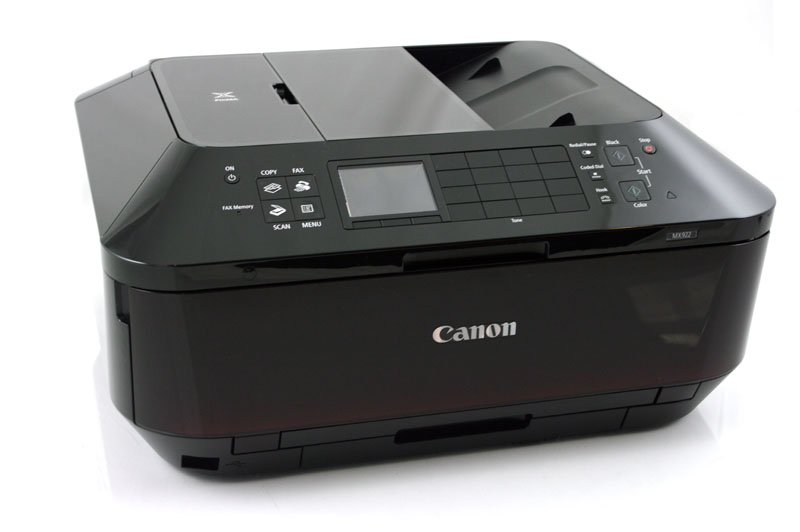
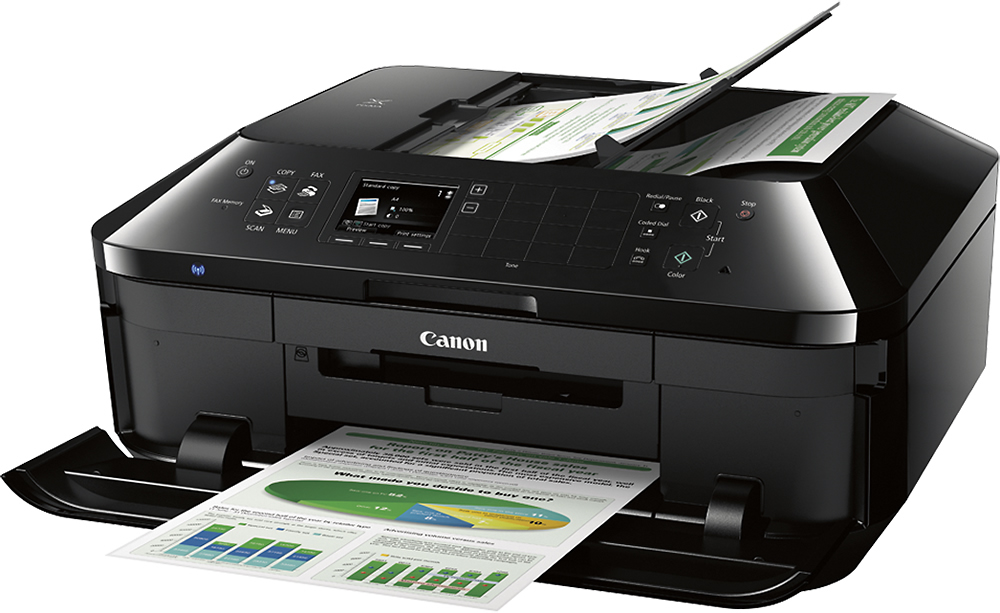
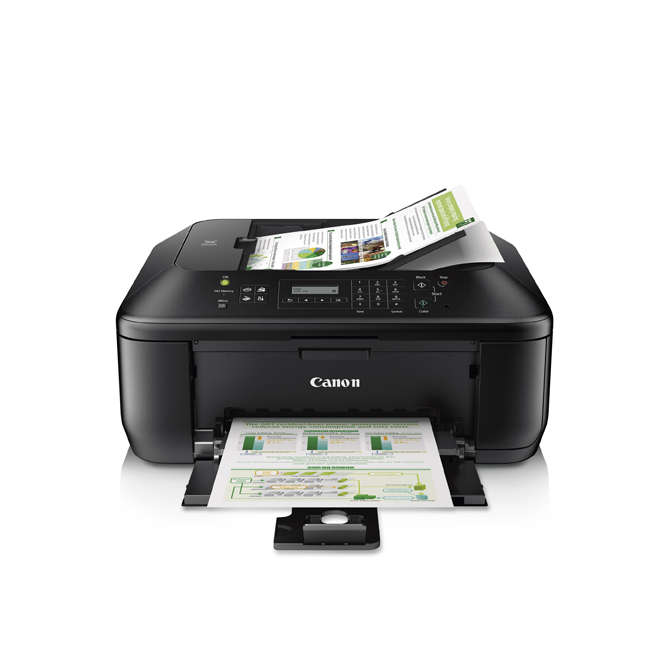
 Canon Pixma MX922 Wireless All-in-One Printer



Product Details
Specifications
Accessories
Reviews
Product Details
Main Features
- All-in-One Inkjet Office Printer
- Print Speed: 15 ipm Black, 10 ipm Color
- Print a borderless, 4" x 6" photo in approximately 21 seconds
- 9600 x 2400 maximum color dpi
- 5-color ink system
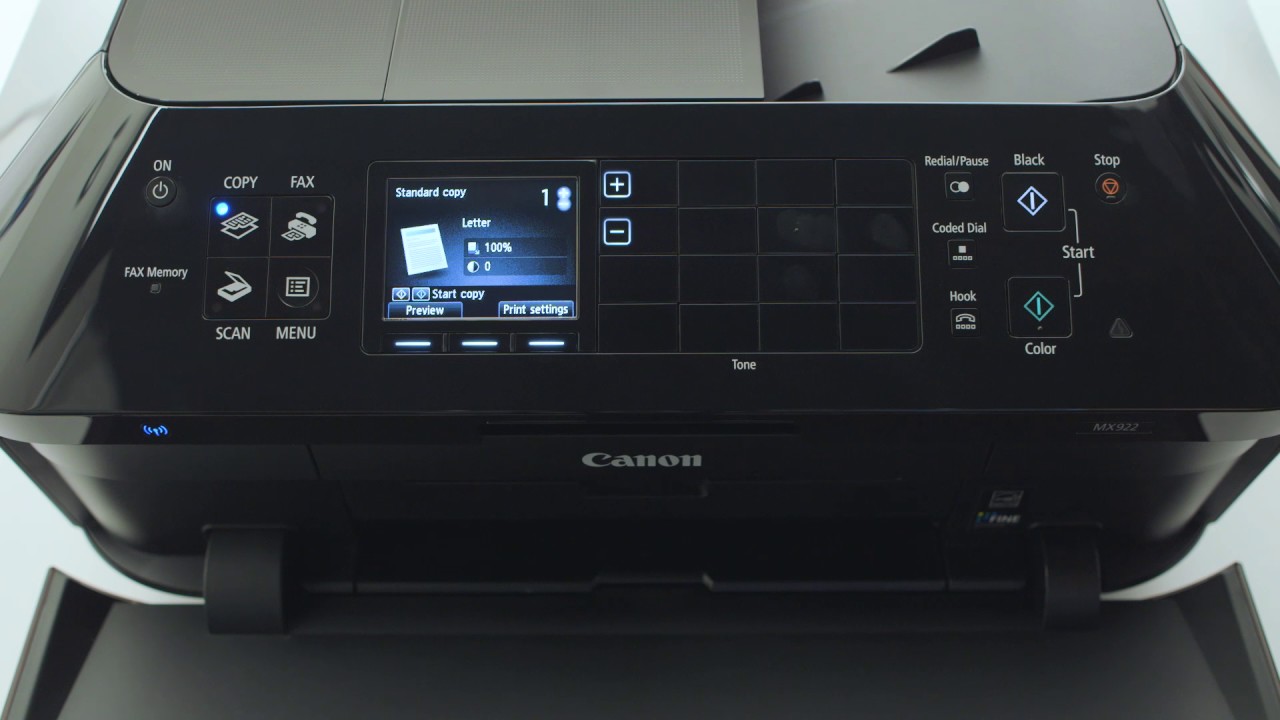
- 3.0" LCD
- 35-sheet Duplex Auto Document Feeder
- Built-In Auto Duplex Printing
- Auto Document Fix
- Advanced Media Handling
- Full HD Movie Print
- Print from E-mail
- Cloud Printing
- AirPrint
- WiFi Certified
Specifications
General Specifications
Printer
Print Speed (up to)
4 x 6 Borderless Photo: Approx. 21 seconds
Print Speed (Approx)
Black: ESAT: 15.0 ipm
Color: ESAT: 10.0 ipm
Color: ESAT: 10.0 ipm
Number of Nozzles
Black: 1024
Color: 4,096
Total: 5,120
Color: 4,096
Total: 5,120
Picoliter Size (color)
1,2 and 5
Print Resolution (Up to)
Color:Up to 9600 x 2400 dpi
Black:Up to 600 x 600 dpi
Black:Up to 600 x 600 dpi
Ink Compatibility
PGI-255 PGBK XXL XXL Pigment Black
PGI-250 PGBK XL XL Pigment Black
CLI-251 C XL XL Cyan
CLI-251 M XL XL Magenta
CLI-251 Y XL XL Yellow
CLI-251 BK XL XL Black
PGI-250 PGBK Pigment Black
CLI-251 C Cyan
CLI-251 M Magenta
CLI-251 Y Yellow
CLI-251 BK Black
PGI-250 PGBK XL XL Pigment Black
CLI-251 C XL XL Cyan
CLI-251 M XL XL Magenta
CLI-251 Y XL XL Yellow
CLI-251 BK XL XL Black
PGI-250 PGBK Pigment Black
CLI-251 C Cyan
CLI-251 M Magenta
CLI-251 Y Yellow
CLI-251 BK Black
Paper Sizes
4 x 6, 5 x 7, 8 x 10, Letter, Legal, U.S. #10 Envelopes
Automatic Sheet Feeder
ADF: 35 Sheets 10 Sheets Photo Paper 5 x 7
Paper Compatibility
Plain: Plain Paper, High Resolution Paper;
Super High Gloss: Photo Paper Pro Platinum;
Glossy: Photo Paper Plus Glossy II, Photo Paper Glossy;
Semi-Gloss: Photo Paper Plus Semi-Gloss;
Matte: Matte Photo Paper;
Envelope: U.S. #10 Envelope
Chlorine-free paper can be used.
Super High Gloss: Photo Paper Pro Platinum;
Glossy: Photo Paper Plus Glossy II, Photo Paper Glossy;
Semi-Gloss: Photo Paper Plus Semi-Gloss;
Matte: Matte Photo Paper;
Envelope: U.S. #10 Envelope
Chlorine-free paper can be used.
Printer Features
AirPrint2, Auto Duplex Print, Auto Sheet Feeder, Borderless Printing5, CD/DVD Printing, Dual Function Panel, Document Printing, Full HD Movie Print8, Google Cloud Print3, Photo Printing, Template Print, Evernote
Output Tray Capacity
Lower Cassette: 250 Sheets Plain Paper Upper Cassette: 20 Sheets Photo Paper 4 x 6
Copier
Copy Speed (up to)
ESAT: Color: 8.4 ipm
Reduction / Enlargement
25% - 400%
Copy Features
Auto Duplex Document Feeder, AE (Auto Exposure / Intensity) copy, Auto Duplex Copy, Borderless, Fit-to-Page, Gutter Shadow Correction Copy, Intensity, Multiple Copy: 1-99 pages, Preset Copy, Ratios, Reserve Copy, Sort (ADF), Zoom
Scanner
Scanning Element
Contact Image Sensor (CIS)
Max. Resolutions
Optical: 2400x4800 dpi16
Interpolated: 19,200x19,200 dpi
ADF: 600x600 dpi (Optical)
Interpolated: 19,200x19,200 dpi
ADF: 600x600 dpi (Optical)
Scanner Features
Auto Document Fix, Auto Duplex Scan, Auto Scan Mode9, Network Scan, Push Scan, Scan to Memory
Color Depth
48-bit internal/24-bit external
Max. Document Size
Flatbed: 8.5 x 11.7
ADF: 8.5 x 14
ADF: 8.5 x 14
Fax
Modem Speed
33.6 Kbps (Super G3 color FAX)
Transmission Speed (approx.)
Black: Approx. 3 sec per page
Color: Approx. 1 min per page
Color: Approx. 1 min per page
Memory Capacity
Approx. 250 Pages
Speed Dialing
100 Locations
Fax Features
Answering Machine Connectivity, Caller Rejection, Check RX Fax Info., Fax Reception Reject, Fax Number Re-Entry, F/T Changing(manual), Group Dialing, Memory Transmission, Redial, Remote Reception
General
Other Features
AirPrint2, Google Cloud Print3, Wireless Printing1, 3.0 LCD, Dual Function Panel, Dual Color Gamut Processing Technology, Ethernet, Full HD Movie Print8, Fully Integrated Auto Duplex ADF, PictBridge (Wireless LAN), Mobile Device Printing13, Print Your Days19, Quick Start, PIXMA Cloud Link10
OS Compatibility
Windows® 8, Windows RT, Windows 7, Windows 7 SP1, Windows Vista SP1, Vista SP2, Windows XP SP3 32-bit
Mac OSX 10.6.8 - 10.9.x
Mac OSX 10.6.8 - 10.9.x
Standard Interface
Wireless LAN (IEEE 802.11b/g/n)
Ethernet USB 2.0 Hi-Speed
PictBridge (Wireless LAN)
Bluetooth® v2.0 (Optional)
Ethernet USB 2.0 Hi-Speed
PictBridge (Wireless LAN)
Bluetooth® v2.0 (Optional)
Dimension (W x D x H)
19.4 (W) x 15.6 (D) x 9.1 (H)
Weight
25.7 lbs
Warranty
1-year limited warranty with InstantExchange Program. 1-year toll-free technical phone support.
 Download Manufacturer Specifications
Accessories

Reviews


If debris is the primary cause of failures, toner is the primary cause of debris. All toner cartridges release a small amount of toner powder into the machine. This is why it's important to clean the machine when you change the cartridge.
Most printers have a paper-out detector. On most dot matrix printers it is a photo diode. If form-fed paper is not aligned correctly (usually on the left side) the diode won't see it.
Most printers will beep once or twice during or after initialization. If it beeps more than that or beeps constantly, it is telling you that something is wrong. Most printers beep when out of paper or out of ink.
MY ACCOUNT
INFO & POLICIES
SHOP EASY
PAYMENT OPTIONS



* Images are for illustration purposes only.