



 Shopping Cart
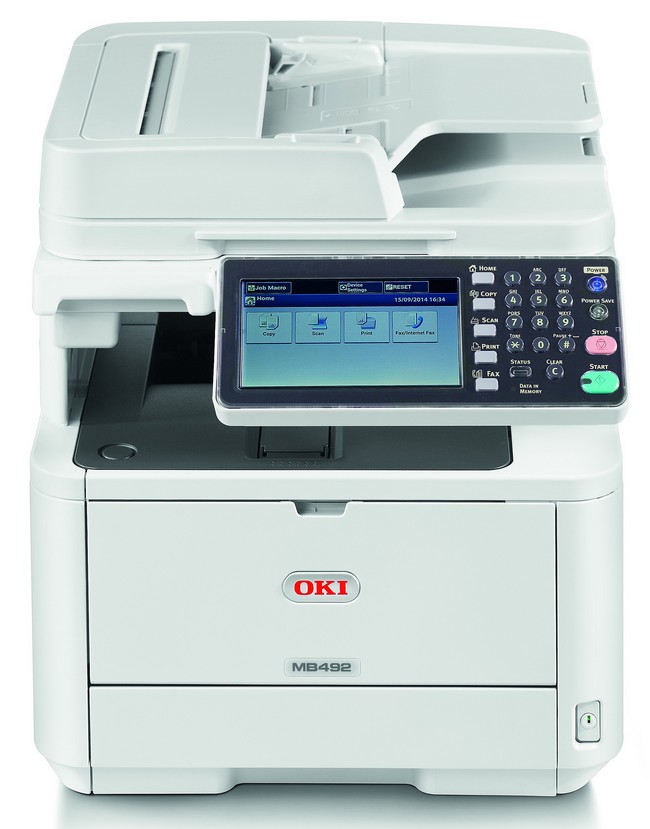
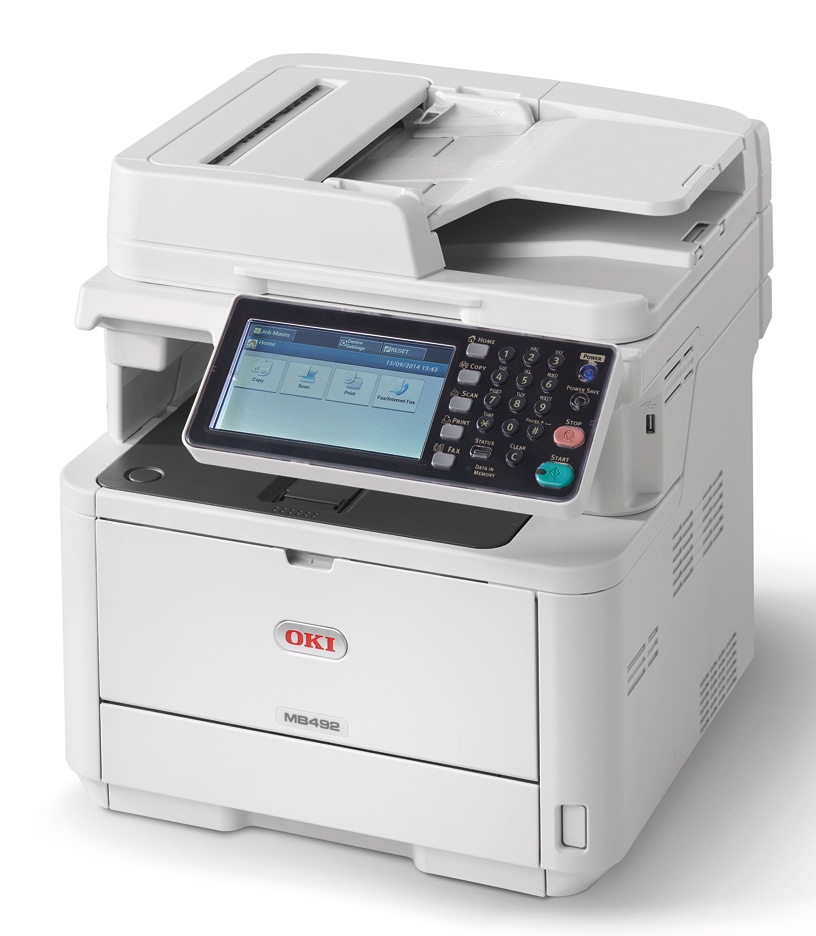
 Okidata MB492 Multifunction Printer



Images are for illustration purposes only and do not necessarily reflect the actual product.
PRINT
Product Details
Specifications
Accessories
Reviews
Product Details
Main Features
- LED Monochrome Multifunction Printer
- Print, copy, scan and fax
- Print/Copy speed up to 42 ppm, with time to first page as fast as 5 seconds
- Duplex (2-sided) printing standard
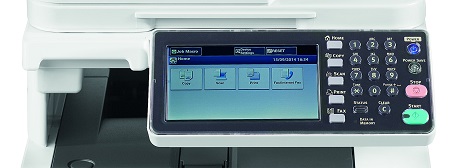
- 7" color, tilting touchscreen display
- Compatible with mobile printing apps such as AirPrint™ , Google Cloud Print™ and the OKI Mobile Print app for Android®
- Encrypted Secure Print function for protected printing – ensures document confidentiality
- ID Card Copy for simple copying of doublesided ID cards on a single sheet
- 3 GB shared memory
- 667 MHz CPU processor
- Color scanning with send-to functionality
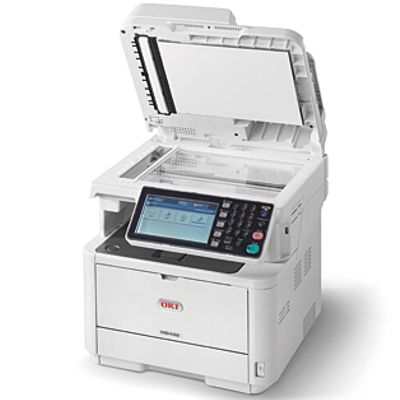
- 50-sheet duplex reversing automatic document feeder (RADF) – scans both sides
- Paper capacity: 350 (standard); 880 (maximum)
- Walk-up USB slot
- ENERGY STAR® compliant
Specifications
General Specifcations
| Type | Desktop |
|---|---|
| Scanning Method | Color CIS |
| Printing Technology | Digital LED Electrophotographic Printing Method |
| Copy Density Adjustment | 7 levels (Manual) |
| Input Capacity | Tray 1 : 250 sheets (Optional)Tray 2 : 530 sheets Multi-purpose tray : 100 sheets |
| Scan Resolution | Up to 600 x 600 dpi |
| Print Resolution | Up to 600 x 600 dpi |
| Original Type | Sheet |
| Original Size | Flatbed: A4, A5, A6, B5, Letter, Executive; ADF: Legal 13, Legal 13.5, Legal 14, Letter, A4, A5, A6, B5, Executive |
| Copy Paper Size | Legal 13, Legal 13.5, Legal 14, Letter, A4, A5, A6, B5, Executive |
| Reduction / Enlargement | 25 – 400 % |
| Maximum Copies | 99 sheets |
| Copy Speed | A4 37 cpm |
| First Copy Out Time | Approx. 10.0 seconds |
| Warm-up Time | Approx. 60.0 seconds from power-on Approx. 17.0 seconds from power save |
| Power Source | Single phase 110 - 127 VAC ±0%, 50/60 Hz ±2% |
| Power Consumption | Operating: Max. 950W / Ave. 630W Idle: 95W Power Save: 12.0W Deep Sleep: 1.9W Auto-Off: 0.5W |
| Memory (Std./Max.) | 512MB/512MB |
| Safety & Environment Regulation | cULus Mark |
| Noise Level | Operating :Approx. 56 dBA Idle: < 30 dBA Power Save: < 7 dBA or Background level |
| Operating Environment | Operating: 50 - 90 °F (10 - 32 °C), 20 - 80 %RH Storage: 32 - 109 °F (0 - 43 °C), 10 - 90 %RH No condensation |
| Dimensions(WxDxH) | 16.8“ x 16.7“ x 17.9“ (427 x 425 x 455 mm) |
SCAN
| Scan Resolution | Max. 600 x 600 dpi |
|---|---|
| Scan Speed | Max. 11 ipm Color, 6 ipm mono |
| Interfaces | USB 2.0 (High Speed) Host, 1000BASE-T/100BASE-TX/10BASE-T |
| Supported Protocol | SMTP, FTP(S), HTTP(S), CIFS, TWAIN, WIA1.0, WIA2.0, ICA |
| Output Format | High compression PDF, Secure PDF, JPEG, TIFF, XPS |
| Driver | TWAIN, WIA1.0(Windows XP), WIA2.0(Windows Vista or later), ICA(Mac OS X 10.6 or later) |
FAX
| Applicable Line | PSTN, PBX |
|---|---|
| Interface | RJ-11 x 2 (Line, Tel) |
| Transmission Resolution | Normal: 200 x 100 dpi Fine/Photo: 200 x 200 dpi Extra Fine: 200 x 400 dpi Ultra-Fine: 400 x 400 dpi |
| Communication Speed | G3: 14.4kbps, Super G3: 33.6kbps |
| Encoding Method | MH, MR, MMR, JBIG |
| Communication Mode | ITU-T G3, Super G3 |
| Transmission Original Size | Max. Legal 14, Length 14.0“ (355 mm) |
| Paper Size | Max. Legal 14, Min. Letter |
| Transmission Time | Approx. 3.0 sec. / page |
| Memory | Max. 200 pages (4MB) |
| Other Function | Duplex scanning, LDAP, Speed Dial(300 locations), PC Fax |
DOCUMENT FEEDER
| Type | Reverse Automatic Document Feeder (RADF) |
|---|---|
| Original Size | A4, A5, A6, B5, Letter, Legal 13, Legal 13.5, Legal 14, Executive |
| Original Weight | 16.0 - 27.9 lb. bond (60 - 105 gsm) |
| Capacity | Max. 50 sheets |
 Download Manufacturer Specifications
Accessories

Reviews


Is your printer feeding in the whole paper stack rather than just one piece at a time? Fan the paper before putting it in the tray to help separate the sheets. Also, store your paper in a cool, dry place as humidity can contribute to this problem.
Handle inkjet papers like photographic papers - hold them by the edges to avoid oil deposits and fingerprints.
Looking to save paper and ink? Make sure to only print the pages you need of your document.
MY ACCOUNT
INFO & POLICIES
SHOP EASY
PAYMENT OPTIONS



* Images are for illustration purposes only.