



 Shopping Cart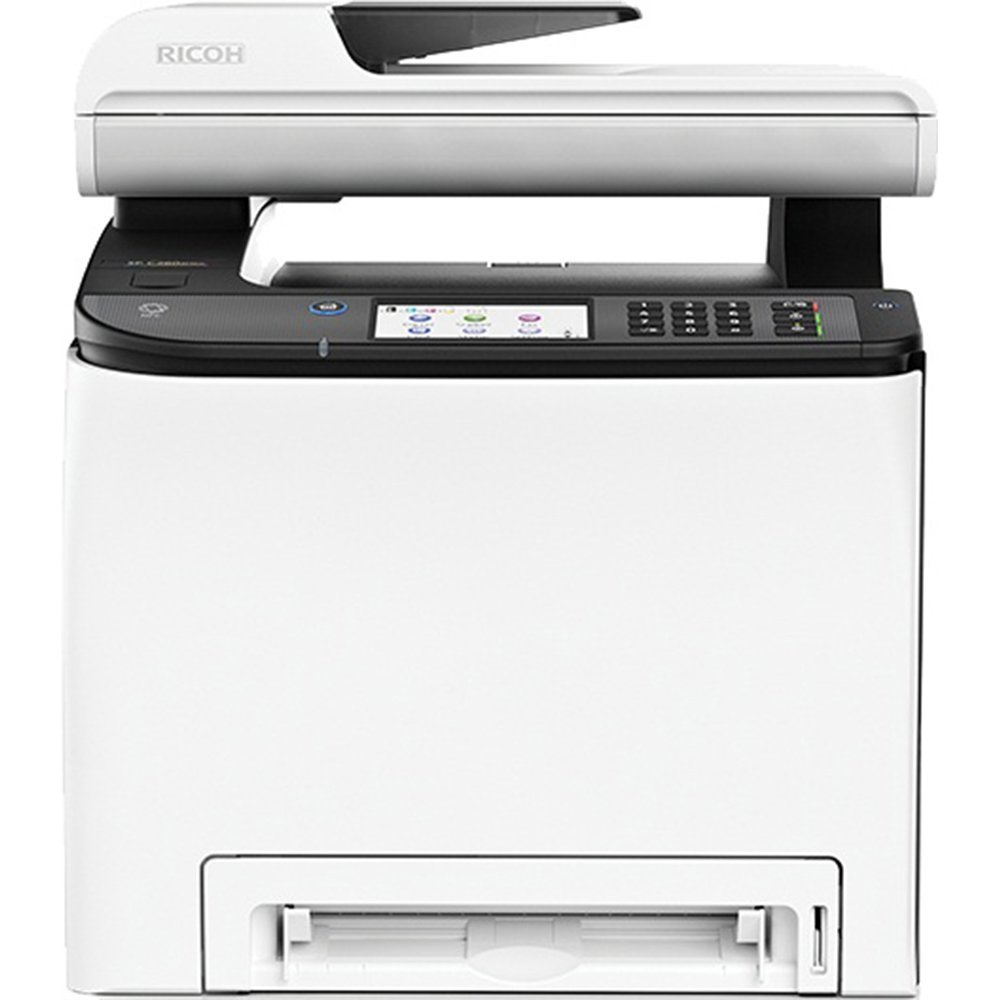



Product Details
Specifications
Accessories
Reviews
Product Details
Main Features
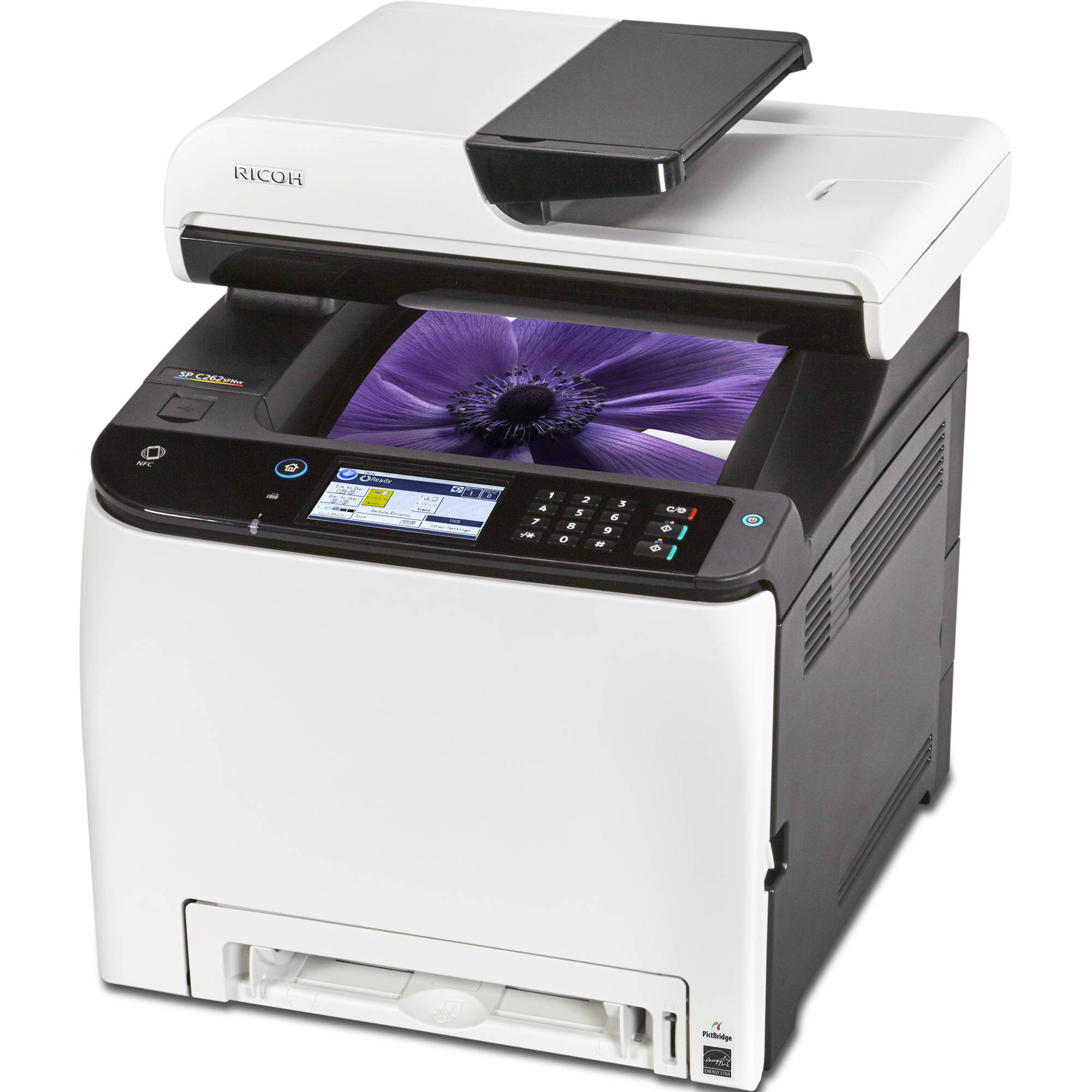
- Desktop color multifunction printer
- Copy, Print, Scan, Fax
- Compact size
- Prints up to 21 ppm
- Monthly duty cycle of 65,000 prints
- Up to 2400 x 600 dpi resolution
- Paper capacity up to 751 pages
- High-performance processor
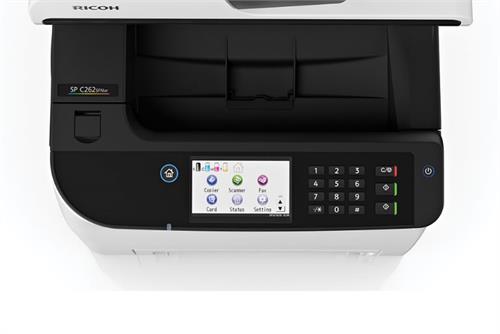
- 4.3" touchscreen display
- Automatic duplexing
- Wireless networking
- Mobile connectivity
- Near Field Communication
- Energy star certification
Specifications
General Specifications
|
Configuration |
Desktop |
|
Technology |
LCD |
|
Color/B&W |
Color |
|
Print Speed |
21 ppm |
|
Maximum Monthly Duty Cycle |
65,000 prints |
|
First page out time |
14 seconds |
|
Print Resolution |
Up to 2400 x 600 dpi |
|
Standard Paper Capacity |
250-sheet Tray + 1-sheet Bypass Tray |
|
Maximum Paper Capacity |
751 Sheets |
|
Duplexing |
Automatic |
|
Dimensions (W x D x H) |
15.7" x 17.7" x 12.6" |
|
Weight |
52.5 lbs. |
|
Copy Resolution |
Up to 2400 x 600 dpi |
|
Document Feeder Type |
Single Pass Document Feeder (SPDF) |
|
Document Feeder Capacity |
50 Sheets |
|
Scanner Resolution |
Color and B&W up to 600 x 600 dpi (SPDF), 1200 x 1200 dpi (Platen) |
|
Scanning Speed |
B&W up to 20 ipm Color up to 12 ipm |
|
Scan-To Modes |
Scan-to-Email Scan-to-Folder (SMB/FTP) Scan-to-USB |
|
Fax Resolution |
Standard Mode: 200 x 100 dpi Detail/Photo Mode: 200 x 200 dpi |
|
Fax Scanning Speed w/SPDF |
Less than 20-spm (Letter) |
|
Modem Speed |
33.6 kbps with auto fallback |
Accessories

Reviews


Printer not working? The printer memory could be full and not getting prints or the prints may be stuck in the print queue. Turn-off the printer, wait a few seconds and turn it back on.
After installing a printer, go to the Windows dialog box and check the settings, so you won't be surprised by what happens the first time you print.
Position your laser printer on a sturdy and level surface, allowing enough space around the printer for air flow.
MY ACCOUNT
INFO & POLICIES
SHOP EASY
PAYMENT OPTIONS



