



 Shopping Cart
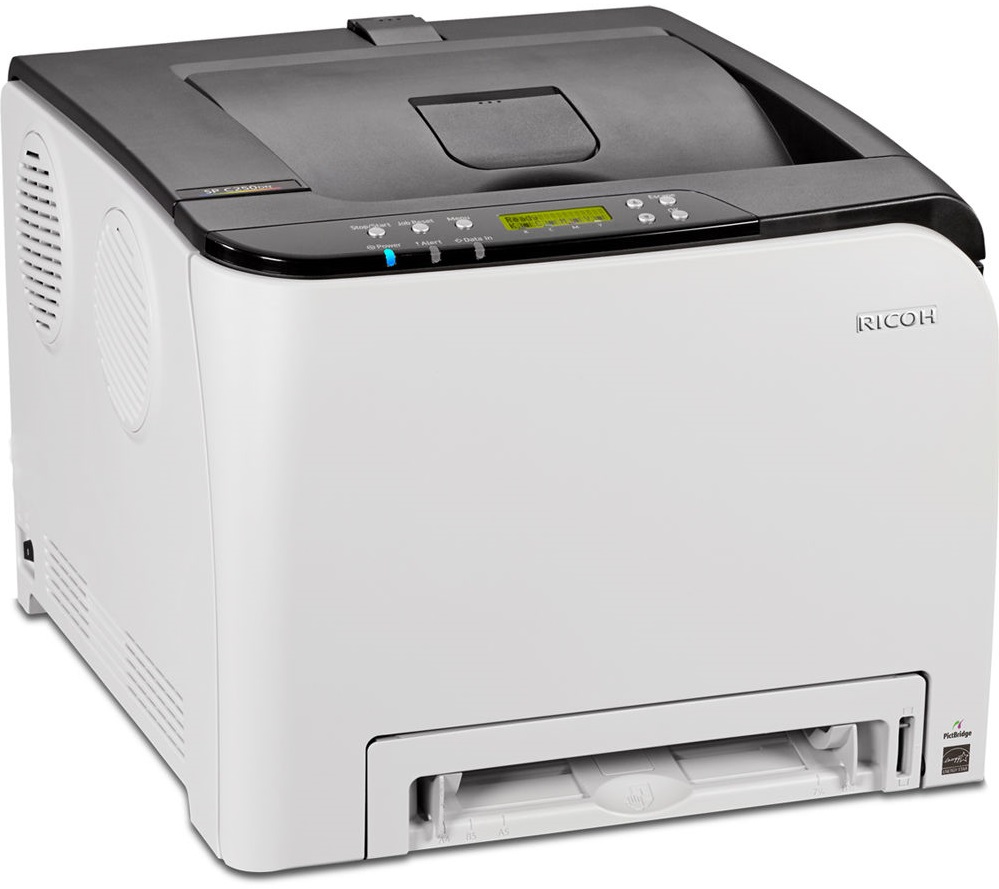
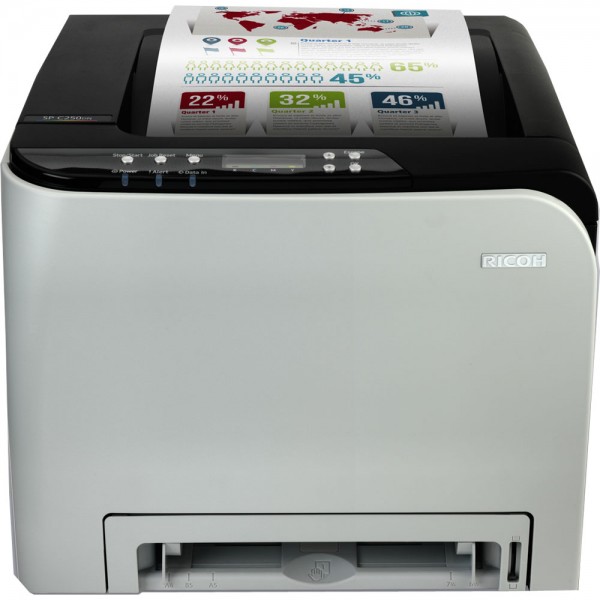
 Ricoh Aficio SP C250DN Color Laser Printer



Product Details
Specifications
Accessories
Reviews
Product Details
Main Features
- Single function printer
- Color output
- Print Speed: 21 pages per minute
- First Page Out Time: 14 seconds
- Automatic double sided printing
- Standard network and wireless connectivity
- Print from your mobile
- Paper Capacity: Upto 751 pages
Specifications
General Specifications
| Warm-up time | 30 seconds |
| First output speed - Full colour | 14 seconds |
| First output speed - B/W | 14 seconds |
| Print speed - Full colour | 20 pages per minute |
| Print speed - B/W | 20 pages per minute |
| CPU - Intel Celeron-M | 350 MHz |
| Memory - Standard | 128 MB |
| Duty cycle | 30000 prints per month |
| Duplex | Yes |
| Dimensions (W x D x H) | 400 x 450 x 320 mm |
| Weight | 23.8 kg |
| Power source | 220 - 240 V, 50/60 Hz |
| Power consumption - Maximum | 1300 W |
| Power consumption - Energy Saver mode | 3.8 W |
| Recommended paper size | A4, A5, A6, B5, B6 |
| Paper input capacity - Standard | 251 sheets |
| Paper input capacity - Maximum | 751 sheets |
| Paper output capacity - Maximum | 150 sheets |
| Paper weight - Paper tray(s) | 60 - 160 g/m² |
| Paper weight - Optional paper tray(s) | 60 - 105 g/m² |
| Paper weight - Bypass tray | 60 - 160 g/m² |
| Paper weight - Duplex | 60 - 90 g/m² |
| Media capability | Plain paper, Middle thick paper, Thick paper, Recycled paper, Colour paper, Letterhead, Pre-printed paper, Thin paper, Label paper, Envelopes, Bond, Cardstock |
| Printer language - Standard | PCL5c, PCL6, PostScript® 3™ , PictBridge |
| Print resolution - Maximum | 2,400 x 600 dpi |
| Fonts - PCL | 80 fonts |
| Interface - Standard | USB 2.0, Ethernet 10 base-T/100 base-TX, Wireless LAN (IEEE 802.11b/g/n) |
| Network protocol | TCP/IP, Bonjour, IPP |
| Windows® environments | Windows® XP, Windows® Vista, Windows® 7, Windows® Server 2003, Windows® Server 2008, Windows® Server 2008R2, Windows® Server 2012 |
| Mac OS environments | Macintosh OS X Native v10.6 or later |
| Main scan | mm |
| Standard | 1200 - 1200 dpi |
| Maximum | 33.6 Kbps |
 Download Manufacturer Specifications
Accessories

Reviews


Make sure to keep your printer up to date by downloading drivers and patches from the manufacturer's site. Most manufacturers provide driver updates for their units which include patches that add fonts or fix incompatibilities.
Make sure to select the correct paper type for your print job. In general, for more important documents, use thicker paper.
Use a lightly dampened cloth to clean the outside of your laser printer. To clean the inside, use a dry, lint-free cloth to make sure that no liquid enters the inner parts of the printer.
MY ACCOUNT
INFO & POLICIES
SHOP EASY
PAYMENT OPTIONS



* Images are for illustration purposes only.