



 Shopping Cart
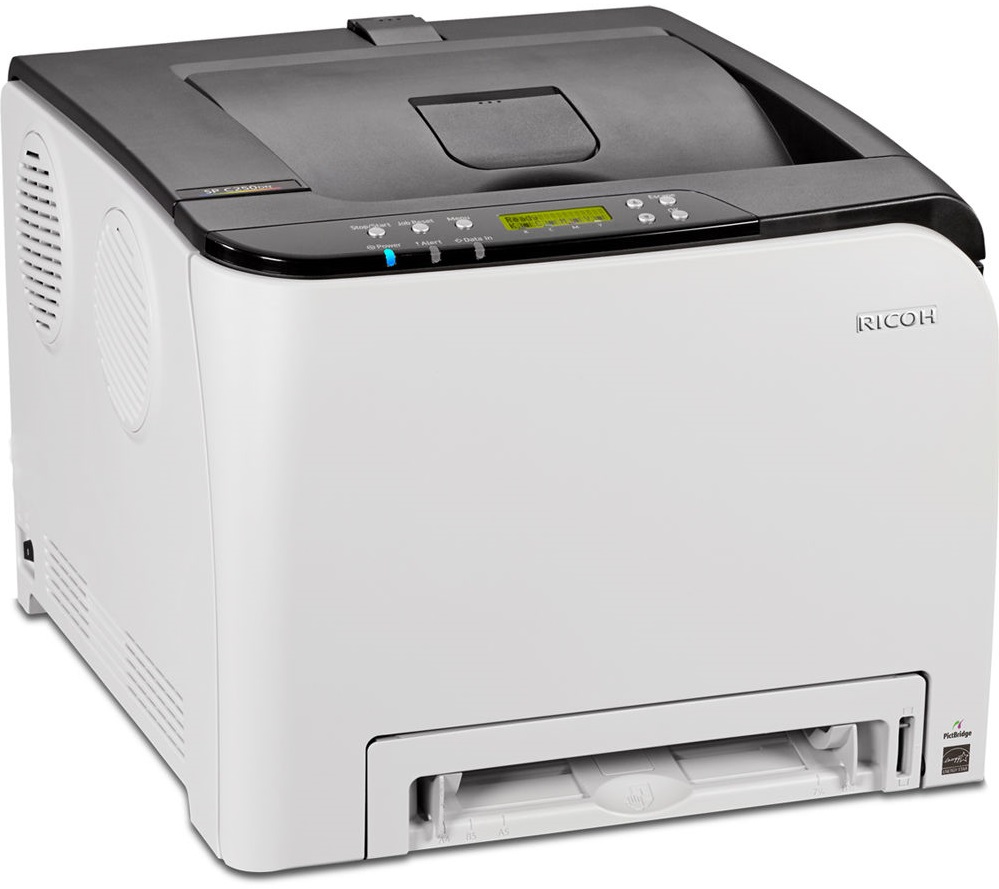
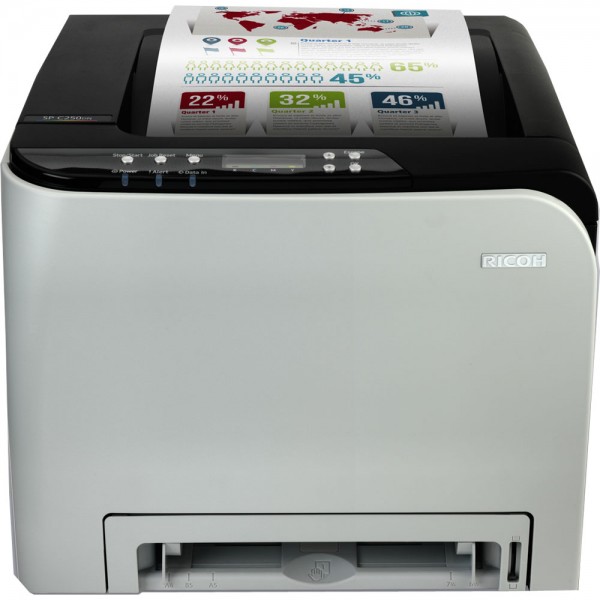
 Ricoh Aficio SP C250DN Color Laser Printer



Product Details
Specifications
Accessories
Reviews
Product Details
Main Features
- Single function printer
- Color output
- Print Speed: 21 pages per minute
- First Page Out Time: 14 seconds
- Automatic double sided printing
- Standard network and wireless connectivity
- Print from your mobile
- Paper Capacity: Upto 751 pages
Specifications
General Specifications
| Warm-up time | 30 seconds |
| First output speed - Full colour | 14 seconds |
| First output speed - B/W | 14 seconds |
| Print speed - Full colour | 20 pages per minute |
| Print speed - B/W | 20 pages per minute |
| CPU - Intel Celeron-M | 350 MHz |
| Memory - Standard | 128 MB |
| Duty cycle | 30000 prints per month |
| Duplex | Yes |
| Dimensions (W x D x H) | 400 x 450 x 320 mm |
| Weight | 23.8 kg |
| Power source | 220 - 240 V, 50/60 Hz |
| Power consumption - Maximum | 1300 W |
| Power consumption - Energy Saver mode | 3.8 W |
| Recommended paper size | A4, A5, A6, B5, B6 |
| Paper input capacity - Standard | 251 sheets |
| Paper input capacity - Maximum | 751 sheets |
| Paper output capacity - Maximum | 150 sheets |
| Paper weight - Paper tray(s) | 60 - 160 g/m² |
| Paper weight - Optional paper tray(s) | 60 - 105 g/m² |
| Paper weight - Bypass tray | 60 - 160 g/m² |
| Paper weight - Duplex | 60 - 90 g/m² |
| Media capability | Plain paper, Middle thick paper, Thick paper, Recycled paper, Colour paper, Letterhead, Pre-printed paper, Thin paper, Label paper, Envelopes, Bond, Cardstock |
| Printer language - Standard | PCL5c, PCL6, PostScript® 3™ , PictBridge |
| Print resolution - Maximum | 2,400 x 600 dpi |
| Fonts - PCL | 80 fonts |
| Interface - Standard | USB 2.0, Ethernet 10 base-T/100 base-TX, Wireless LAN (IEEE 802.11b/g/n) |
| Network protocol | TCP/IP, Bonjour, IPP |
| Windows® environments | Windows® XP, Windows® Vista, Windows® 7, Windows® Server 2003, Windows® Server 2008, Windows® Server 2008R2, Windows® Server 2012 |
| Mac OS environments | Macintosh OS X Native v10.6 or later |
| Main scan | mm |
| Standard | 1200 - 1200 dpi |
| Maximum | 33.6 Kbps |
 Download Manufacturer Specifications
Accessories

Reviews


Store your laser printer in a properly ventilated area where temperature and humidity do not change frequently. Avoid areas with heavy dust buildup.
Misplaced your printer manual? You can usually find a replacement manual online at the manufacturer's website.
Fed up of re-sorting your printouts? For those inkjets that don't have a reverse print feature in the driver, some programs offer printing in reverse order.
MY ACCOUNT
INFO & POLICIES
SHOP EASY
PAYMENT OPTIONS



* Images are for illustration purposes only.