



 Shopping Cart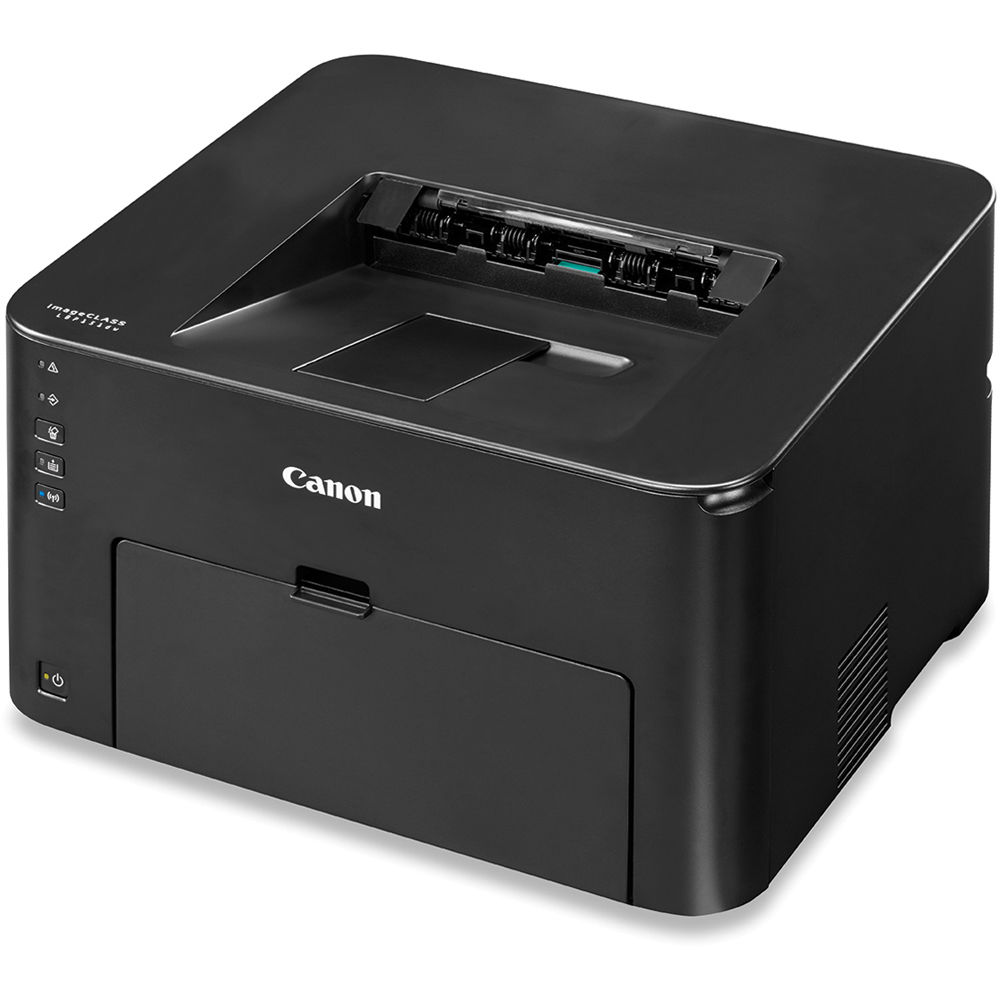



*** ALL TONERS AND SUPPLIES ARE IN STOCK AT DISCOUNTED PRICING , CALL +18882983095..
Printers do not include supplies - toners , drums (Imaging Units) (where applicable) , printer cables , manuals , consumables , trays (where applicable). Power cables are included. Drivers can be downloaded at www.hp.com. Please verify that drivers available are compatible with your software on HP’s site.
Images are for illustration purposes only and do not necessarily reflect the actual product.Product Details
Specifications
Accessories
Reviews
Product Details
Main Features
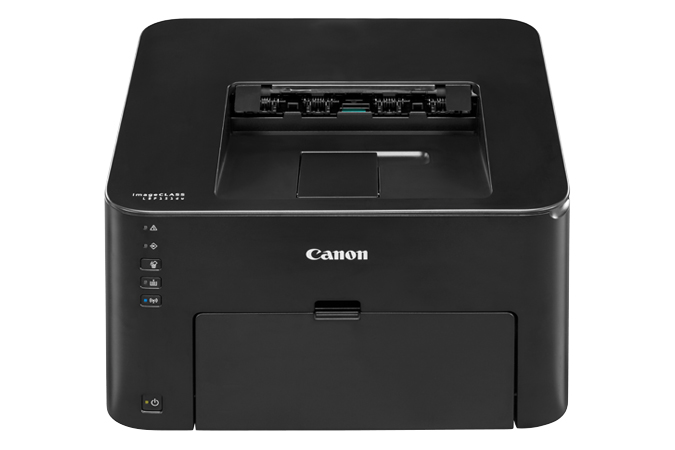
- Monochrome laser printer
- Compact space saving design
- Print speed of 28 ppm
- First print out in 8 seconds or less
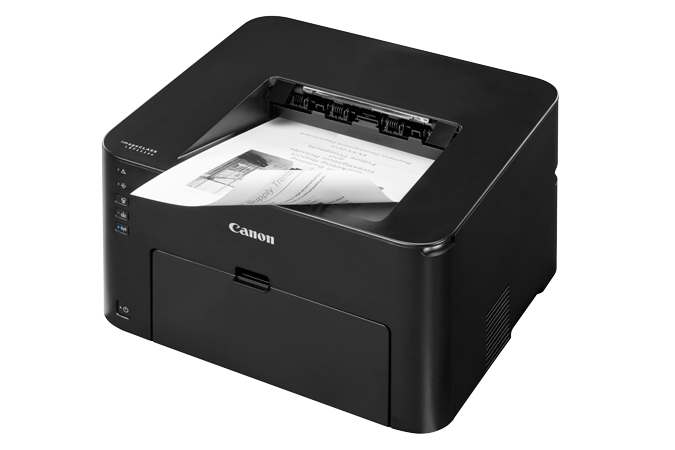
- Automatic duplex printing
- Wireless connectivity
- Eco friendly printer
- “Print on the Go” with various mobile features
Specifications
|
Print Speed |
Up to 28 ppm (letter) |
|
First Page Out |
Less than 8 Seconds |
|
Resolution |
600 x 600 dpi; 1200 x 1200 dpi equivalent |
|
Duplex Print |
Yes |
|
Memory |
512 MB |
|
Standard Paper Source |
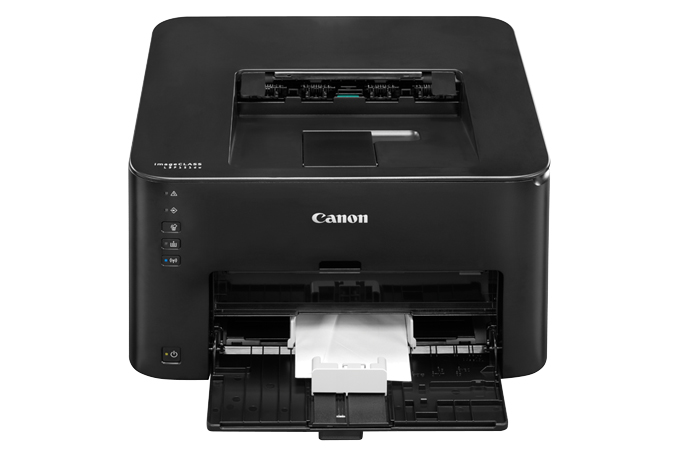
250 Sheet Cassette, 1 sheet multipurpose tray |
|
Paper Output |
Output tray (face down): Approx. 100 sheets |
|
Duty Cycle |
15,000 Pages |
|
Dimensions |
15.4 (W) x 13.2 (D) x 9.7 (H) |
|
Weight |
17.6 lbs |
 Download Manufacturer Specifications
Accessories

Reviews


Media settings on your printer determine how much ink will be used. Thinly coated glossy films require less ink, while plain paper soaks in more.
What is dpi? Dpi is used to describe the resolution number of dots per inch in a digital print. The higher the numbers, the more detailed the print image is.
Allow ink to dry completely to avoid smudging. The time will vary based on the ink and paper quality used as well as the temperature and humidity conditions.
MY ACCOUNT
INFO & POLICIES
SHOP EASY
PAYMENT OPTIONS



