



 Shopping Cart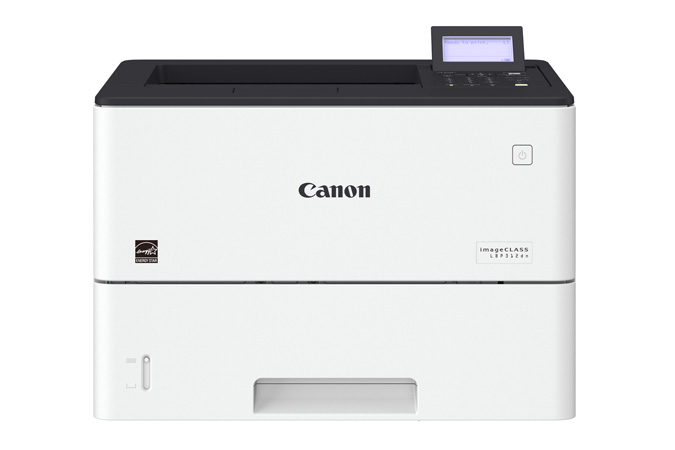


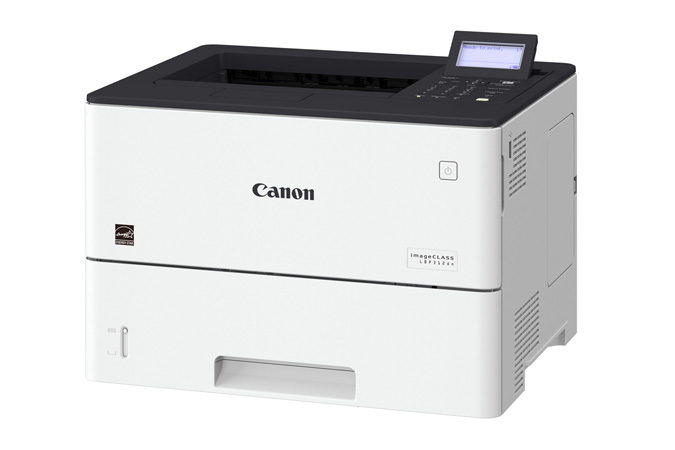

Product Details
Specifications
Accessories
Reviews
Product Details
Main Features
- Single function monochrome laser printer
- Print speed of 45 pages per minute
- Monthly duty cycle of 150,000 Pages
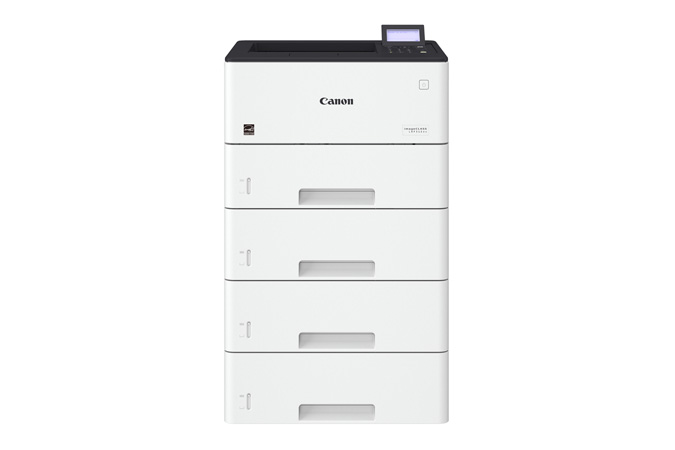
- Expandable paper capacity to 2300 sheets
- Eco-conscious, two-sided printing
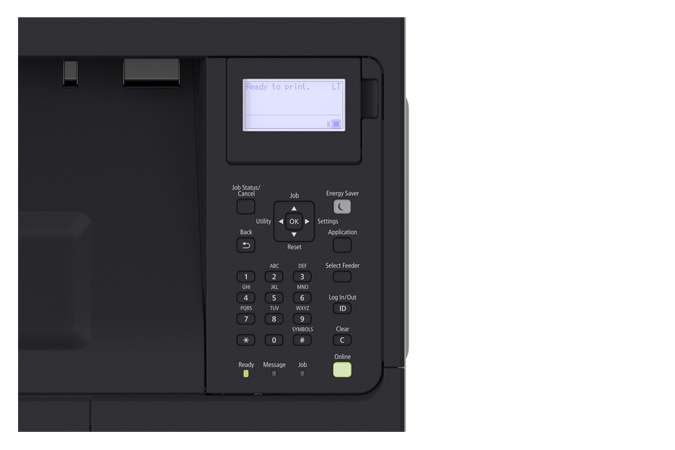
- tiltable, black-and-white LCD panel
- Variety of easy to use mobile features for printing on the go
- Low energy consumption
Specifications
General Specifications
|
Functions |
|
|
Replaces |
LBP6780dn |
|
Print Speeds |
Up to 45 ppm (1-sided, plain paper, letter) Up to 36.4 ppm (2-sided, plain paper, letter) |
|
Connectivity |
USB 2.0 High-Speed, 10/100/1000 Base-T Ethernet (Network) |
|
Standard Cassette |
Up to 550 Sheets |
|
Optional Cassette |
Up to 550 Sheets (x3) |
|
Multipurpose Tray |
100 Sheets |
|
Output Tray |
250 Sheets (face down) |
|
Duplex |
Yes |
|
Duty Cycle |
Up to 150,000 pages per month |
|
First Print Time |
Approx. 6.2 Seconds |
|
Print Resolution |
Up to 600 x 600 dpi, 1200 x 1200 dpi quality |
|
Print Memory |
1 GB |
|
Mobile Print |
Canon PRINT Business, Apple AirPrint, Mopria Print Service, Google Cloud Print |
|
Dimensions (W x D x H) |
16.1" x 14.8" x 10.9" |
|
Weight |
Approx. 34.2 lb. |
 Download Manufacturer Specifications
Accessories

Reviews


Paper jam? The best way to remove jammed paper is to gently pull the paper in the direction of the paper path - with power off, of course. Do not pull the paper backwards - you could damage your printer forever by doing so.
Misplaced your printer manual? You can usually find a replacement manual online at the manufacturer's website.
Don't move a print head unless the instructions direct it. You can damage the belt or other parts.
MY ACCOUNT
INFO & POLICIES
SHOP EASY
PAYMENT OPTIONS



