



 Shopping Cart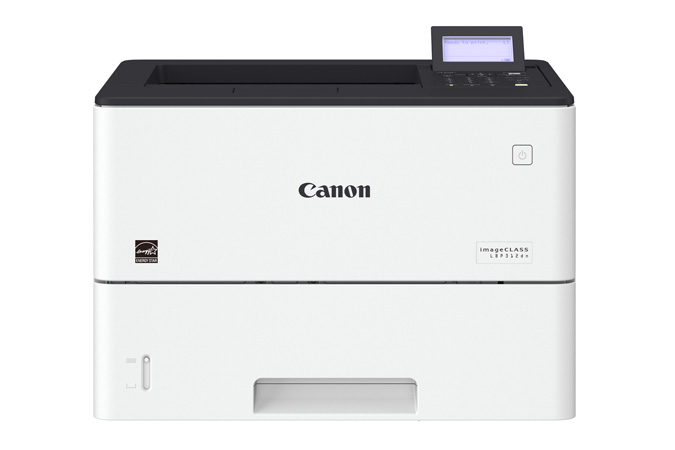



Product Details
Specifications
Accessories
Reviews
Product Details
Main Features
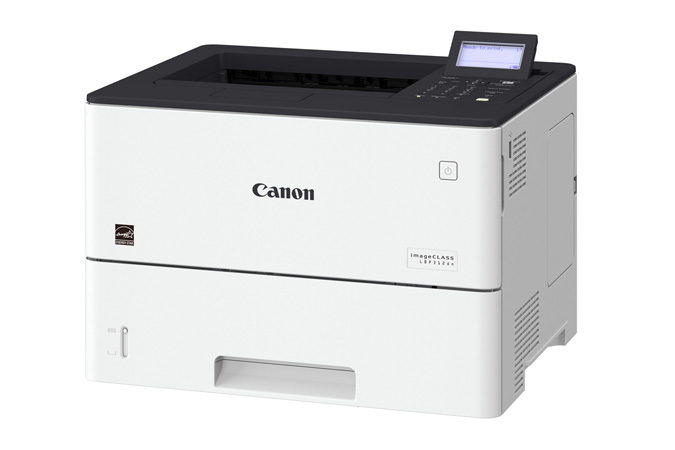
- Single function monochrome laser printer
- Print speed of 45 pages per minute
- Monthly duty cycle of 150,000 Pages
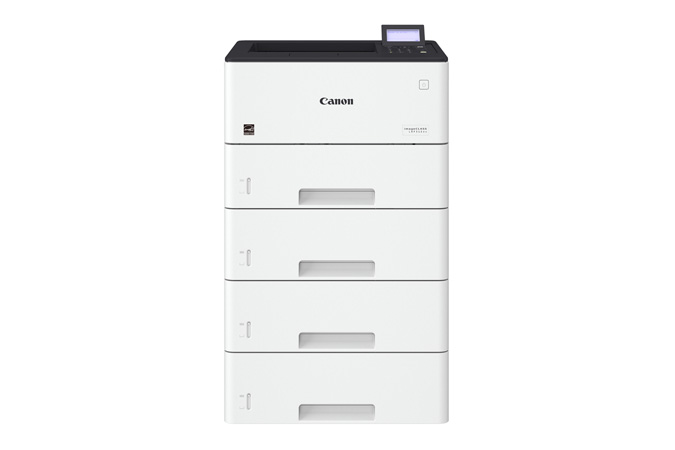
- Expandable paper capacity to 2300 sheets
- Eco-conscious, two-sided printing
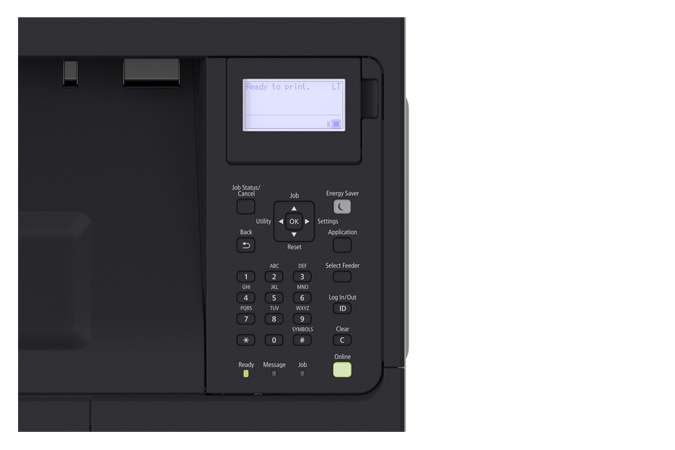
- tiltable, black-and-white LCD panel
- Variety of easy to use mobile features for printing on the go
- Low energy consumption
Specifications
General Specifications
|
Functions |
|
|
Replaces |
LBP6780dn |
|
Print Speeds |
Up to 45 ppm (1-sided, plain paper, letter) Up to 36.4 ppm (2-sided, plain paper, letter) |
|
Connectivity |
USB 2.0 High-Speed, 10/100/1000 Base-T Ethernet (Network) |
|
Standard Cassette |
Up to 550 Sheets |
|
Optional Cassette |
Up to 550 Sheets (x3) |
|
Multipurpose Tray |
100 Sheets |
|
Output Tray |
250 Sheets (face down) |
|
Duplex |
Yes |
|
Duty Cycle |
Up to 150,000 pages per month |
|
First Print Time |
Approx. 6.2 Seconds |
|
Print Resolution |
Up to 600 x 600 dpi, 1200 x 1200 dpi quality |
|
Print Memory |
1 GB |
|
Mobile Print |
Canon PRINT Business, Apple AirPrint, Mopria Print Service, Google Cloud Print |
|
Dimensions (W x D x H) |
16.1" x 14.8" x 10.9" |
|
Weight |
Approx. 34.2 lb. |
 Download Manufacturer Specifications
Accessories

Reviews


Use a lightly dampened cloth to clean the outside of your laser printer. To clean the inside, use a dry, lint-free cloth to make sure that no liquid enters the inner parts of the printer.
Make sure to select the correct paper type for your print job. In general, for more important documents, use thicker paper.
Tight on office space? Consider buying a machine with networking capabilities which will allow multiple users to use one printer.
MY ACCOUNT
INFO & POLICIES
SHOP EASY
PAYMENT OPTIONS



