



 Shopping Cart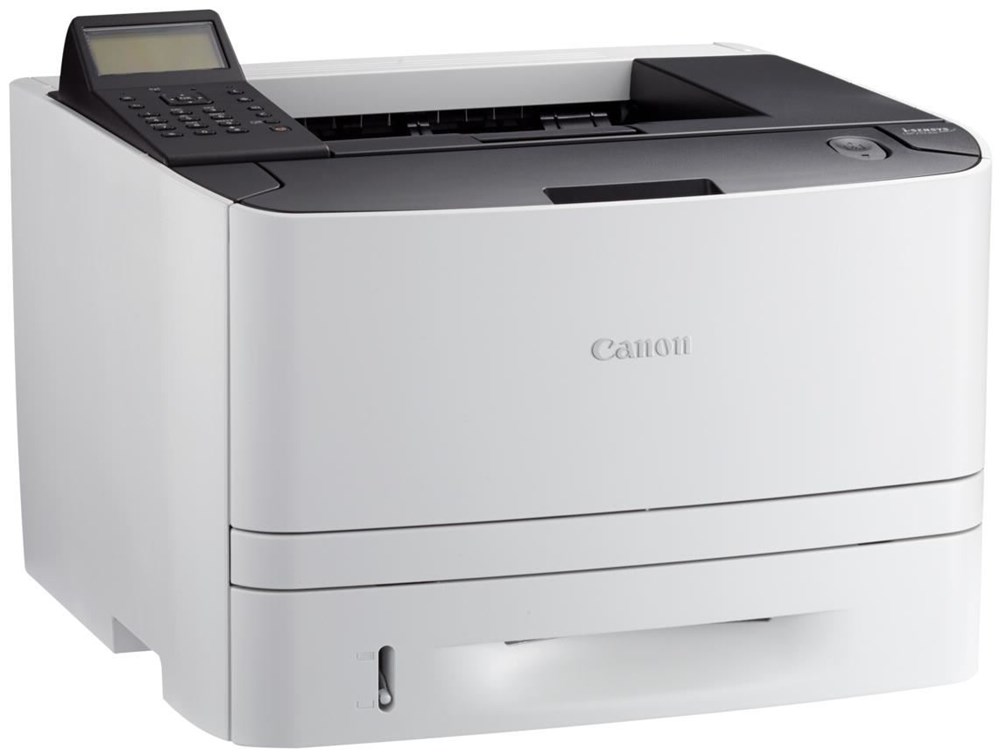




*** ALL TONERS AND SUPPLIES ARE IN STOCK AT DISCOUNTED PRICING , CALL +18882983095..
Printers do not include supplies - toners , drums (Imaging Units) (where applicable) , printer cables , manuals , consumables , trays (where applicable). Power cables are included. Drivers can be downloaded at www.hp.com. Please verify that drivers available are compatible with your software on HP’s site.
Images are for illustration purposes only and do not necessarily reflect the actual product.Product Details
Specifications
Accessories
Reviews
Product Details
Main Features
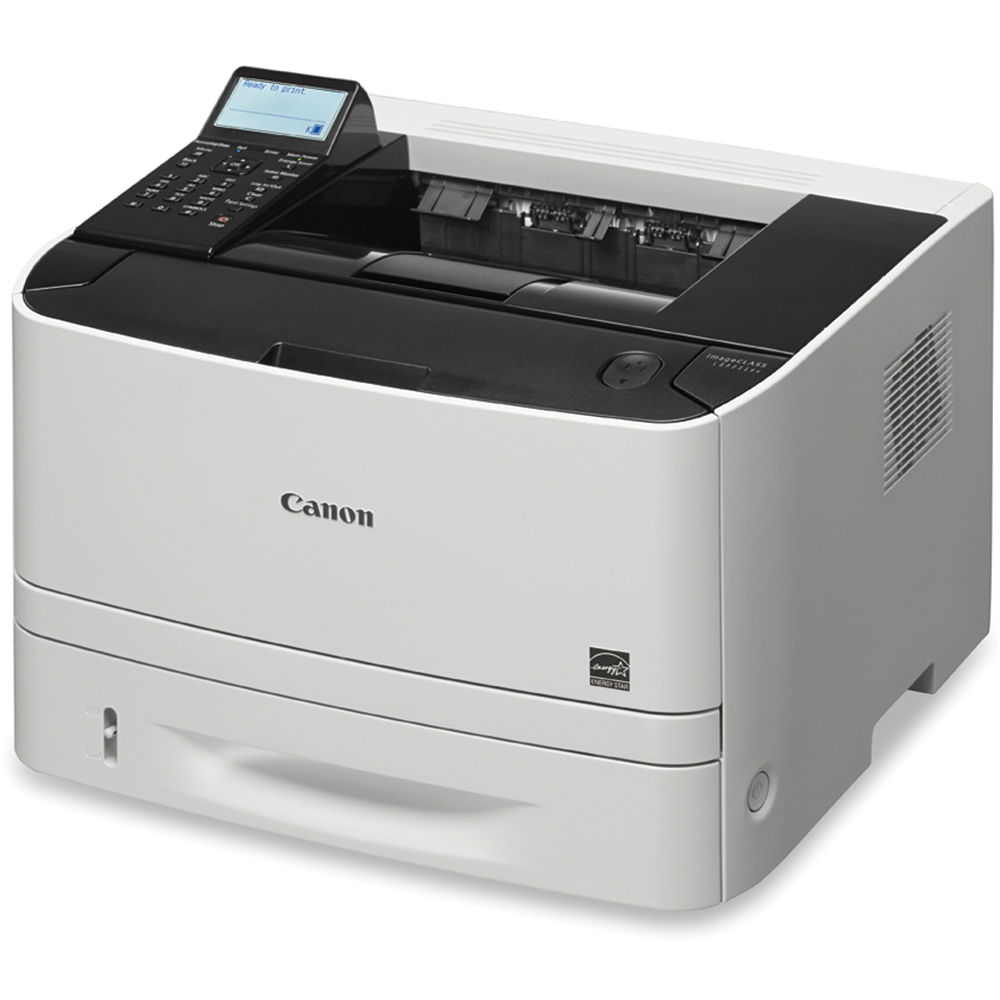
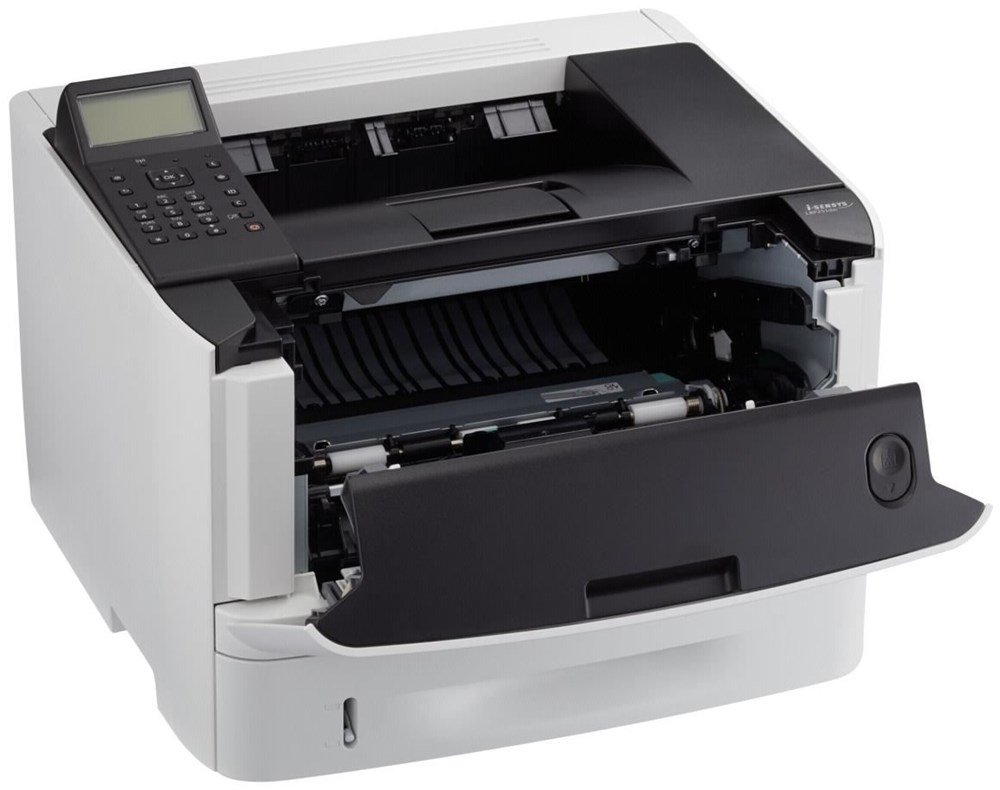
- Single function laser printer
- Monthly duty cycle of 50,000 Pages
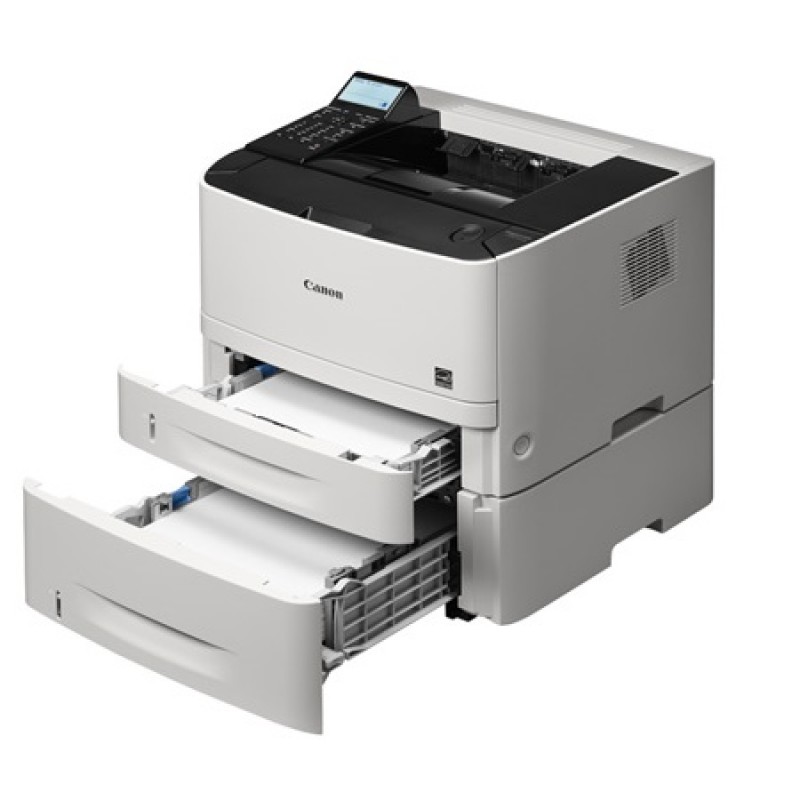
- Expandable paper capacity allows for up to 800 sheets
- Print speed of 30 pages per minute
- Duplex printing
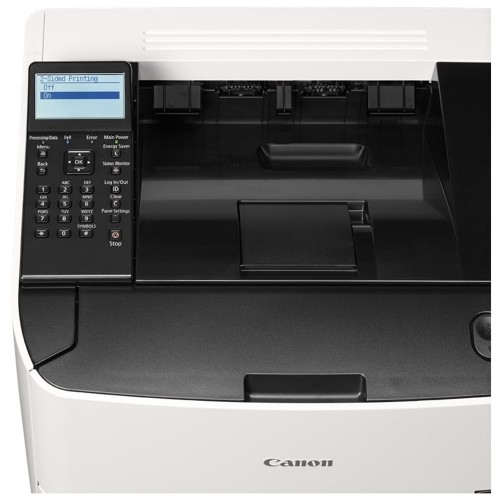
- User-friendly, 3.5-inch display
- Password protected Department ID Management
- WiFi Direct Connection
- Variety of easy to use mobile features for printing on the go
- Low energy consumption
Specifications
General Specifications
|
Functions |
|
|
Print Speeds |
Up to 30 ppm (1-sided, plain paper) Up to 16 ppm (2-sided, plain paper) |
|
Connectivity |
USB 2.0 High-Speed, 10/100/1000 Base-T Ethernet, Wi-Fi 802.11 b/g/n Wireless |
|
Standard Cassette |
250 Sheets |
|
Optional Cassette PF44 |
500 Sheets |
|
Multipurpose Tray |
50 Sheets |
|
Output Tray |
150 Sheets (face down) |
|
Duplex |
Yes |
|
Duty Cycle |
Up to 50,000 pages per month |
|
First Print Time |
Approx. 6 Seconds |
|
Print Resolution |
Up to 600 x 600 dpi, 1200 x 600 dpi quality |
|
Print Memory |
512 MB shared |
|
Mobile Print |
Canon PRINT Business, Apple AirPrint, Mopria Print Service, Google Cloud Print |
|
Dimensions (W x D x H) |
15.8" x 14.9" x 11.8" |
|
Weight |
Approx. 25.4 lb. |
 Download Manufacturer Specifications
Accessories

Reviews


Getting blank pages after you installed a new cartridge? Check that the sticker from the cartridge was properly removed. Alternatively, run the clean print head function to make sure all air bubbles are removed. Do not remove the cartridge once it has been installed.
Fed up of re-sorting your printouts? For those inkjets that don't have a reverse print feature in the driver, some programs offer printing in reverse order.
When power is applied, you should hear the print mechanism initialize and most printers have at least one light which will be illuminated when it is on.
MY ACCOUNT
INFO & POLICIES
SHOP EASY
PAYMENT OPTIONS



