



 Shopping Cart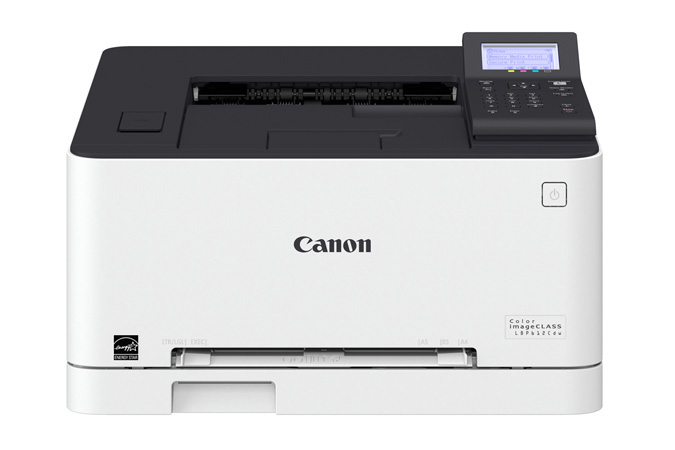



Product Details
Specifications
Accessories
Reviews
Product Details
Main Features
- Single function, color laser printer
- Print speed of 19 ppm
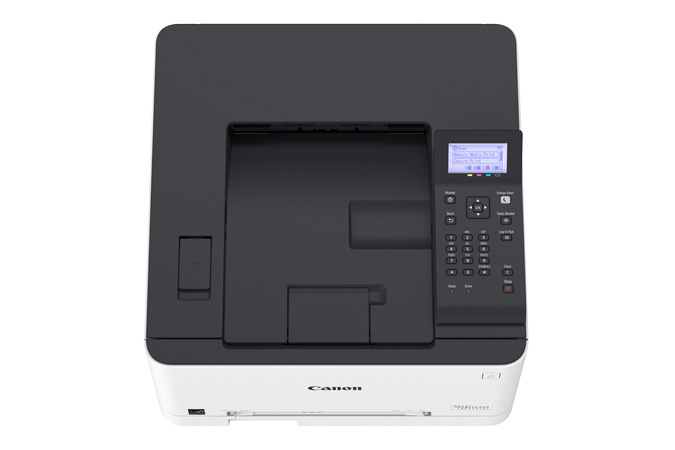
- Duplex printing
- Direct USB print
- Mobile print capabilities
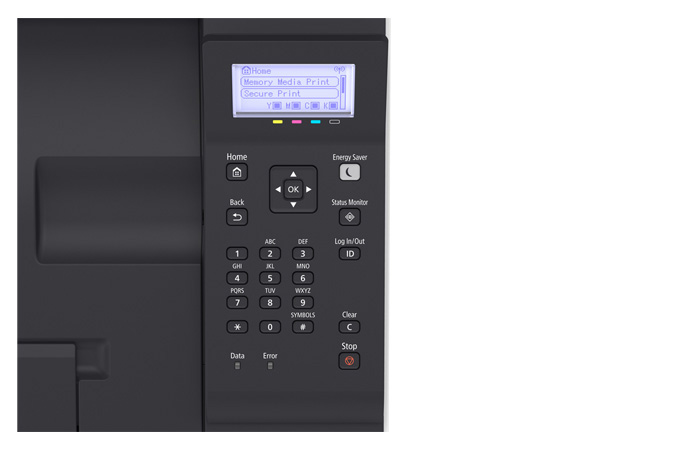
- User-friendly, 5-line, LCD Panel
- Low energy consumption
Specifications
General Specifications
|
Functions |
|
|
Print Speeds |
Up to 19 ppm* (1-sided, plain paper letter) Up to 11 ppm* (2-sided, plain paper letter) |
|
Connectivity |
USB 2.0 High-Speed, 10/100/1000Base-T Ethernet (Network), 802.11 b/g/n Wireless |
|
Standard Cassette |
Up to 150-Sheets (3" x 5" to 8.5" x 14") |
|
Multipurpose Tray |
One-sheet Manual Feed Slot (3" x 5" to 8.5" x 14") |
|
Output Tray |
100 Sheets (face down) |
|
Duplex |
Yes |
|
Duty Cycle |
Up to 30,000 pages per month |
|
First Print Time |
Color/Black: 11.9/10.7 Seconds |
|
Print Resolution |
Up to 600 x 600 dpi; 1200 x 1200 dpi Quality |
|
Print Memory |
1 GB |
|
Mobile Print |
Canon PRINT Business, Apple AirPrint, Mopria Print Service, Google Cloud Print |
|
Dimensions (W x D x H) |
17" x 16.5" x 10.8" |
|
Weight |
Approx. 29.7 lb. |
|
Energy Star |
Yes |
 Download Manufacturer Specifications
Accessories

Reviews


Printing photos? Make sure that they are of print quality - meaning 300dpi. Anything lower than this will appear pixelated and lower than photo quality.
Most printers have a built-in diagnostics program which can be very useful for troubleshooting problems and test-printing without a computer. They are usually initiated by pressing a button or two while turning on the printer.
Printer not working? The printer memory could be full and not getting prints or the prints may be stuck in the print queue. Turn-off the printer, wait a few seconds and turn it back on.
MY ACCOUNT
INFO & POLICIES
SHOP EASY
PAYMENT OPTIONS



