



 Shopping Cart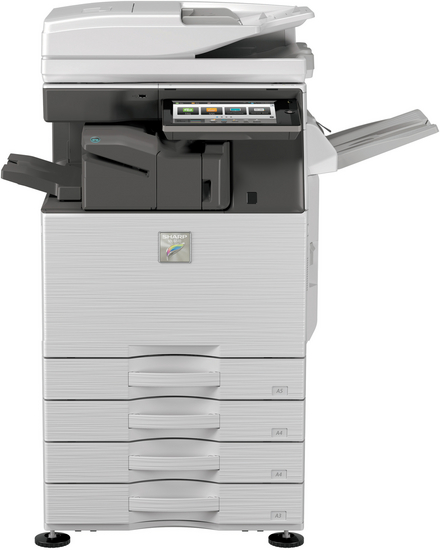




*** ALL TONERS AND SUPPLIES ARE IN STOCK AT DISCOUNTED PRICING , CALL +18882983095..
Printers do not include supplies - toners , drums (Imaging Units) (where applicable) , printer cables , manuals , consumables , trays (where applicable). Power cables are included. Drivers can be downloaded at www.hp.com. Please verify that drivers available are compatible with your software on HP’s site.
Images are for illustration purposes only and do not necessarily reflect the actual product.Product Details
Specifications
Accessories
Reviews
Product Details
Main Features
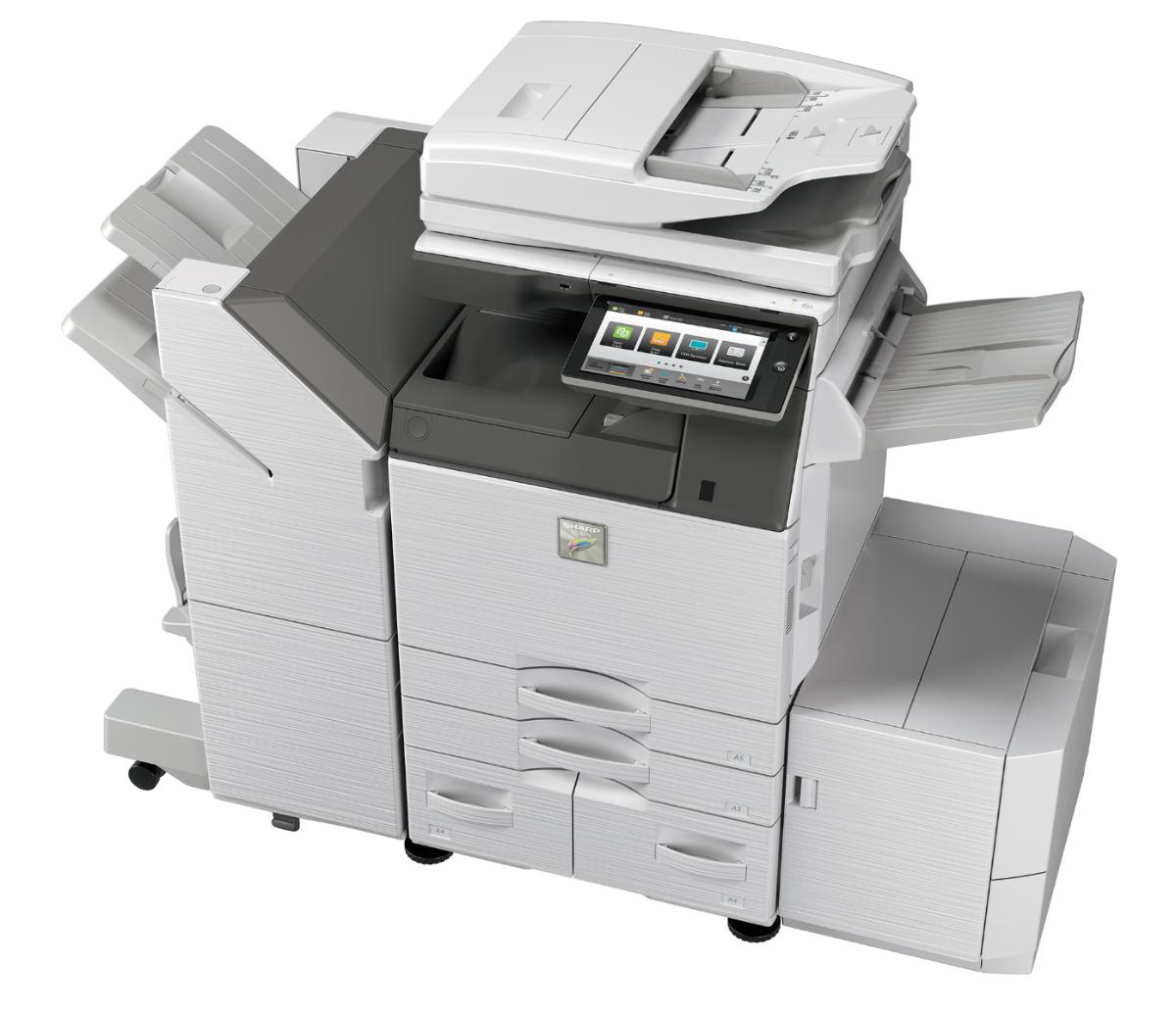
- 50 ppm B&W and Color networked digital MFP
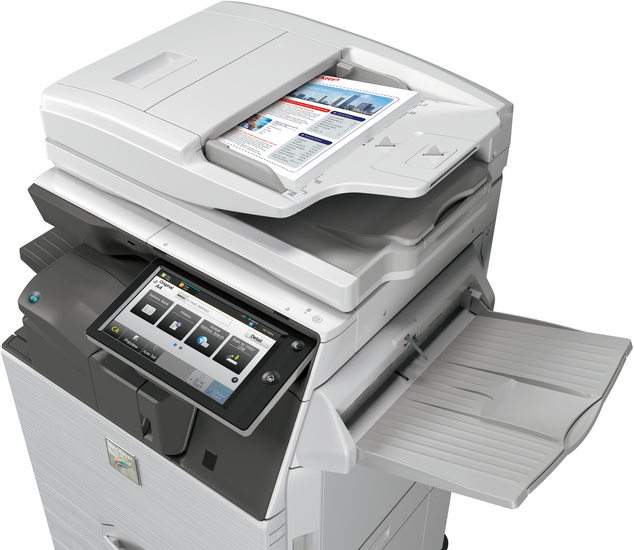
- 150-sheet duplexing single pass document feeder
- 6,300 maximum paper capacity
- Supports a wide variety of media
- 500 GB hard disk drive
- Quickly scan documents at a speed of 200 images per minute
- Automatic walk-up motion sensor
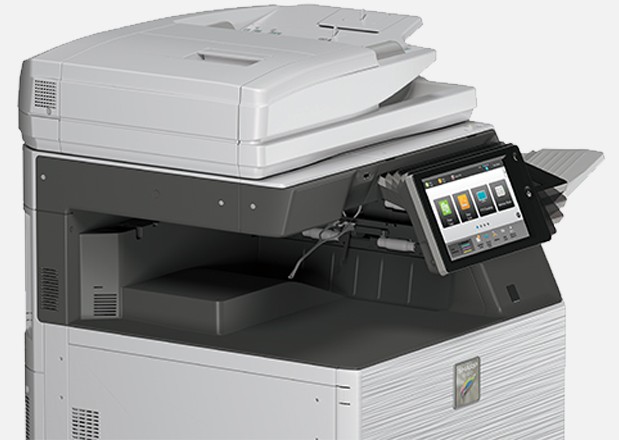
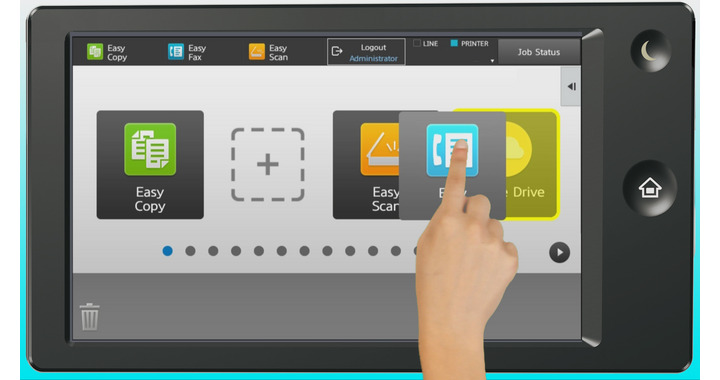
- User-friendly 10.1 inch customizable touchscreen
- Built-in retractable keyboard for easy data entry
- Enhanced security features
Specifications
General Specifications
|
Type |
Color Multifunction Digital Document System |
|
Functions |
Copy, print, network print, network scan, document filing and fax |
|
Copy Speed |
50 ppm (B&W/ color) |
|
Warm Up Time |
15 seconds or less |
|
Multiple Copy |
Up to 9999 |
|
Magnification |
25% to 400% in 1% increments |
|
Scan Speed |
Up to 200 ipm |
|
Paper Capacity |
Standard: 650 Sheets Maximum: 6,300 Sheets |
|
Duplexing |
Standard automatic duplex copying and printing |
|
Memory |
Standard 5GB copy/print (shared)
|
|
Hard Disk Drive |
500 GB |
|
Copy Resolution |
Scan: Up to 600 x 600 dpi (B/W & color) Output: Up to 1200 x 1200 dpi (B/W), up to 600 x 600 dpi (color) |
|
Cloud Supported Services |
Sharp Cloud Portal Office, Google Cloud Print, Google Drive, OneDrive for Business, SharePoint Online |
|
Power Consumption |
1.92 kW or less |
|
Weight |
Approx. 198 lbs |
|
Dimensions (W x D x H) |
Approx. 24 x 26 x 33 inches |
 Download Manufacturer Specifications
Accessories

Reviews


Make sure to include a stapling option if you need stapled copies.
The Monthly Duty Cycle or Maximum Monthly Volume is the largest number of copies that your machine can handle in one month.
What is PPM? The speed of your copier in pages per minute. This is sometimes referred to as CPM - copies per minute.
MY ACCOUNT
INFO & POLICIES
SHOP EASY
PAYMENT OPTIONS



