



 Shopping Cart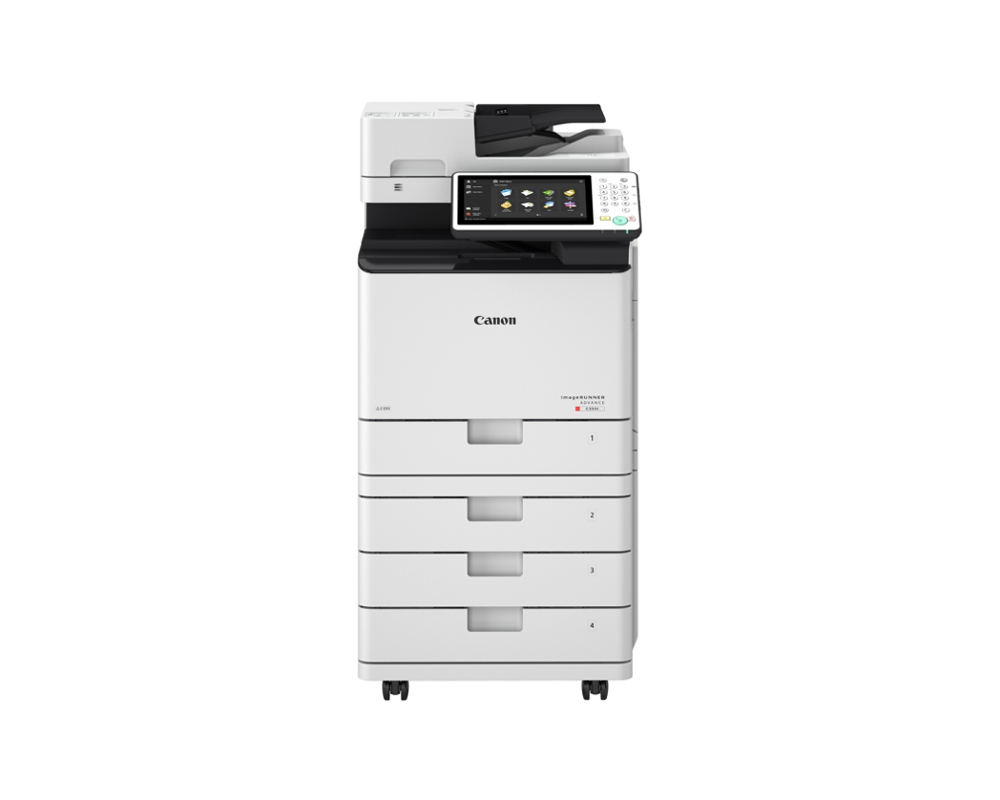


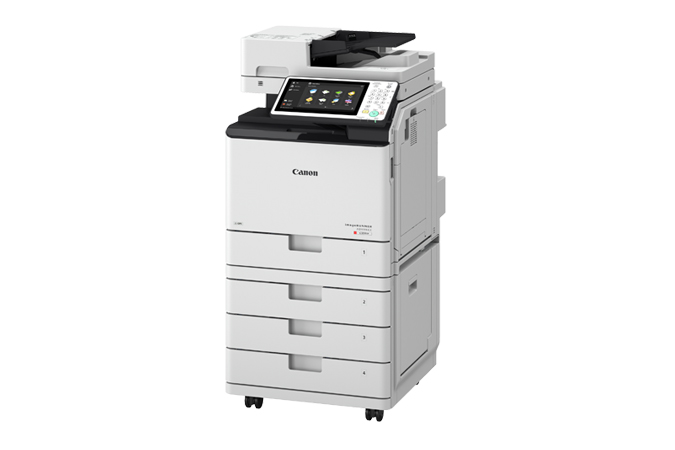
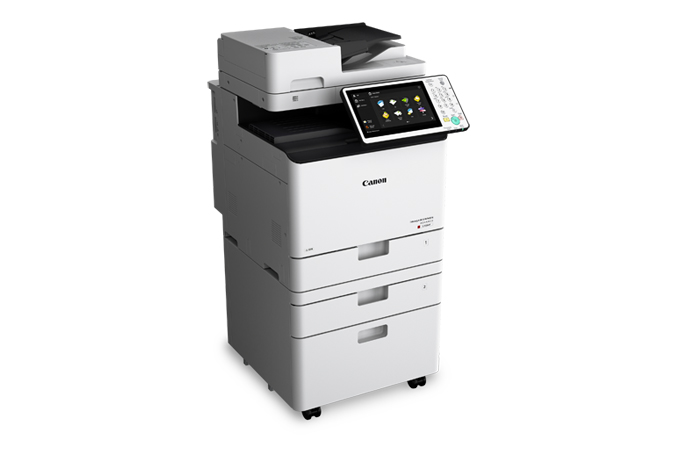
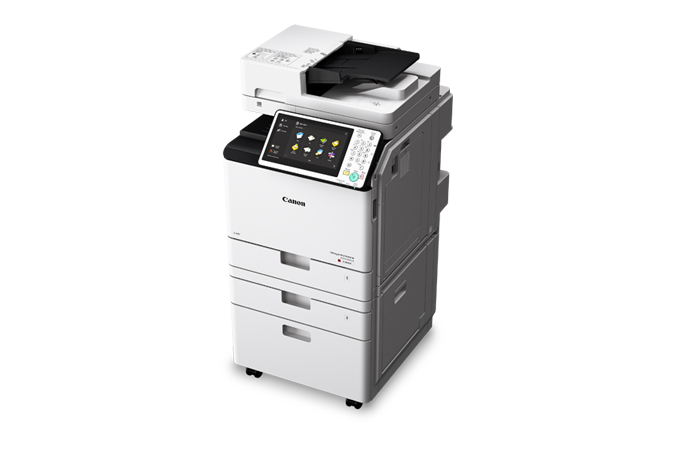
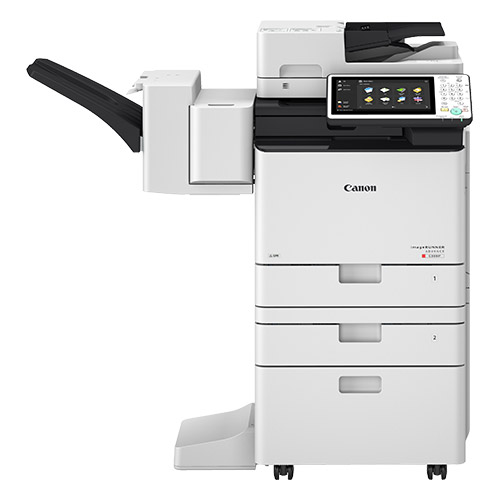


Product Details
Specifications
Accessories
Reviews
Product Details
Main Features:
- Copy, Print, Scan and Fax
- Compact and efficient design
- 36 pages per minute in black-and-white and color
- 2,300-sheet maximum paper capacity
- Scan up to 100 ipm (300 dpi) (BW, color, duplex)
- Scan directly to Microsoft® PowerPoint® and Searchable PDF formats
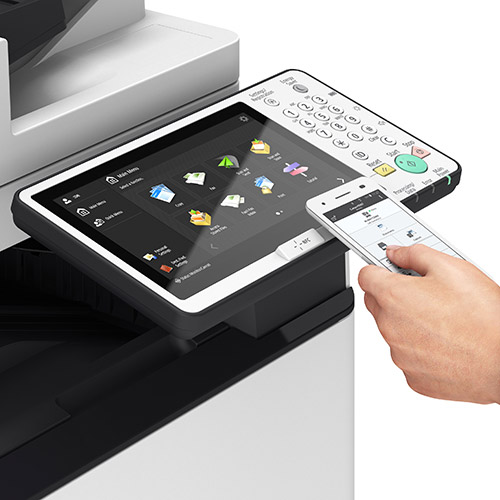
- Intuitive user interface
Specifications
General Specifications:
|
Type |
Color Laser Multifunctional |
|
Core Functions |
Print, Copy, Scan, Send, Store, Fax (Line One Standard, Line Two Optional) |
|
Memory |
3 GB RAM |
|
Hard Disk Drive |
250 GB |
|
Paper Input Capacity |
Standard: 650 Sheets Max.: 2,300 Sheets |
|
Output Capacity |
Standard: 250 Sheets Max.: 500 Sheets (with STAPLE FINISHER-Z1) |
|
Finishing Capabilities |
Standard: Collate, Group With External Finisher: Collate, Group, Offset, Staple |
|
Dimensions (W x D x H) |
Standard (Desktop): 20-1/8" x 25-1/8" x 25-5/8" |
|
Weight |
Standard (Desktop): Approx. 108 lb. |
|
Print/Copy Speed |
Up to 36 pages (Mono/Color) |
|
Warm Up Time |
From power on: 30 Seconds From sleep mode: 10 seconds |
|
Print Resolution |
1200 x600 dpi |
|
Direct Print |
Available from USB, Advanced Box, Remote UI, and Web Access |
|
1st Copy Out time |
5.1 sec./6.9 sec. (mono/color) |
|
Copy Resolution |
600 x 600 dpi |
|
Multi-copy |
1-999 |
|
Magnification |
25-400% (1% increments) |
|
Scan Type |
Single-pass Duplexing Automatic Document Feeder |
|
Document Feeder Paper Capacity |
100 Sheets (20 lb. Bond) |
|
Scan Speed |
Single-sided Scanning (BW/CL): 50 ipm (300 dpi)/30 ipm (600 dpi) Double-sided Scanning (BW/CL): 100 ipm (300 dpi)/50 ipm (600 dpi) |
|
Fax Modem Speed |
Super G3: 33.6 Kbps G3: 14.4 Kbps |
|
Fax Memory |
Up to 30,000 Pages |
|
Fax Resolution |
400 x 400, 200 x 400, 200 x 200, 200 x 100 |
 Download Manufacturer Specifications
Accessories

Reviews


Do not store paper you are planning to use in a copier or printer in direct sunlight as this will cause it to dry out and fade.
Copiers can take up a large amount of office space. Make sure you measure the room you intend to use the copier in and check it will fit properly.
Do not mix two types of paper in one tray of the copier.
MY ACCOUNT
INFO & POLICIES
SHOP EASY
PAYMENT OPTIONS



