



 Shopping Cart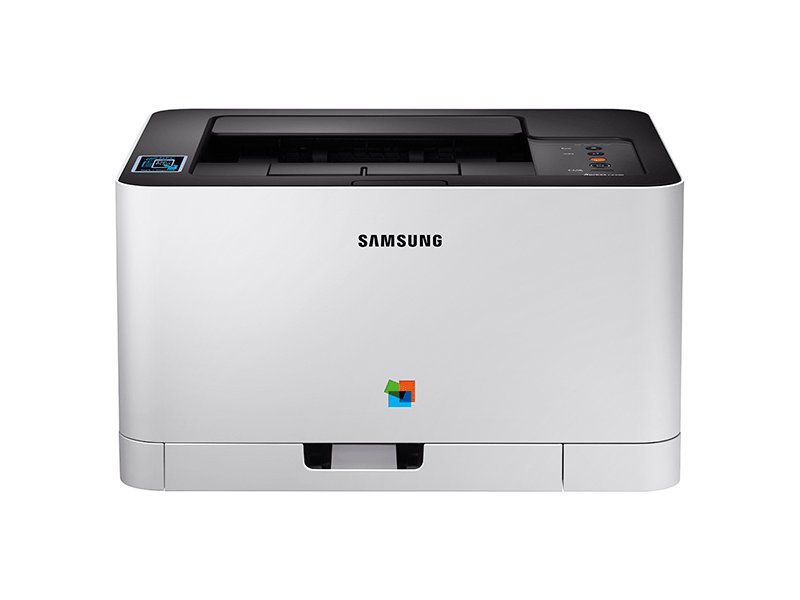



*** ALL TONERS AND SUPPLIES ARE IN STOCK AT DISCOUNTED PRICING , CALL +18882983095..
Printers do not include supplies - toners , drums (Imaging Units) (where applicable) , printer cables , manuals , consumables , trays (where applicable). Power cables are included. Drivers can be downloaded at www.hp.com. Please verify that drivers available are compatible with your software on HP’s site.
Product Details
Specifications
Accessories
Reviews
Product Details
Main Features
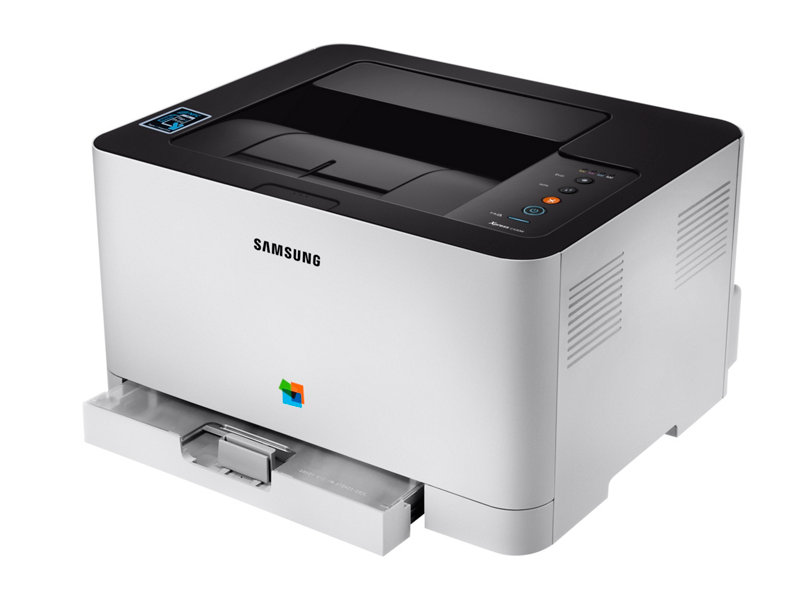
- Color Laser Printer
- Print speed: 18ppm
- Brilliant text and image quality
- Double sided printing
- One touch echo button
- Wireless Connectivity
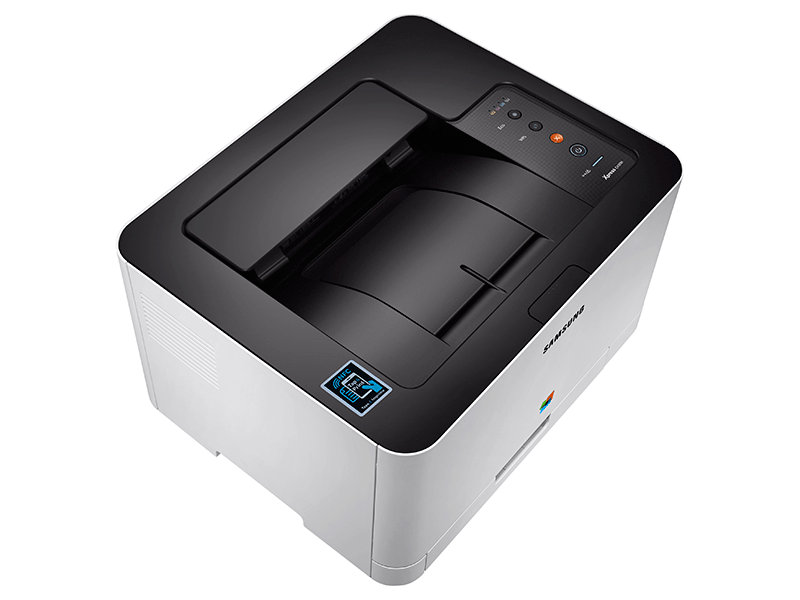
- NFC Tap & Print
Specifications
General Specifications
|
Type |
Color Printer |
|
Speed (Mono/Color) |
18/4 |
|
First Print Out Time (Mono/Color) |
14/26 seconds |
|
Resolution |
Optical 600 x 600 dpi Enhanced 2400 x 600 dpi |
|
Duplex |
Manual |
|
Input Paper Capacity |
150-sheet |
|
Output Paper Capacity |
50-sheet |
|
Processor |
400 MHz |
|
Memory |
64 MB |
|
Operational Panel |
LED |
|
Interface |
High-speed USB 2.0, Ethernet Wireless, NFC |
|
Dimensions (W x D x H) |
15" x 12.2" x 8.3" |
|
Weight |
21.96 lbs |
 Download Manufacturer Specifications
Accessories

Reviews


Don't move a print head unless the instructions direct it. You can damage the belt or other parts.
Your printer is not a dumping ground. Don't pile documents or other things on top of it, as they could cause damage. Your printer could overheat and this could result in malfunctioning and even a reduction in the printer's life.
Paper jam? The best way to remove jammed paper is to gently pull the paper in the direction of the paper path - with power off, of course. Do not pull the paper backwards - you could damage your printer forever by doing so.
MY ACCOUNT
INFO & POLICIES
SHOP EASY
PAYMENT OPTIONS



