



 Shopping Cart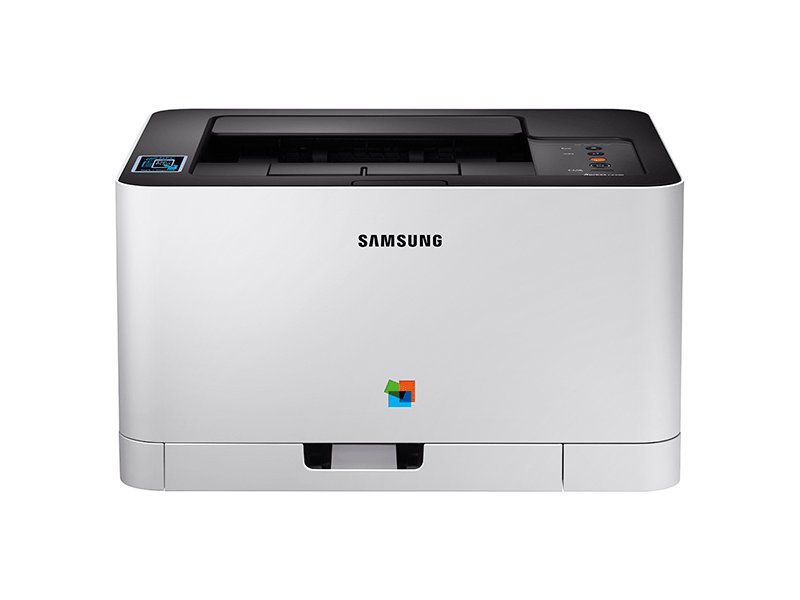



*** ALL TONERS AND SUPPLIES ARE IN STOCK AT DISCOUNTED PRICING , CALL +18882983095..
Printers do not include supplies - toners , drums (Imaging Units) (where applicable) , printer cables , manuals , consumables , trays (where applicable). Power cables are included. Drivers can be downloaded at www.hp.com. Please verify that drivers available are compatible with your software on HP’s site.
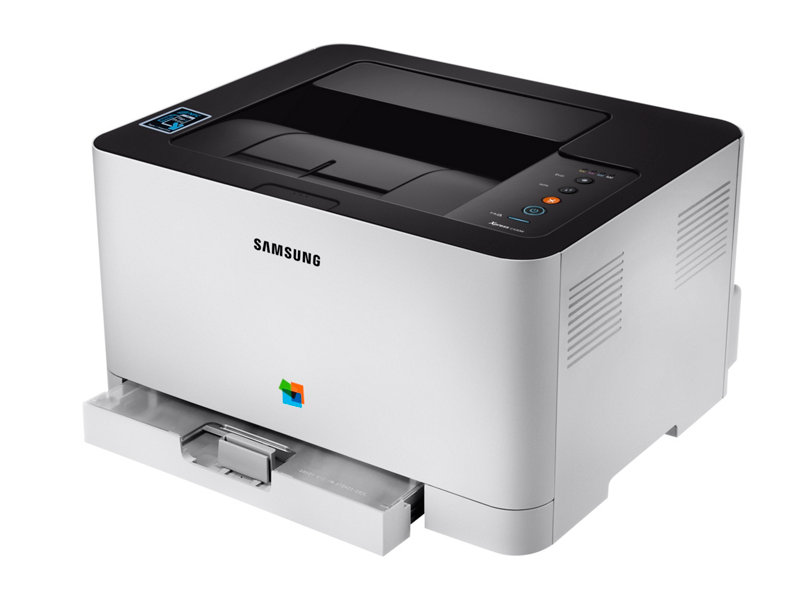
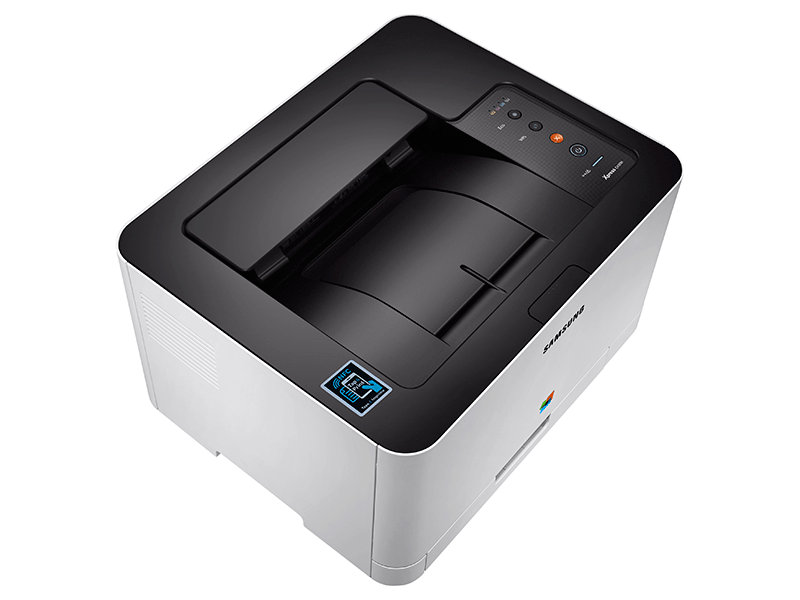
Images are for illustration purposes only and do not necessarily reflect the actual product.Product Details
Specifications
Accessories
Reviews
Product Details
Main Features
- Color Laser Printer
- Print speed: 18ppm
- Brilliant text and image quality
- Double sided printing
- One touch echo button
- Wireless Connectivity
- NFC Tap & Print
Specifications
General Specifications
|
Type |
Color Printer |
|
Speed (Mono/Color) |
18/4 |
|
First Print Out Time (Mono/Color) |
14/26 seconds |
|
Resolution |
Optical 600 x 600 dpi Enhanced 2400 x 600 dpi |
|
Duplex |
Manual |
|
Input Paper Capacity |
150-sheet |
|
Output Paper Capacity |
50-sheet |
|
Processor |
400 MHz |
|
Memory |
64 MB |
|
Operational Panel |
LED |
|
Interface |
High-speed USB 2.0, Ethernet Wireless, NFC |
|
Dimensions (W x D x H) |
15" x 12.2" x 8.3" |
|
Weight |
21.96 lbs |
 Download Manufacturer Specifications
Accessories

Reviews


Media settings on your printer determine how much ink will be used. Thinly coated glossy films require less ink, while plain paper soaks in more.
Paper jam? The best way to remove jammed paper is to gently pull the paper in the direction of the paper path - with power off, of course. Do not pull the paper backwards - you could damage your printer forever by doing so.
Fed up of re-sorting your printouts? For those inkjets that don't have a reverse print feature in the driver, some programs offer printing in reverse order.
MY ACCOUNT
INFO & POLICIES
SHOP EASY
PAYMENT OPTIONS



