



 Shopping Cart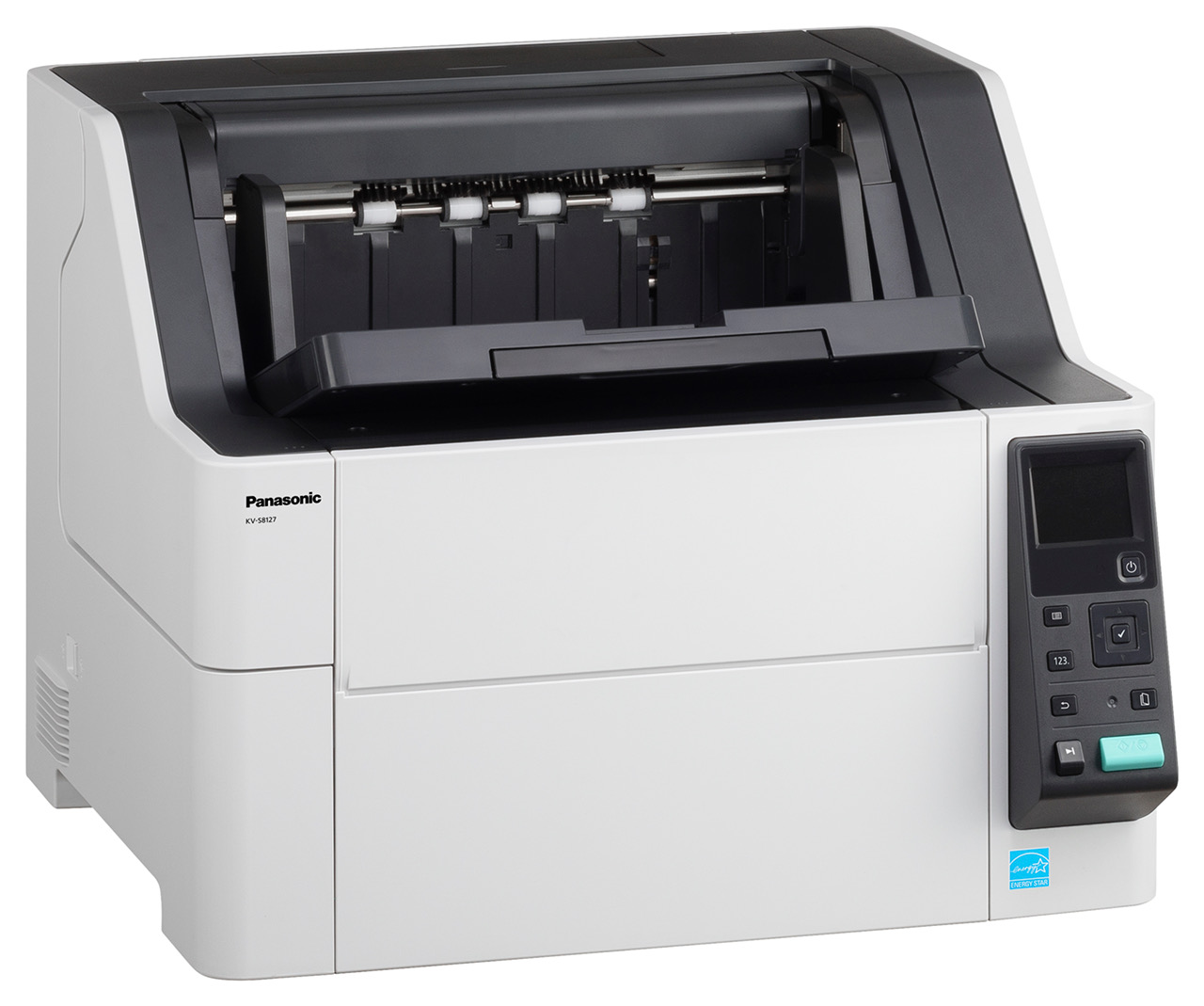




*** ALL TONERS AND SUPPLIES ARE IN STOCK AT DISCOUNTED PRICING , CALL +18882983095..
Printers do not include supplies - toners , drums (Imaging Units) (where applicable) , printer cables , manuals , consumables , trays (where applicable). Power cables are included. Drivers can be downloaded at www.hp.com. Please verify that drivers available are compatible with your software on HP’s site.
Images are for illustration purposes only and do not necessarily reflect the actual product.Product Details
Specifications
Accessories
Reviews
Product Details
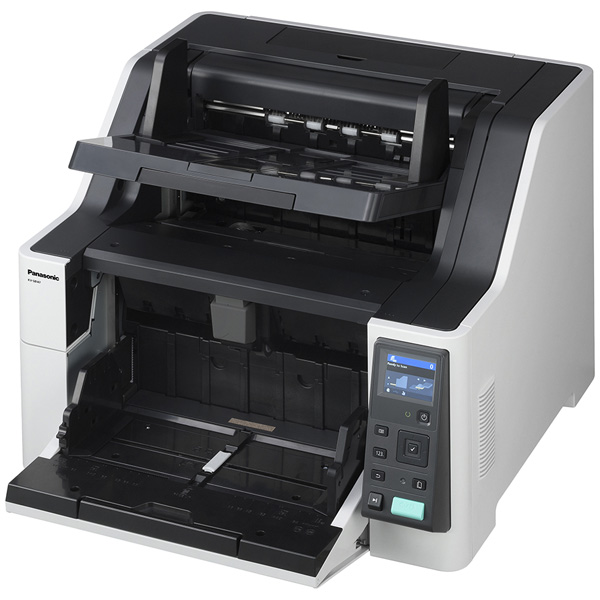
Main Features
- 120 ppm/240 ipm
- 750 Sheet ADF
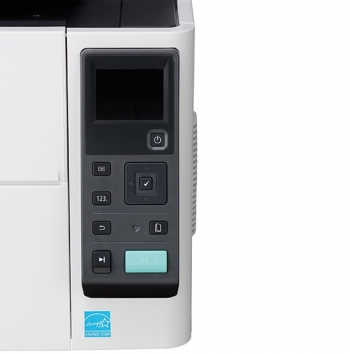
- Full color LCD
- Reliable Paper Feed
- Moveable Exit Tray
- Duplex Scanning
- Mixed Document Feeding
- Long Life Roller- 600,000 Sheet Operation
- Easy Maintenance
Specifications
 Download Manufacturer Specifications
Accessories

Reviews


If your scanner gives a ‘Scanner Access failed’ or a ‘Scanner not found’ message it may be because your scanner wasn't switched on before you started your computer.
If you'll be happy with photo scans that can be viewed onscreen or reprinted at the same size, but with noticeable color shifts and loss of resolution, consider using an inexpensive sheet fed scanner.
When selecting a scanner it is worth considering how the scanner interfaces with your computer. The interface does not affect the image quality, but it does affect the scanning speed.
MY ACCOUNT
INFO & POLICIES
SHOP EASY
PAYMENT OPTIONS



