



 Shopping Cart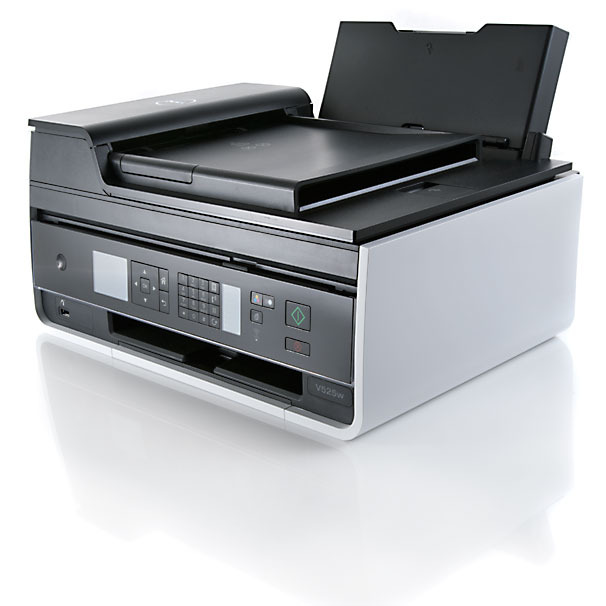



*** ALL TONERS AND SUPPLIES ARE IN STOCK AT DISCOUNTED PRICING , CALL +18882983095..
Printers do not include supplies - toners , drums (Imaging Units) (where applicable) , printer cables , manuals , consumables , trays (where applicable). Power cables are included. Drivers can be downloaded at www.hp.com. Please verify that drivers available are compatible with your software on HP’s site.
Images are for illustration purposes only and do not necessarily reflect the actual product.Product Details
Specifications
Accessories
Reviews
Product Details
Main Features
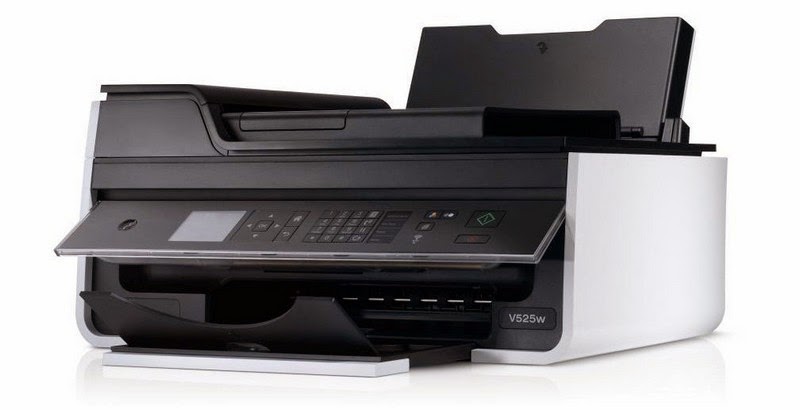
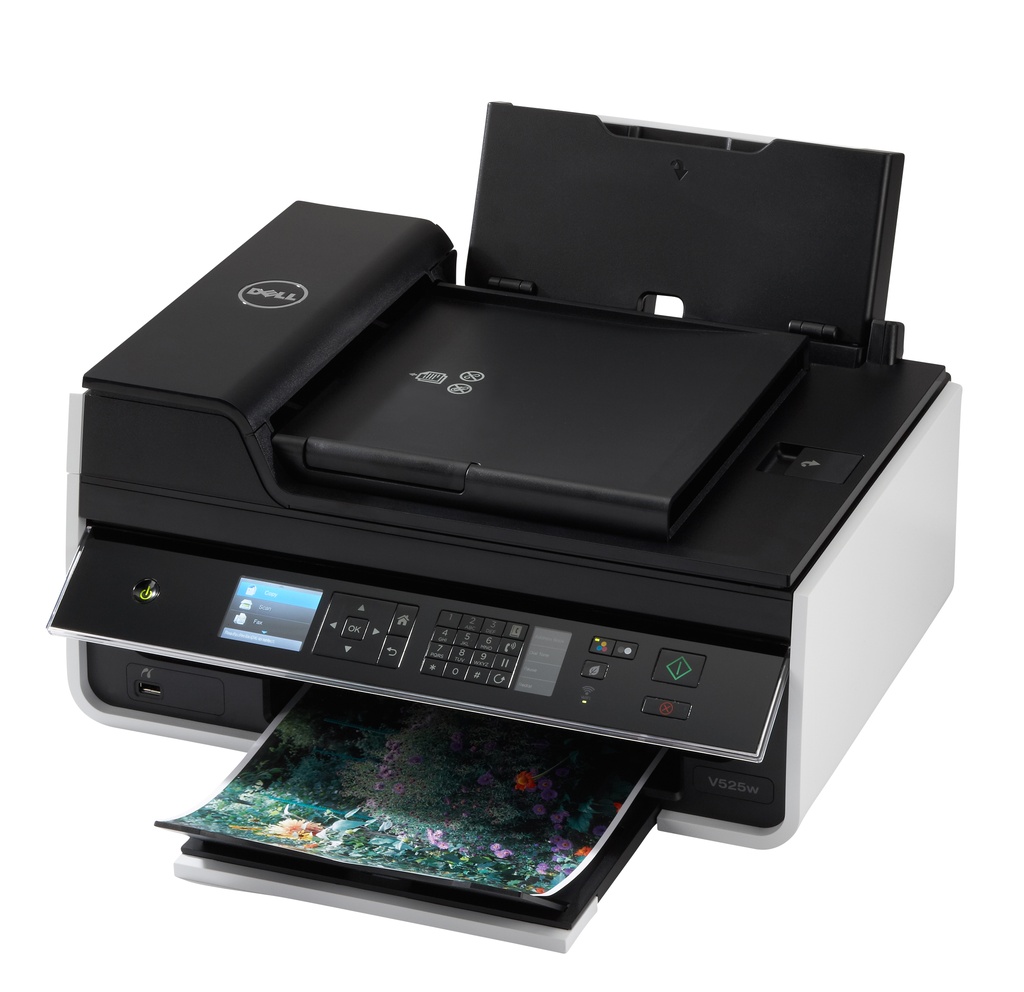
- Print, Copy, Scan and Fax
- Space-saving Device
- Print Speeds: 35 ppm B&W; 30ppm color
- 2.4” color LCD display
- 35-sheet Automatic Document Feeder
- Built-in duplexer for two-sided printing
- WiFi capability
- Eco-Mode button to conserve energy
Specifications
 Download Manufacturer Specifications
Accessories
*** ALL TONERS AND SUPPLIES ARE IN STOCK AT DISCOUNTED PRICING , CALL +18882983095
Reviews


When power is applied, you should hear the print mechanism initialize and most printers have at least one light which will be illuminated when it is on.
If debris is the primary cause of failures, toner is the primary cause of debris. All toner cartridges release a small amount of toner powder into the machine. This is why it's important to clean the machine when you change the cartridge.
Getting blank pages after you installed a new cartridge? Check that the sticker from the cartridge was properly removed. Alternatively, run the clean print head function to make sure all air bubbles are removed. Do not remove the cartridge once it has been installed.
MY ACCOUNT
INFO & POLICIES
SHOP EASY
PAYMENT OPTIONS



