



 Shopping Cart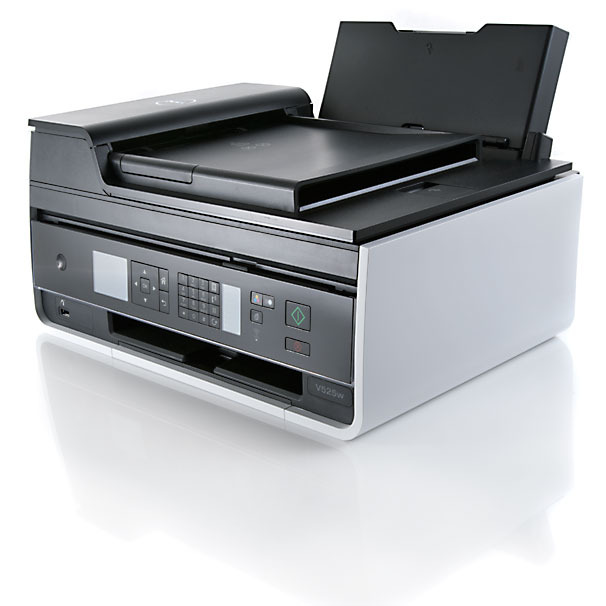



*** ALL TONERS AND SUPPLIES ARE IN STOCK AT DISCOUNTED PRICING , CALL +18882983095..
Printers do not include supplies - toners , drums (Imaging Units) (where applicable) , printer cables , manuals , consumables , trays (where applicable). Power cables are included. Drivers can be downloaded at www.hp.com. Please verify that drivers available are compatible with your software on HP’s site.
Product Details
Specifications
Accessories
Reviews
Product Details
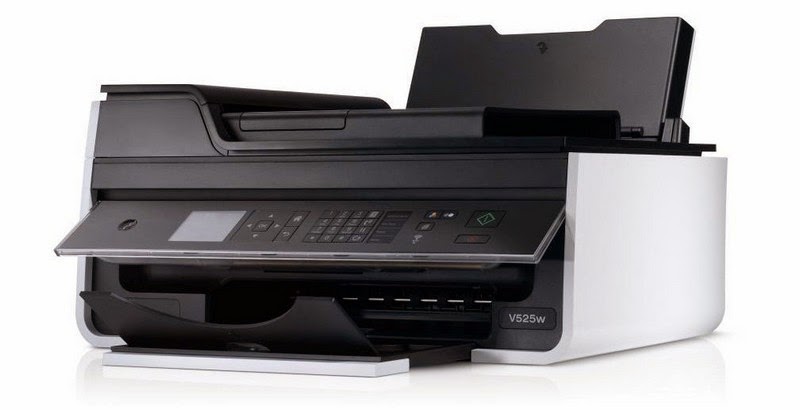
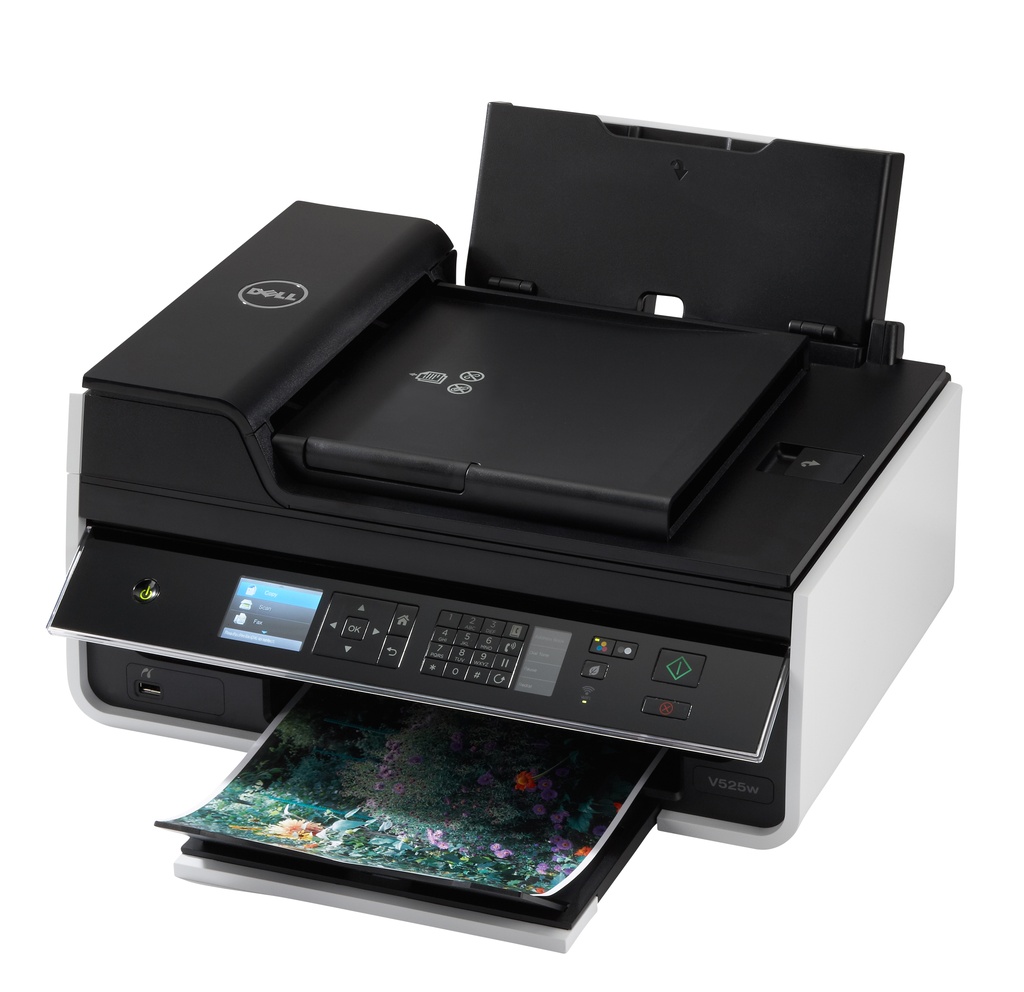
Main Features
- Print, Copy, Scan and Fax
- Space-saving Device
- Print Speeds: 35 ppm B&W; 30ppm color
- 2.4” color LCD display
- 35-sheet Automatic Document Feeder
- Built-in duplexer for two-sided printing
- WiFi capability
- Eco-Mode button to conserve energy
Specifications
 Download Manufacturer Specifications
Accessories
*** ALL TONERS AND SUPPLIES ARE IN STOCK AT DISCOUNTED PRICING , CALL +18882983095
Reviews


After installing a printer, go to the Windows dialog box and check the settings, so you won't be surprised by what happens the first time you print.
Most printers have a built-in diagnostics program which can be very useful for troubleshooting problems and test-printing without a computer. They are usually initiated by pressing a button or two while turning on the printer.
It is always better to use original branded ink cartridges to reduce chances of clogging, leaking and bleeding.
MY ACCOUNT
INFO & POLICIES
SHOP EASY
PAYMENT OPTIONS



