



 Shopping Cart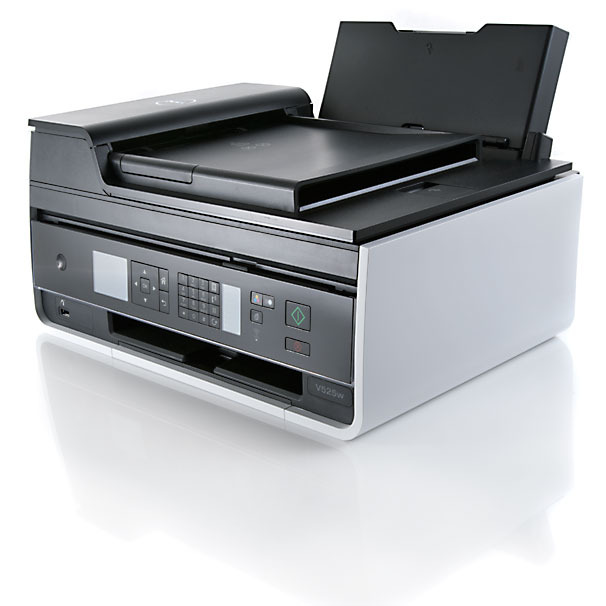



*** ALL TONERS AND SUPPLIES ARE IN STOCK AT DISCOUNTED PRICING , CALL +18882983095..
Printers do not include supplies - toners , drums (Imaging Units) (where applicable) , printer cables , manuals , consumables , trays (where applicable). Power cables are included. Drivers can be downloaded at www.hp.com. Please verify that drivers available are compatible with your software on HP’s site.
Images are for illustration purposes only and do not necessarily reflect the actual product.Product Details
Specifications
Accessories
Reviews
Product Details
Main Features
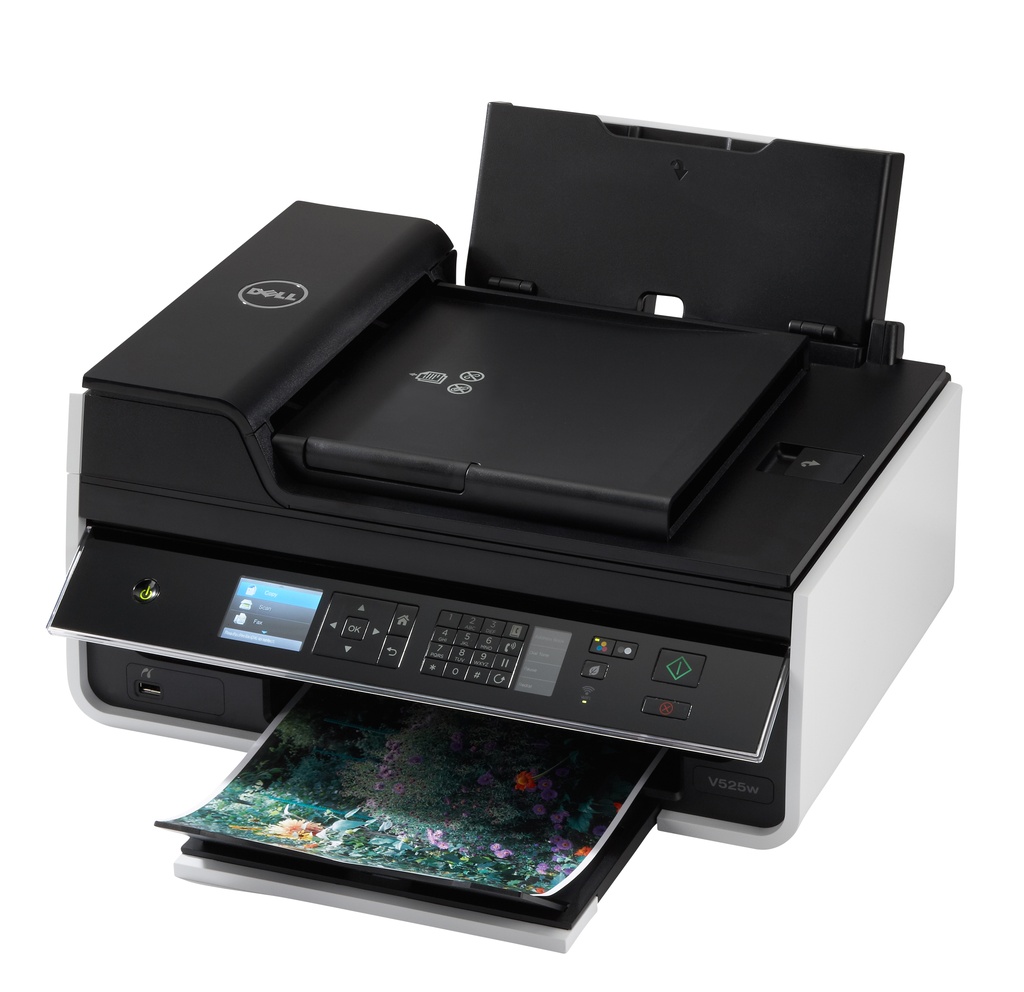
- Print, Copy, Scan and Fax
- Space-saving Device
- Print Speeds: 35 ppm B&W; 30ppm color
- 2.4” color LCD display
- 35-sheet Automatic Document Feeder
- Built-in duplexer for two-sided printing
- WiFi capability
- Eco-Mode button to conserve energy
Specifications
 Download Manufacturer Specifications
Accessories
*** ALL TONERS AND SUPPLIES ARE IN STOCK AT DISCOUNTED PRICING , CALL +18882983095
Reviews


Using heavy or stiff paper? Feed the paper one sheet at a time or try placing a sheet of plain copier or bond paper behind a heavy sheet.
Are your printer nozzles getting clogged? Try adding a humidifier to the room where you keep your printer.
Be sure that you are printing on the 'right' side of the paper - that is - the coated side.
MY ACCOUNT
INFO & POLICIES
SHOP EASY
PAYMENT OPTIONS



