



 Shopping Cart
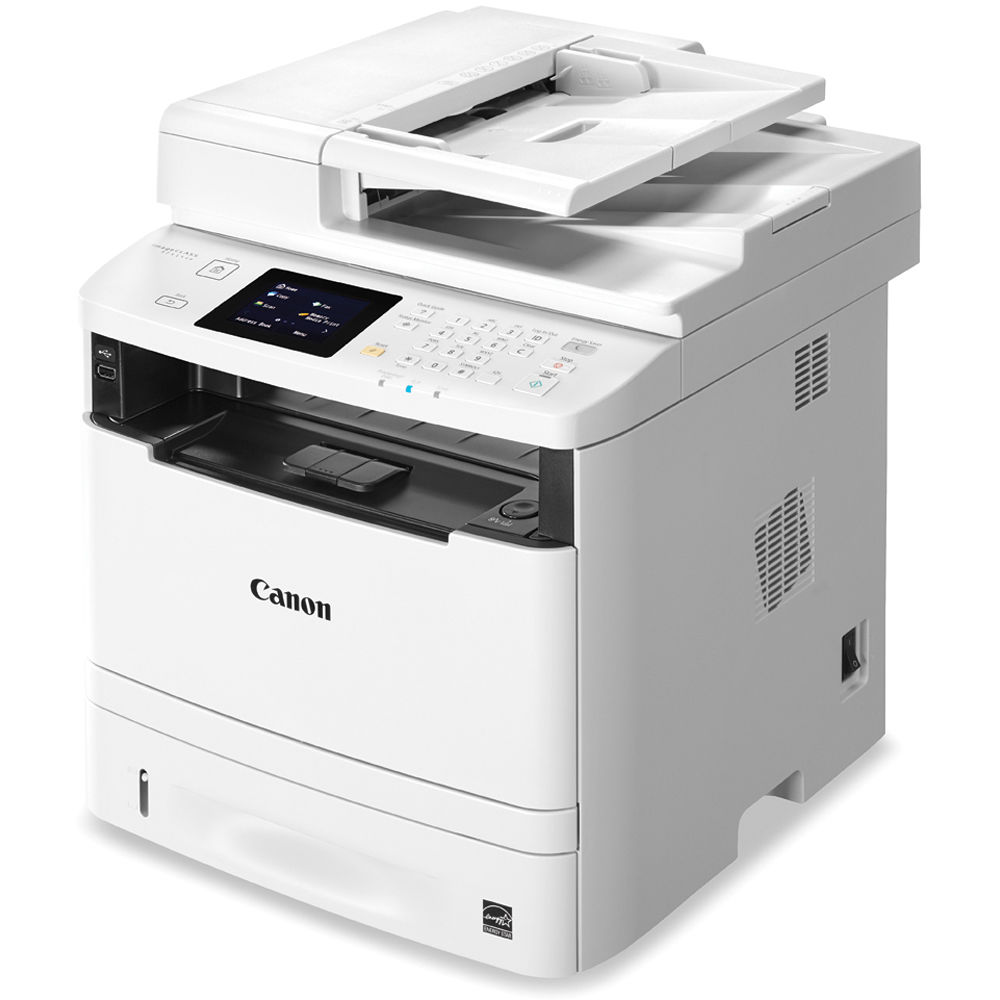
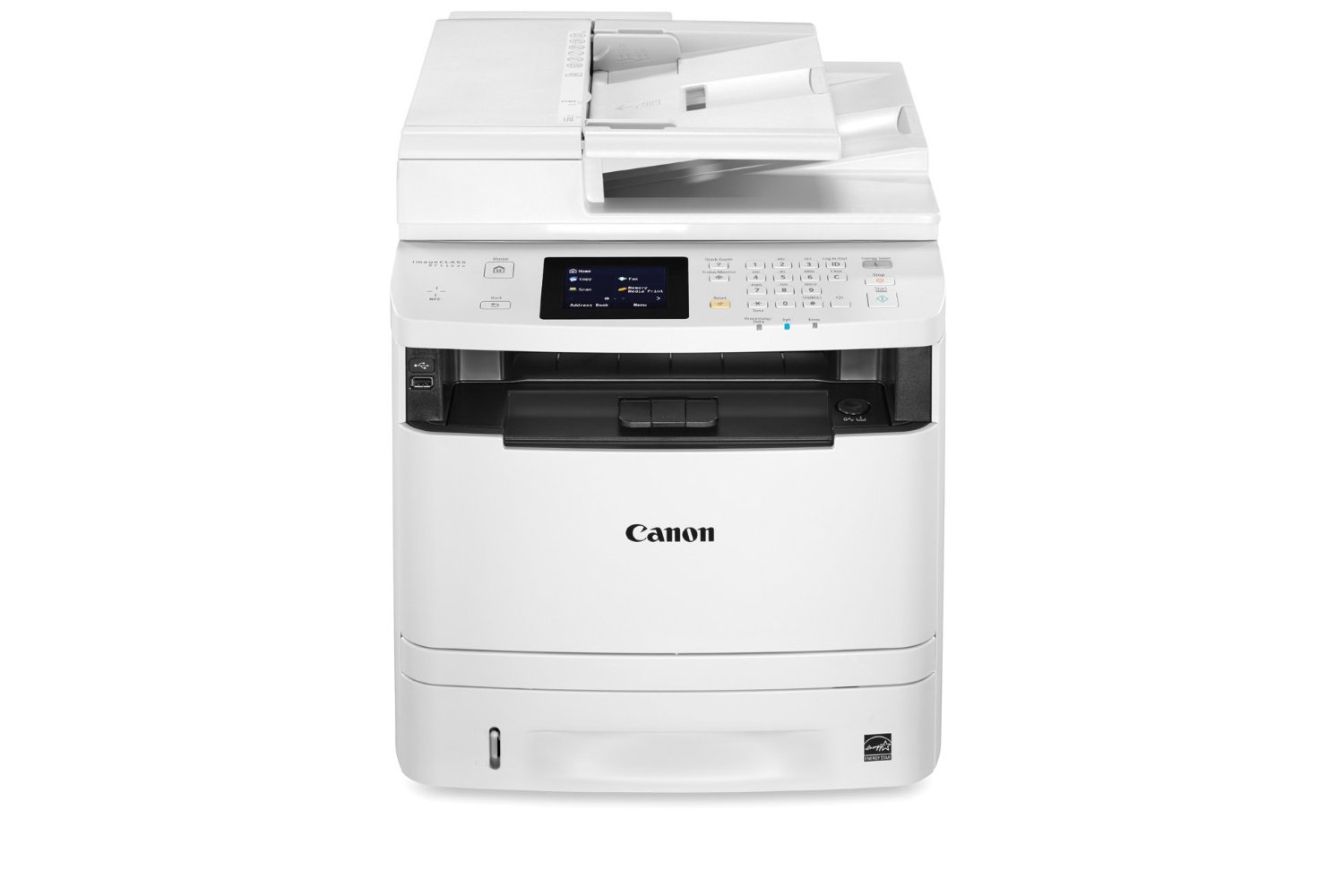
 Canon ImageClass MF414DW Multifunction Printer




Product Details
Specifications
Accessories
Reviews
Product Details
Main Features
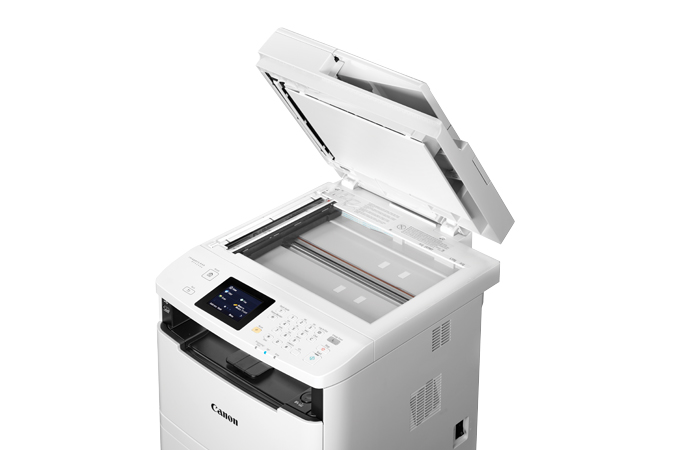
- Print, Copy, Scan and Fax
- Print speed of 35 ppm
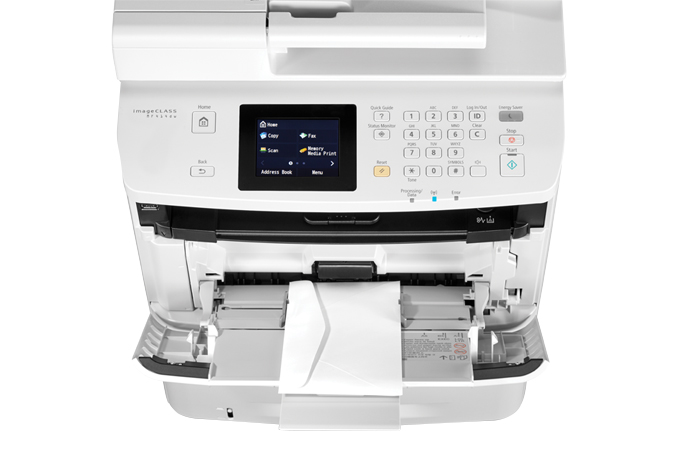
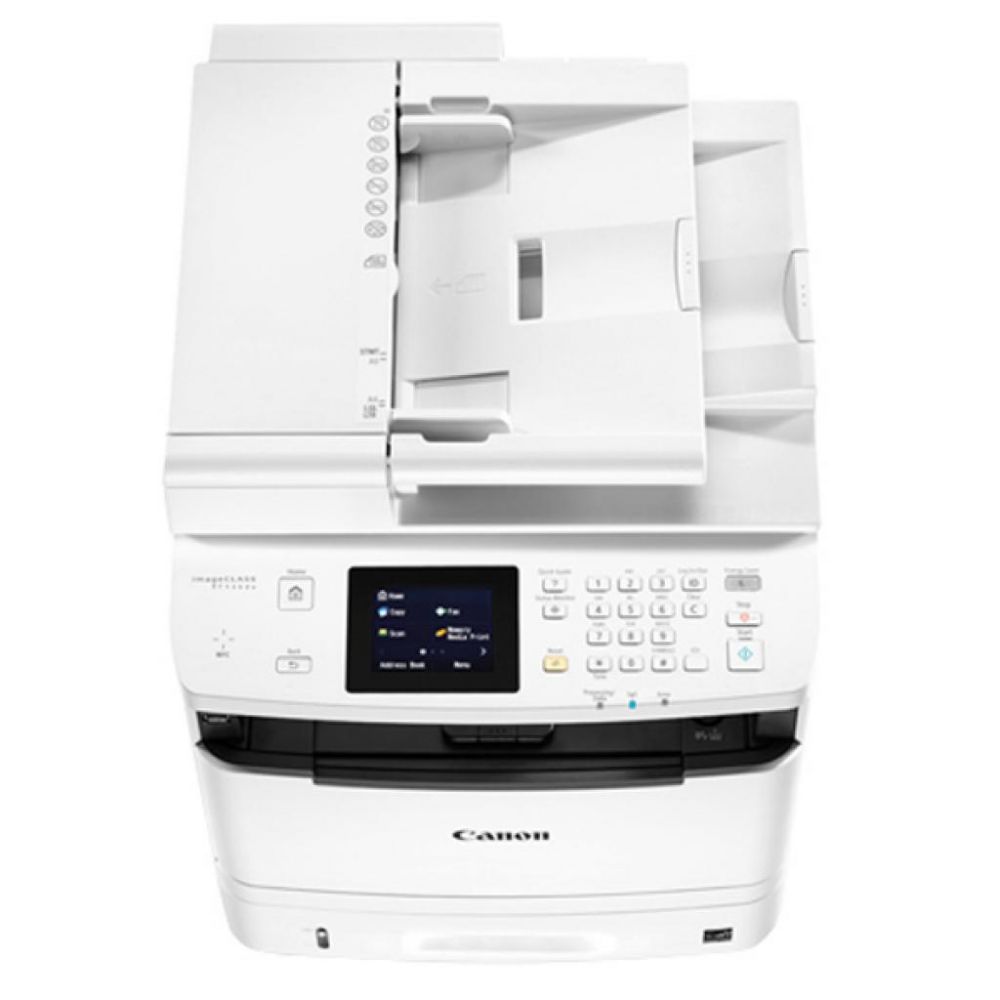
- 3.5-inch, Color, Touch-Panel LCD
- Wi-Fi® Direct Connection
- Secure Print helps protect the privacy of your printed documents.
- Easily print from, and scan to, your USB flash
- Generous, expandable paper capacity allows for up to 800 Sheets
- Password-protected Department ID Management
- Low energy consumption; uses just 2.2 W or less
Specifications
 Download Manufacturer Specifications
Accessories

Reviews


Your printer is not a dumping ground. Don't pile documents or other things on top of it, as they could cause damage. Your printer could overheat and this could result in malfunctioning and even a reduction in the printer's life.
Is your printer feeding in the whole paper stack rather than just one piece at a time? Fan the paper before putting it in the tray to help separate the sheets. Also, store your paper in a cool, dry place as humidity can contribute to this problem.
After installing a printer, go to the Windows dialog box and check the settings, so you won't be surprised by what happens the first time you print.
MY ACCOUNT
INFO & POLICIES
SHOP EASY
PAYMENT OPTIONS



* Images are for illustration purposes only.