



Contact Us
FAQ |
We will match any price
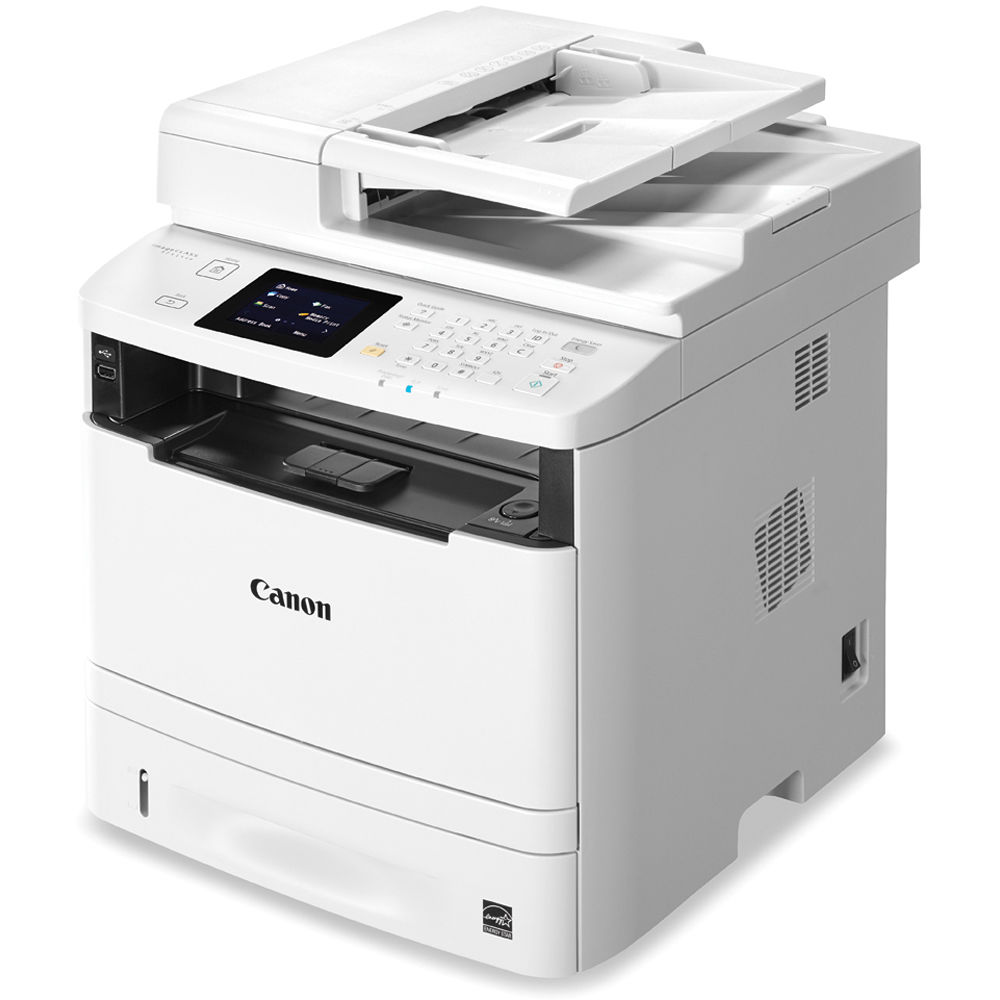
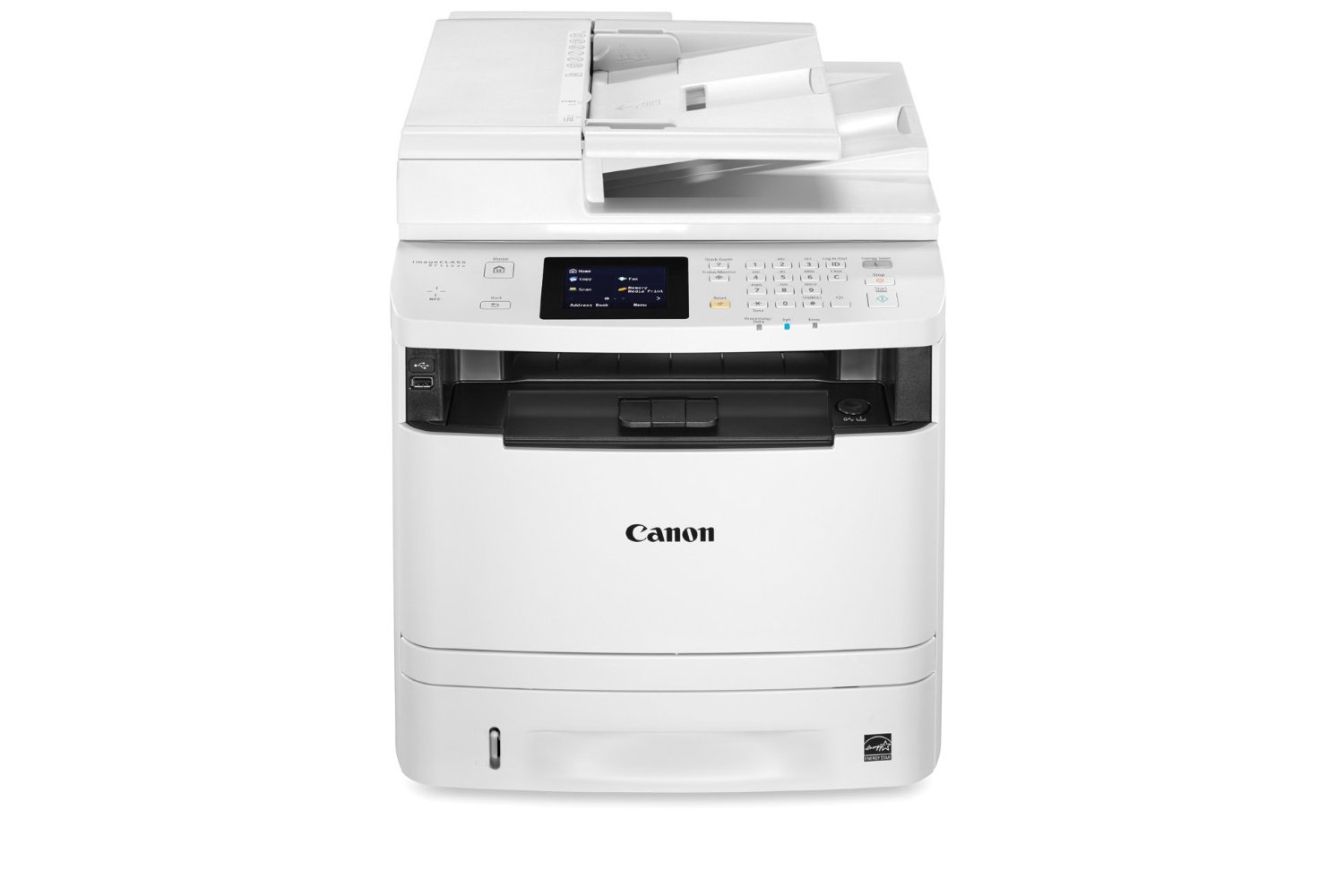
Canon ImageClass MF414DW Multifunction Printer
previous image next image
Canon ImageClass MF414DW Multifunction Printer
customers choose us for our low prices

Canon ImageClass MF414DW Multifunction Printer
  • Printer
  • Copier
  • Scanner
  • Fax
  • 35
  • Monochrome
  • Download Spec Sheet

Model No.:0291c020

Condition:New

Availability: Out Of Stock

Shipping:Ask About Free Shipping!

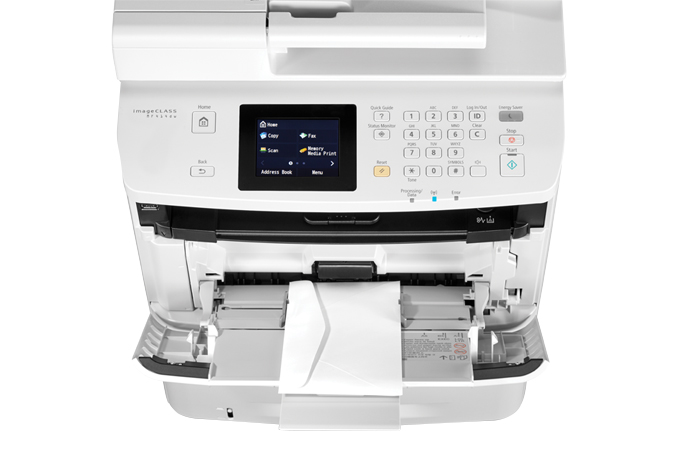
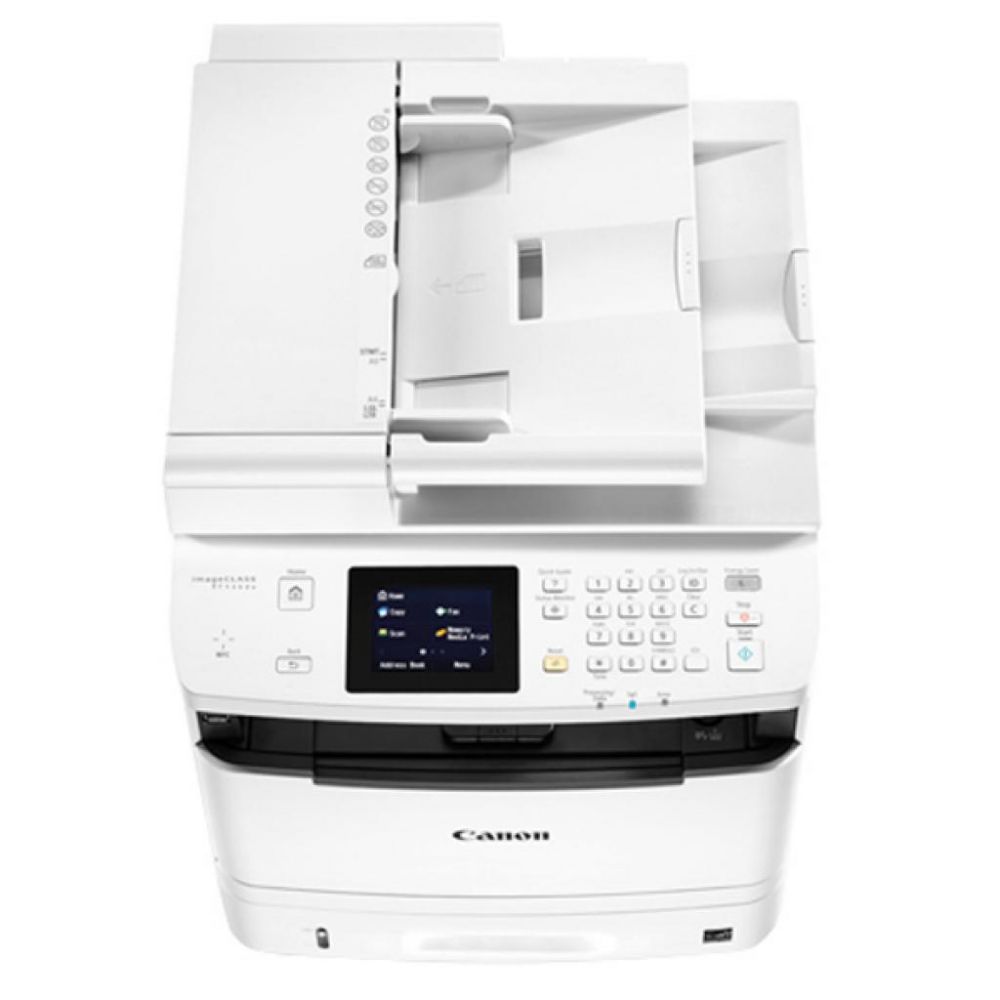
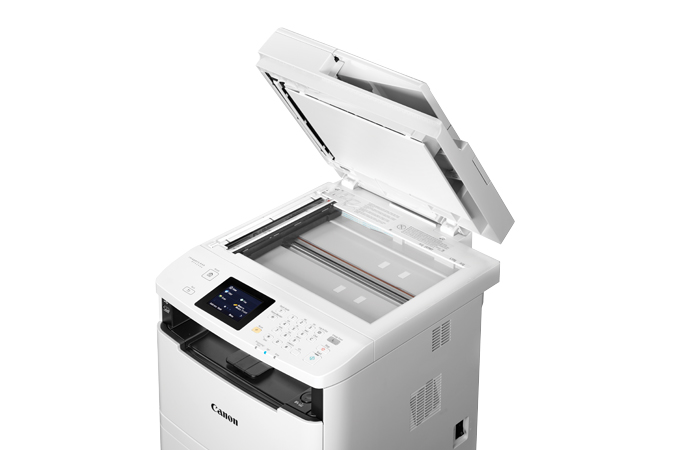
The Canon ImageClass MF414DW is equipped with, copy, print, scan and fax capabilities so that you can accomplish all your office tasks with just one machine. The MF414DW will produce black and white prints at a speed of 35 pages per minute and has a quick first print time of 6.3 seconds or less. Keep your documents safe with the Secure Print and with the Password protected Department ID Management. With the Canon MF414DW, you will enjoy user-friendly features such as its intuitive 3.5 inch, color, touch-panel LCD. The IC MF414DW is a high quality printer that is ideal for any office environment.

Please click here for a replacement product.

1 1 N/A N/A
Product Image Canon ImageClass MF414DW Multifunction Printer Canon 732-832-7744 310 Park Avenue Lakewood, NJ 08701

$213.00

Product Details

Specifications

Accessories

Reviews

Product Details

Main Features

  • Print, Copy, Scan and Fax
  • Print speed of 35 ppm
  • 3.5-inch, Color, Touch-Panel LCD
  • Wi-Fi® Direct Connection
  • Secure Print helps protect the privacy of your printed documents.
  • Easily print from, and scan to, your USB flash
  • Generous, expandable paper capacity allows for up to 800 Sheets
  • Password-protected Department ID Management
  • Low energy consumption; uses just 2.2 W or less

Specifications

Accessories

Reviews

  • Printing photos? Make sure that they are of print quality - meaning 300dpi. Anything lower than this will appear pixelated and lower than photo quality.

  • Don't move a print head unless the instructions direct it. You can damage the belt or other parts.

  • Getting blank pages after you installed a new cartridge? Check that the sticker from the cartridge was properly removed. Alternatively, run the clean print head function to make sure all air bubbles are removed. Do not remove the cartridge once it has been installed.

* Images are for illustration purposes only.

