



 Shopping Cart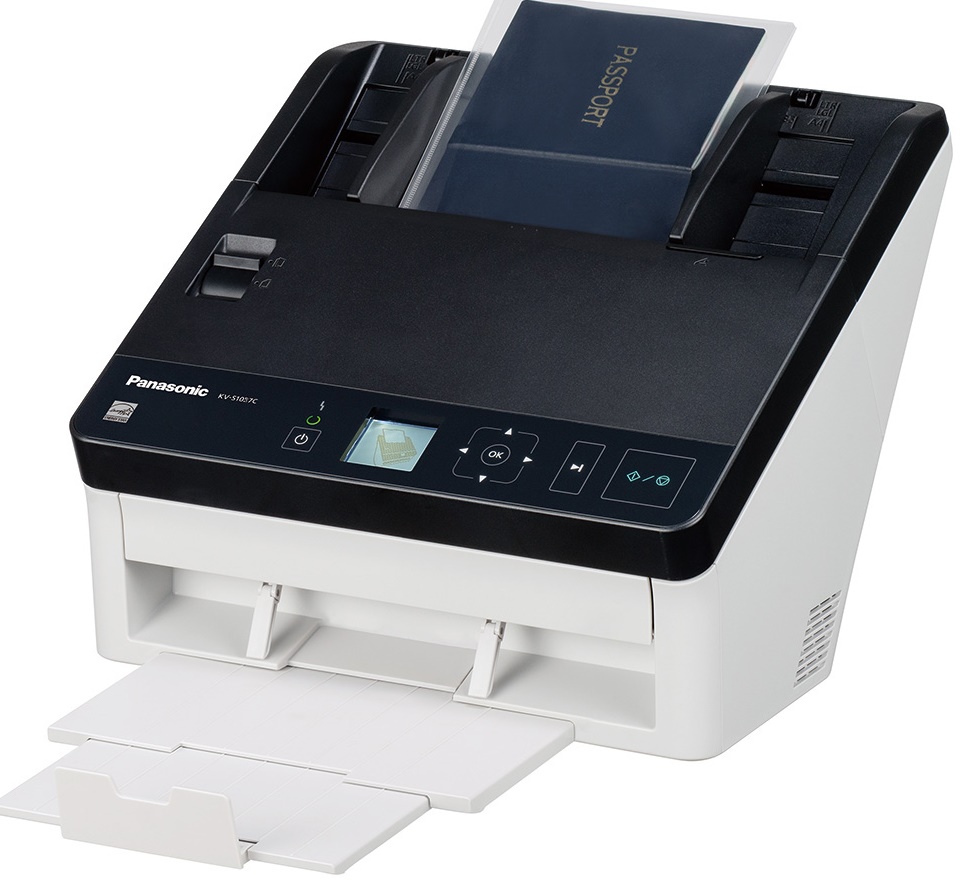



*** ALL TONERS AND SUPPLIES ARE IN STOCK AT DISCOUNTED PRICING , CALL +18882983095..
Printers do not include supplies - toners , drums (Imaging Units) (where applicable) , printer cables , manuals , consumables , trays (where applicable). Power cables are included. Drivers can be downloaded at www.hp.com. Please verify that drivers available are compatible with your software on HP’s site.
Product Details
Specifications
Accessories
Reviews
Product Details
Main Features
- Color scans
- Scans variety of media types
- Scanning Speed: 65 ppm
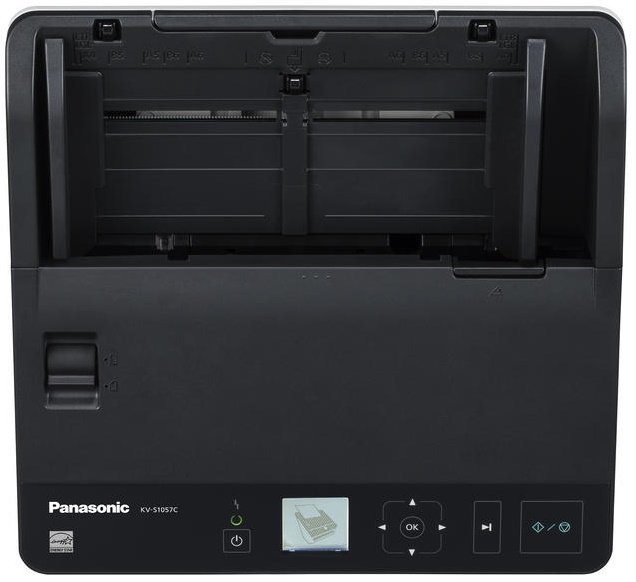
- 100 sheet automatic document feeder
- ADF minimum: 1.9 x 2.1 inches
- ADF maximum: 6: 8.5 x Unlimited inches
- With 3 year neat scan
Specifications
Accessories

Reviews



Handheld scanners are most appropriate for small originals that are no bigger than the scanner itself. In theory, hand scanners allow you to scan a large original in more than one pass and "stitch" the scans together into a final image, but this is not a preferable scanning method.
In order for your image to come out as sharp as possible, ensure the document is flat against the glass.
Use the gray scale or line art option when you scan black and white images.
MY ACCOUNT
INFO & POLICIES
SHOP EASY
PAYMENT OPTIONS



