



 Shopping Cart
 Ricoh N7100E Image Scanner
*Images may show options not included in price.

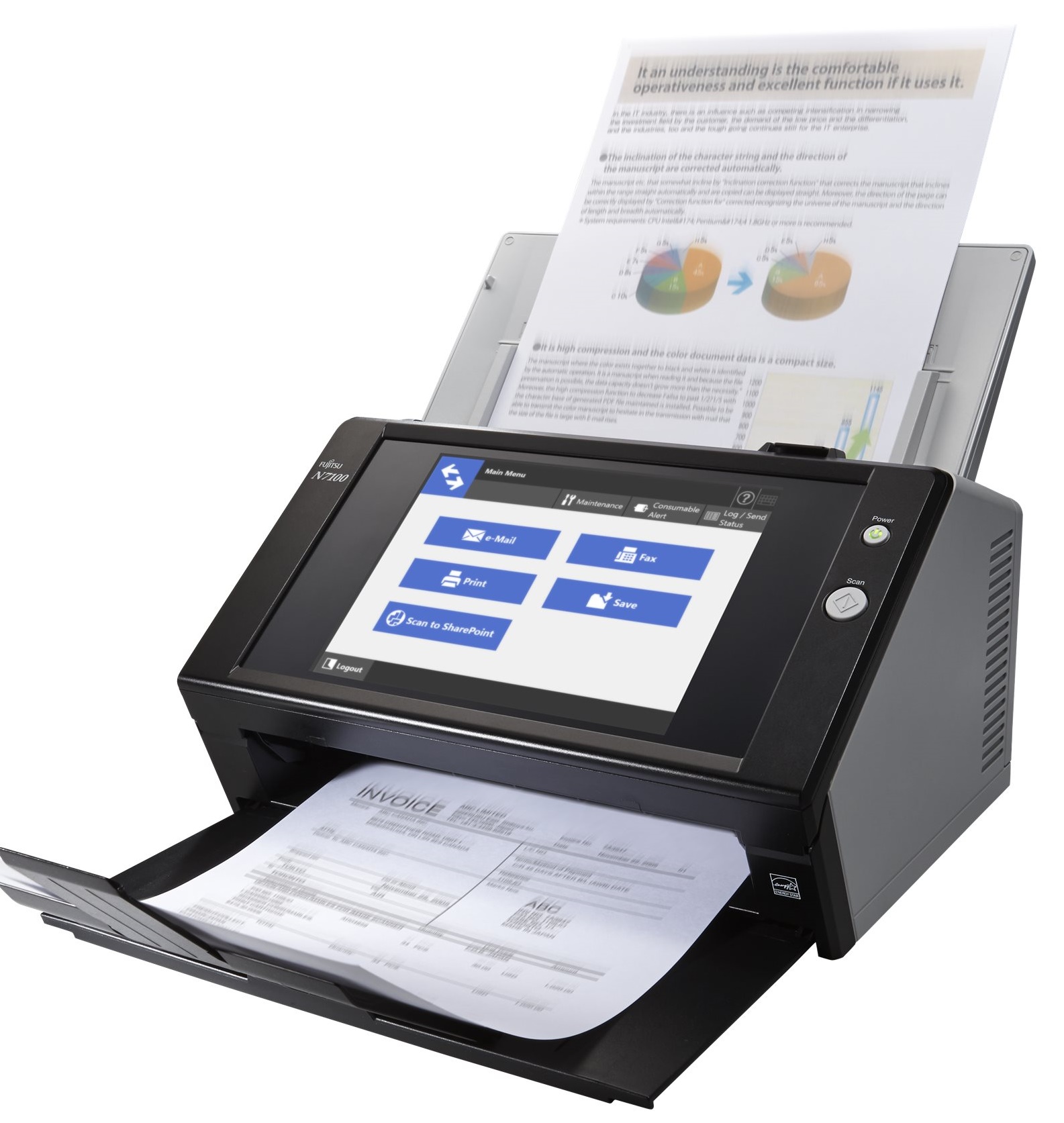
Images are for illustration purposes only and do not necessarily reflect the actual product.
Product Details
Specifications
Accessories
Reviews
Product Details
Main Features
- Color scans
- Scan speed: 25 ppm
- Resolution: 600 dpi
- Duplex scans
- 50 sheet automatic document feeder
- Media Type: Business card, envelope, post card and plain paper
- Large touch screen and on-screen keyboard
Specifications
General Specifications
| Product Name | N7100E | |
|---|---|---|
| Scanner Type | ADF (Automatic Document Feeder), Duplex | |
| Scanning Speed (1) (A4 Portrait) (Color (2)/Grayscale (2)/Monochrome (3)) | Simplex | 25 ppm (200/300 dpi) |
| Duplex | 50 ipm (200/300 dpi) | |
| Image Sensor Type | Color CIS x 2 (front x 1, back x 1) | |
| Light Source | 3 Color LED | |
| Optical Resolution | 600 dpi | |
| Output Resolution (4) (Color / Grayscale / Monochrome) |
150, 200, 300, 600 dpi, Custom (50 to 600 dpi), Auto | |
| Output File Formats | PDF (searchable/password-protected/compressed/marker index processed), JPEG, TIFF (single/multipage), page output in reverse order | |
| Output Methods | Save image data to network folder/SharePoint/FTP server, Send image data by E-mail, Print (5) (Send image data to printer server or network printer), Send image data by FAX (Send image data to FAX server or internet FAX in E-mail format) | |
| Background Colors | White | |
| Document Size | Maximum (6) | 216 x 355.6 mm (8.5 x 14 in.) |
| Minimum | 50.8 x 50.8 mm (2 x 2 in.) | |
| Long Page Scanning (6) (Maxim) | 3,048 mm (120 in.) | |
| Paper Weight (Thickness) | Paper | 40 to 209 g/m² (11 to 56 lb) (8) |
| Plastic Card | 0.76 mm (0.029 in.) or less (9) | |
| ADF Capacity (10)(11) | 50 sheets (A4 80 g/m² or Letter 20 lb) | |
| Expected Daily Volume (12) | 4,000 sheets | |
| Multifeed Detection | Overlap detection (Ultrasonic sensor) | |
| Authentication | User Authentication | Active directory or Open LDAP (for Solaris or Linux), Standalone authentication (13) |
| Folder Authentication | Active directory or Open LDAP(for Solaris or Linux) | |
| Network Interface | 10BASE-T, 100BASE-TX, 1000BASE-T | |
| Network Protocols | TCP/IP (IPv4/IPv6), DHCP (IPv4/IPv6), SMTP, SMB, LDAP, LDAPS, NTP, FTP, FTPS, HTTP,HTTPS | |
| Power Requirements | AC 100 to 240 V ±10 % | |
| Power Consumption | Operating Mode | 38 W or less |
| Energy-saving Mode | 2 W or less(14) | |
| Power Off Mode | 0.3 W or less | |
| Operating Environment | Temperature | 5 to 35 °C (41 to 95 °F) |
| Relative Humidity | 20 to 80% (Non-condensing) | |
| Environmental Compliance | ENERGY STAR®, RoHS | |
| Display | LCD | 8.4 in. XGA (1,024 x 768 pixels) TFT color monitor |
| Touch Screen | Analog resistive touch screen | |
| Keyboard | Software keyboard | |
| Dimensions (15) (W x D x H) | 300 x 232 x 172 mm (11.8 x 9.1 x 6.8 in.) | |
| Weight | 6 kg (13 lb) | |
 Download Manufacturer Specifications
Accessories

Reviews


A Twain driver will usually give you a lot more control over the scan settings than a WIA driver and better results even with the default settings.
A batch mode allows you to scan multiple photos at once.
Color depth tells you the number of different colors that the scanner can record.
MY ACCOUNT
INFO & POLICIES
SHOP EASY
PAYMENT OPTIONS



* Images are for illustration purposes only.