



 Shopping Cart
 Ricoh Aficio SP C320DN Color Laser Printer
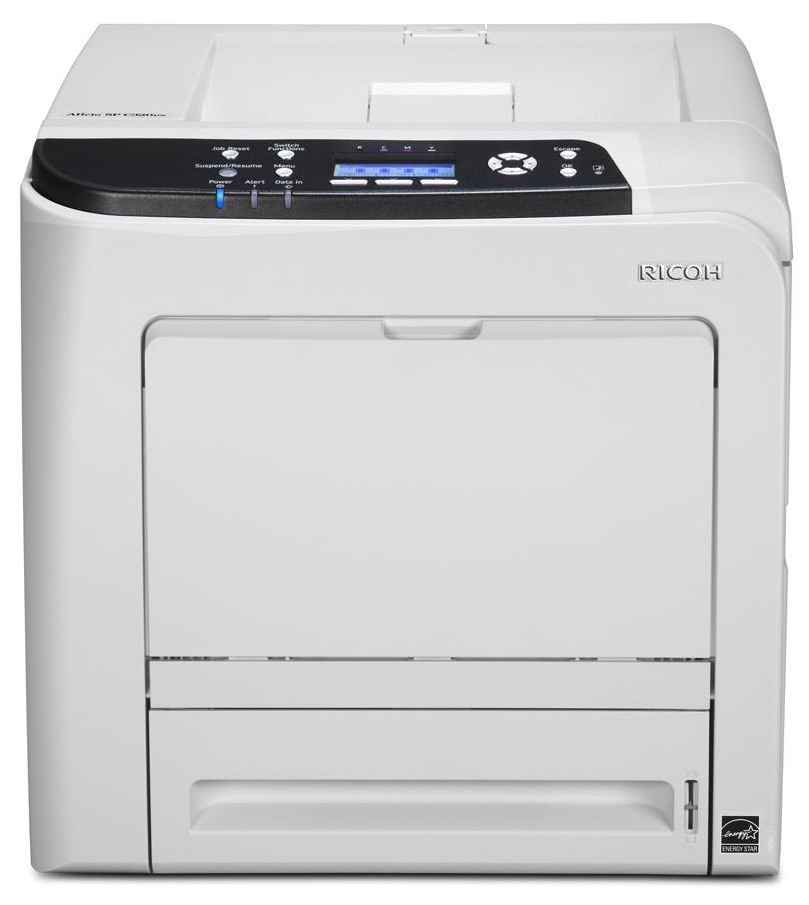


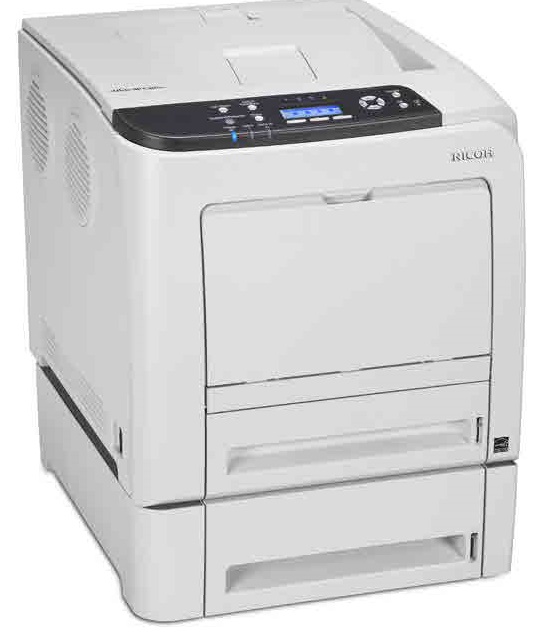
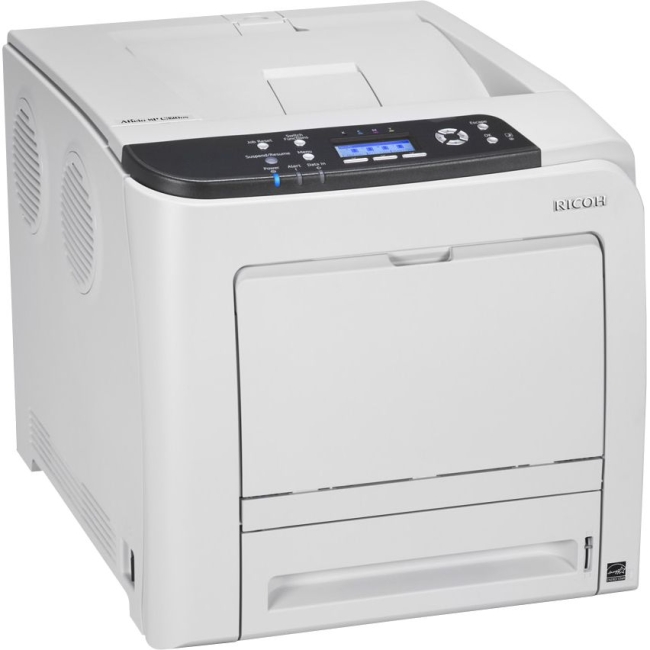
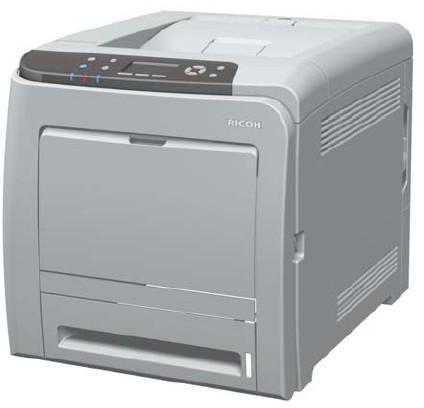

Product Details
Specifications
Accessories
Reviews
Product Details
Main Features
- Color Print Outs
- Print Speed: 25 pages per minute
- Standard Paper Capacity: 500 sheet
- Max Paper Capacity: 1100 sheets
- Resolution: 1200 dpi
- Memory: 768 MB
- Warm Up Time: 20 seconds
- First Page Out: 13.5 Seconds
- Duplex printing
- Wireless option
Specifications
General Specifications
GENERAL |
||
| Technology | Laser beam scanning & electro-photographic printing | |
| Print speed | Full color | 25 prints per minute |
| B/W | 25 prints per minute | |
| Warm-up time | Less than 20 seconds | |
| First print speed | 13.5 seconds | |
| Dimensions (W x D x H) | 400 x 480 x 387 mm | |
| Weight | Less than 29 kg | |
| Power source | 220 - 240 V, 50 - 60 Hz | |
| Power consumption | Maximum | Less than 1.3 kW |
| Energy saver mode | Less than 5.5 W | |
| Duty cycle | 75,000 pages per month | |
CONTROLLER |
||
| Processor | 533 MHz | |
| Printer language | Standard | PCL5c, PCL6, PostScript® 3™², PDF |
| Option | PictBridge | |
| Printer resolution | 600 x 600 dpi/600 x 600 dpi (2 bit)/1,200 x 1,200 dpi | |
| Memory | Standard | 384 MB |
| Maximum | 768 MB | |
| Fonts | PCL | 45 fonts + 13 International Fonts |
| PostScript® 3™² | 80 fonts | |
CONNECTIVITY |
||
| Network protocol | TCP/IP, AppleTalk, IPX/SPX, IP SEC | |
| Supported environments | Windows® 2000/XP/Vista/7/Server 2003/Server 2008 | |
| Citrix Presentation Server 4.0/4.5 | ||
| Macintosh OS 8.6-9.2.X (OS X Classic) | ||
| Macintosh OS X v10.2. or later (native mode) | ||
| Novell® Netware® v6.5 or later | ||
| Interface | Standard | USB 2.0, 10 base-T/100 base-T Ethernet, USB 2.0 Host |
| Option | Bi-directional IEEE 1284/ECP, Gigabit Ethernet, Wireless LAN (IEEE 802.11a/g) | |
SOFTWARE SOLUTIONS |
||
|
||
PAPER HANDLING |
||
| Paper input capacity | Standard | 500-sheet paper tray |
| 100-sheet bypass tray | ||
| Maximum | 1,100 sheets | |
| Paper output capacity | Up to 150 sheets (75 g/m²) | |
| Paper size | Standard paper tray | A5 - A4 (minimum: 148 x 210 mm, maximum: 216 x 356 mm) |
| Bypass tray | A6 - A4 (minimum: 64 x 125 mm, maximum: 216 x 1,260 mm) | |
| Optional paper tray | A4 | |
| Paper weight | Paper trays | 60 - 163 g/m² |
| Bypass tray | 60 - 220 g/m² | |
| Media | Standard paper tray | Plain paper, middle thick/thick paper, recycled paper, color paper, letterhead, pre-printed/thin paper, coated paper (glossy & matted), special paper, label paper |
| Optional paper tray | Plain paper, middle thick/thick paper, recycled paper, color paper, letterhead, pre-printed/thin paper | |
| Bypass tray | Plain paper, (middle) thick paper, recycled paper, color paper, letterhead, pre-printed/thin paper, coated paper (glossy/thick, matted/thick), special paper, label paper, envelopes | |
CONSUMABLES |
||
| Toner | C, M, Y | 6,600/2,800 pages¹ (high/short yield) |
| K | 7,200/2,800 pages¹ (high/short yield) | |
| Maintenance kit | 90,000 prints per unit | |
| Transfer belt unit | 90,000 prints per unit | |
| Waste toner bottle | 55,000 prints per bottle | |
OTHER OPTIONS |
||
| Internal options | 256/512 MB memory, 80 GB HDD with HDD encryption unit & Data Overwrite Security Unit), Wireless LAN (IEEE 802.11a/g), PictBridge, VM card, Bi-directional IEEE 1284/ECP, Gigabit Ethernet Board, NetWare | |
| External option | 500-sheet paper tray | |
 Download Manufacturer Specifications
Accessories

Reviews


Using heavy or stiff paper? Feed the paper one sheet at a time or try placing a sheet of plain copier or bond paper behind a heavy sheet.
Is your printer smearing immediately after changing a cartridge? Check that the protective tape over the nozzles is completely removed.
Position your laser printer on a sturdy and level surface, allowing enough space around the printer for air flow.
MY ACCOUNT
INFO & POLICIES
SHOP EASY
PAYMENT OPTIONS



* Images are for illustration purposes only.