



 Shopping Cart
 Ricoh Aficio SP C320DN Color Laser Printer
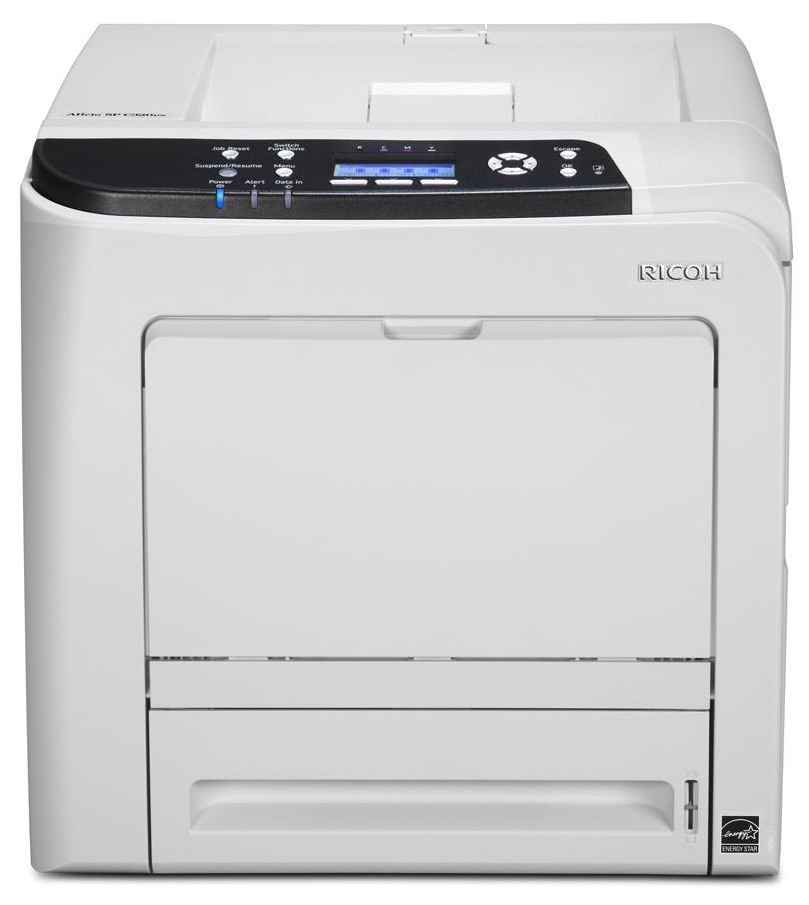


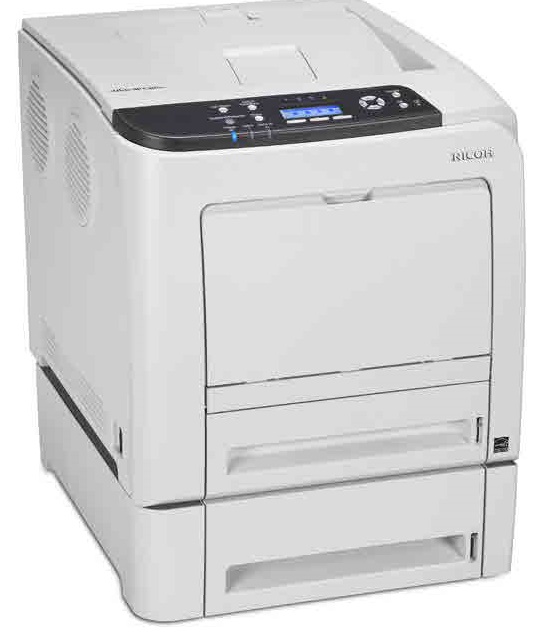
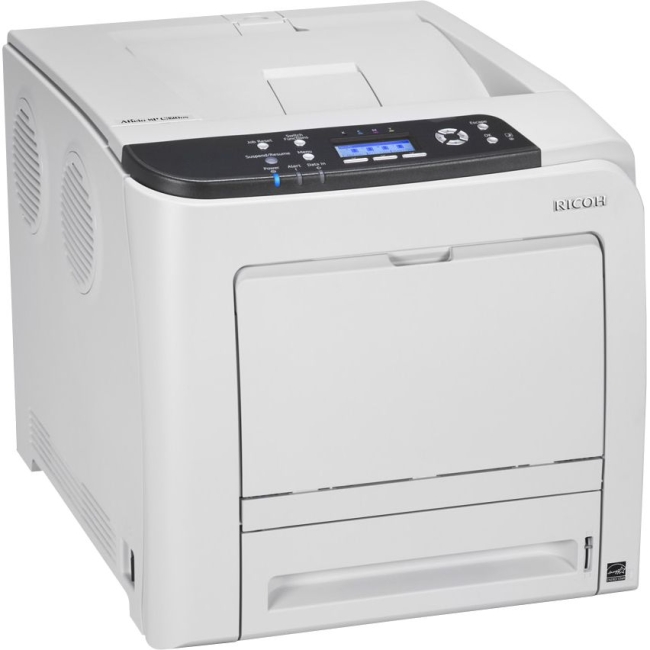
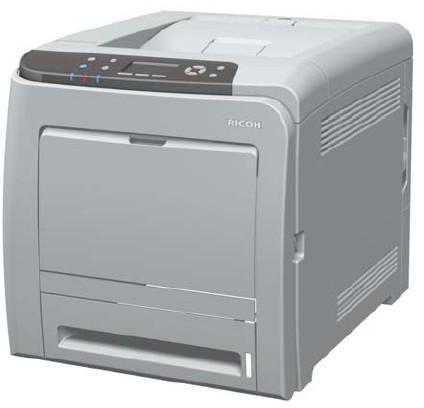

Images are for illustration purposes only and do not necessarily reflect the actual product.
Product Details
Specifications
Accessories
Reviews
Product Details
Main Features
- Color Print Outs
- Print Speed: 25 pages per minute
- Standard Paper Capacity: 500 sheet
- Max Paper Capacity: 1100 sheets
- Resolution: 1200 dpi
- Memory: 768 MB
- Warm Up Time: 20 seconds
- First Page Out: 13.5 Seconds
- Duplex printing
- Wireless option
Specifications
General Specifications
GENERAL |
||
| Technology | Laser beam scanning & electro-photographic printing | |
| Print speed | Full color | 25 prints per minute |
| B/W | 25 prints per minute | |
| Warm-up time | Less than 20 seconds | |
| First print speed | 13.5 seconds | |
| Dimensions (W x D x H) | 400 x 480 x 387 mm | |
| Weight | Less than 29 kg | |
| Power source | 220 - 240 V, 50 - 60 Hz | |
| Power consumption | Maximum | Less than 1.3 kW |
| Energy saver mode | Less than 5.5 W | |
| Duty cycle | 75,000 pages per month | |
CONTROLLER |
||
| Processor | 533 MHz | |
| Printer language | Standard | PCL5c, PCL6, PostScript® 3™², PDF |
| Option | PictBridge | |
| Printer resolution | 600 x 600 dpi/600 x 600 dpi (2 bit)/1,200 x 1,200 dpi | |
| Memory | Standard | 384 MB |
| Maximum | 768 MB | |
| Fonts | PCL | 45 fonts + 13 International Fonts |
| PostScript® 3™² | 80 fonts | |
CONNECTIVITY |
||
| Network protocol | TCP/IP, AppleTalk, IPX/SPX, IP SEC | |
| Supported environments | Windows® 2000/XP/Vista/7/Server 2003/Server 2008 | |
| Citrix Presentation Server 4.0/4.5 | ||
| Macintosh OS 8.6-9.2.X (OS X Classic) | ||
| Macintosh OS X v10.2. or later (native mode) | ||
| Novell® Netware® v6.5 or later | ||
| Interface | Standard | USB 2.0, 10 base-T/100 base-T Ethernet, USB 2.0 Host |
| Option | Bi-directional IEEE 1284/ECP, Gigabit Ethernet, Wireless LAN (IEEE 802.11a/g) | |
SOFTWARE SOLUTIONS |
||
|
||
PAPER HANDLING |
||
| Paper input capacity | Standard | 500-sheet paper tray |
| 100-sheet bypass tray | ||
| Maximum | 1,100 sheets | |
| Paper output capacity | Up to 150 sheets (75 g/m²) | |
| Paper size | Standard paper tray | A5 - A4 (minimum: 148 x 210 mm, maximum: 216 x 356 mm) |
| Bypass tray | A6 - A4 (minimum: 64 x 125 mm, maximum: 216 x 1,260 mm) | |
| Optional paper tray | A4 | |
| Paper weight | Paper trays | 60 - 163 g/m² |
| Bypass tray | 60 - 220 g/m² | |
| Media | Standard paper tray | Plain paper, middle thick/thick paper, recycled paper, color paper, letterhead, pre-printed/thin paper, coated paper (glossy & matted), special paper, label paper |
| Optional paper tray | Plain paper, middle thick/thick paper, recycled paper, color paper, letterhead, pre-printed/thin paper | |
| Bypass tray | Plain paper, (middle) thick paper, recycled paper, color paper, letterhead, pre-printed/thin paper, coated paper (glossy/thick, matted/thick), special paper, label paper, envelopes | |
CONSUMABLES |
||
| Toner | C, M, Y | 6,600/2,800 pages¹ (high/short yield) |
| K | 7,200/2,800 pages¹ (high/short yield) | |
| Maintenance kit | 90,000 prints per unit | |
| Transfer belt unit | 90,000 prints per unit | |
| Waste toner bottle | 55,000 prints per bottle | |
OTHER OPTIONS |
||
| Internal options | 256/512 MB memory, 80 GB HDD with HDD encryption unit & Data Overwrite Security Unit), Wireless LAN (IEEE 802.11a/g), PictBridge, VM card, Bi-directional IEEE 1284/ECP, Gigabit Ethernet Board, NetWare | |
| External option | 500-sheet paper tray | |
 Download Manufacturer Specifications
Accessories

Reviews


Media settings on your printer determine how much ink will be used. Thinly coated glossy films require less ink, while plain paper soaks in more.
Don't be in a rush with your printer as you can easily damage a printer, or even get hurt, if you do not follow the instructions in the user manual.
All other things being equal, whiter, brighter paper makes text and line graphics crisper and colors more vibrant.
MY ACCOUNT
INFO & POLICIES
SHOP EASY
PAYMENT OPTIONS



* Images are for illustration purposes only.