



 Shopping Cart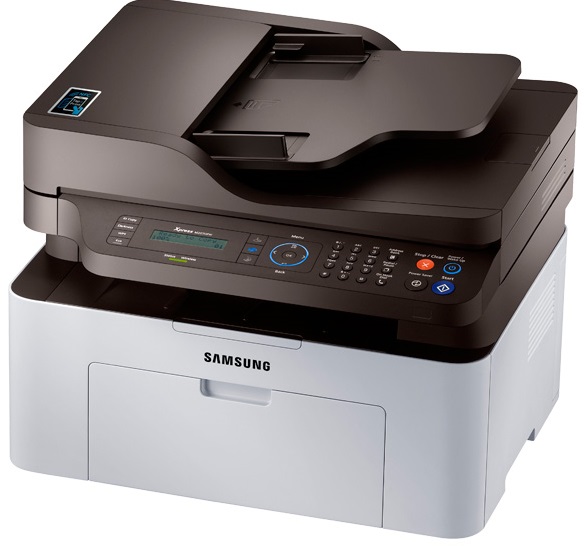




*** ALL TONERS AND SUPPLIES ARE IN STOCK AT DISCOUNTED PRICING , CALL +18882983095..
Printers do not include supplies - toners , drums (Imaging Units) (where applicable) , printer cables , manuals , consumables , trays (where applicable). Power cables are included. Drivers can be downloaded at www.hp.com. Please verify that drivers available are compatible with your software on HP’s site.
Product Details
Specifications
Accessories
Reviews
Product Details
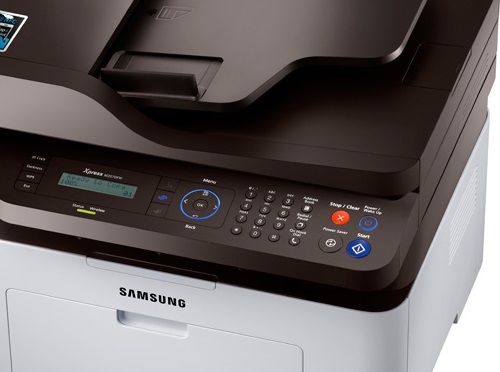
Main Features
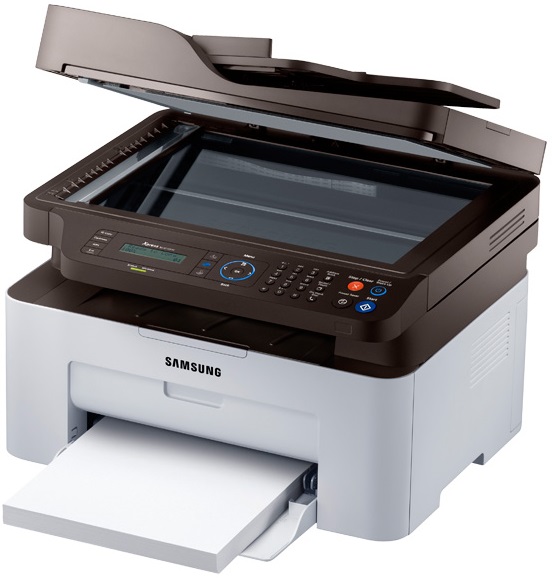
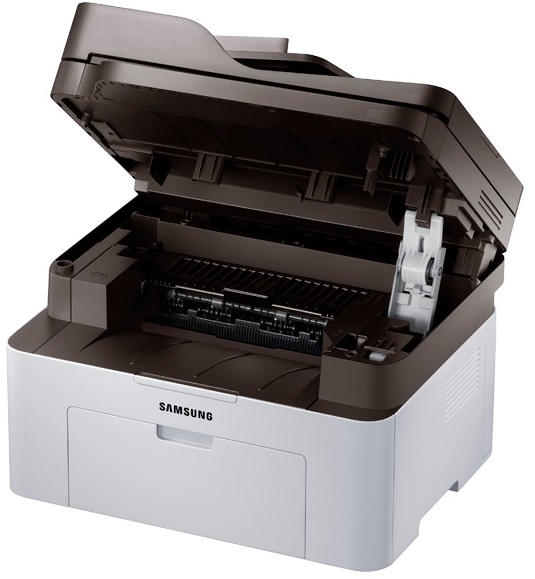
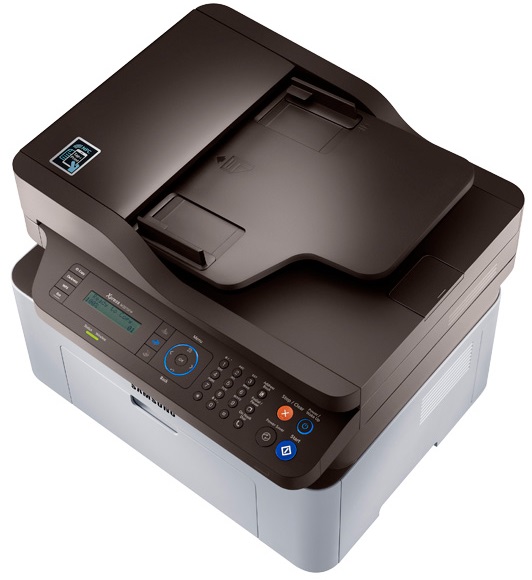
- Copy, print, scan and fax
- Speed: 21ppm
- 10000 duty cycle
- 128MB memory
- Built in wireless
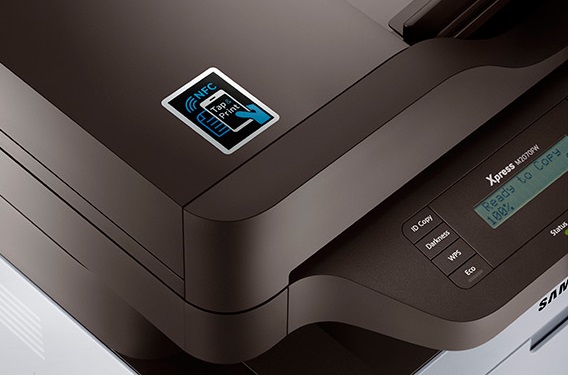
- Scan to your mobile
- Fax content from your mobile
- Print from your mobile device
- East to use
- Eco friendly
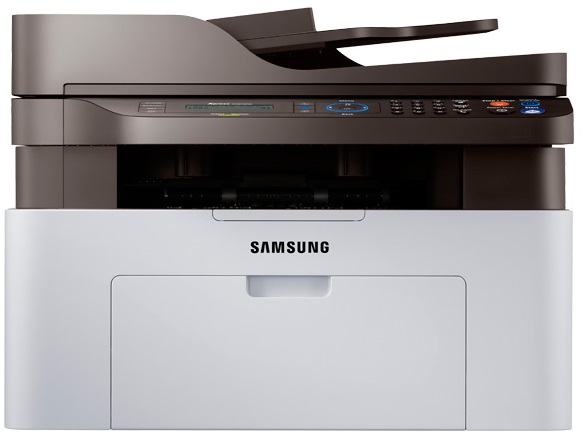
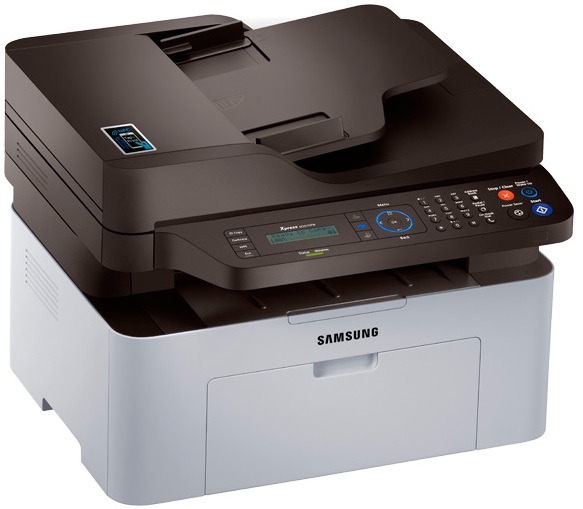
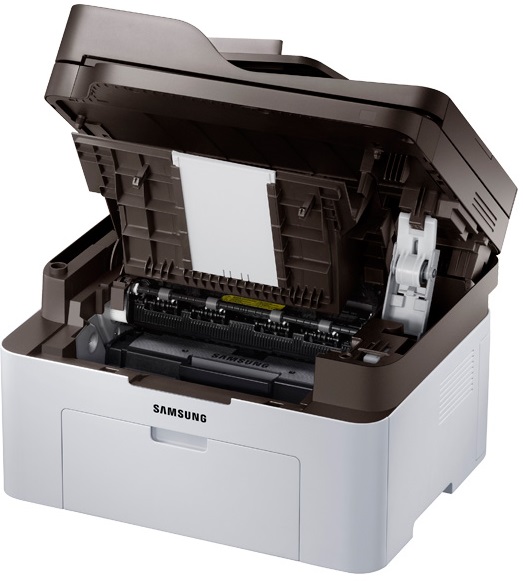
- Compact design
Specifications
General Specifications
| Networking | wireless |
|---|---|
| Maximum black and white print speed | 21 ppm |
| Maximum black and white copy speed | 21 cpm |
| Compatible toner/ink | MLT-D111S |
| Total paper tray capacity | 150 sheets |
| Auto double-sided printing | no |
| LCD size | 2 lines |
| Maximum monthly volume | 10,000 sheets |
| Maximum black and white print resolution | 1200 x 1200 dpi |
| Maximum black and white copy resolution | 600 x 600 dpi |
| Scanner optical resolution | 600 x 600 dpi |
| Fax transmission speed | 3 spp (33.6 Kbps) |
| PC faxing capability | yes |
| Maximum copy reduction | 25% |
| Maximum copy enlargement | 400% |
| Maximum sheet size | 8 1/2" x 14" |
| Connector type | USB |
| Operating system compatibility | Windows XP (32-/64-bit); Windows 2003 (32-/64-bit); Windows Vista (32-/64-bit); Windows 2008 (32-/64-bit); Windows 2008 R2 (32-/64-bit); Windows 7 (32-/64-bit); Windows Server 2012 (32-/64-bit); Windows 8 (32-/64-bit); Mac OS X 10.5+; Linux |
| Dimensions | 12.3"H x 16"W x 14.2"D |
| Functionality | 4-in-1 (print, scan, copy and fax) |
| Inkjet/laser | laser |
| Memory | 128 MB |
| Mobile printing | app based |
| Number of paper trays | 1 |
| Touch-screen | no |
| Wide-format printing | no |
 Download Manufacturer Specifications
Accessories

Reviews


Flashing light on your printer? Each printer has a different reason for a blinking or orange light but in general it is due to a paper jam, an empty paper tray, a printer cartridge problem or a problem with the printer hardware.
It is always better to use original branded ink cartridges to reduce chances of clogging, leaking and bleeding.
Not all drivers are pre-installed on all operating systems and as new operating systems are released, you will need to install drivers yourself. Make sure to consult your printer manual.
MY ACCOUNT
INFO & POLICIES
SHOP EASY
PAYMENT OPTIONS



