



 Shopping Cart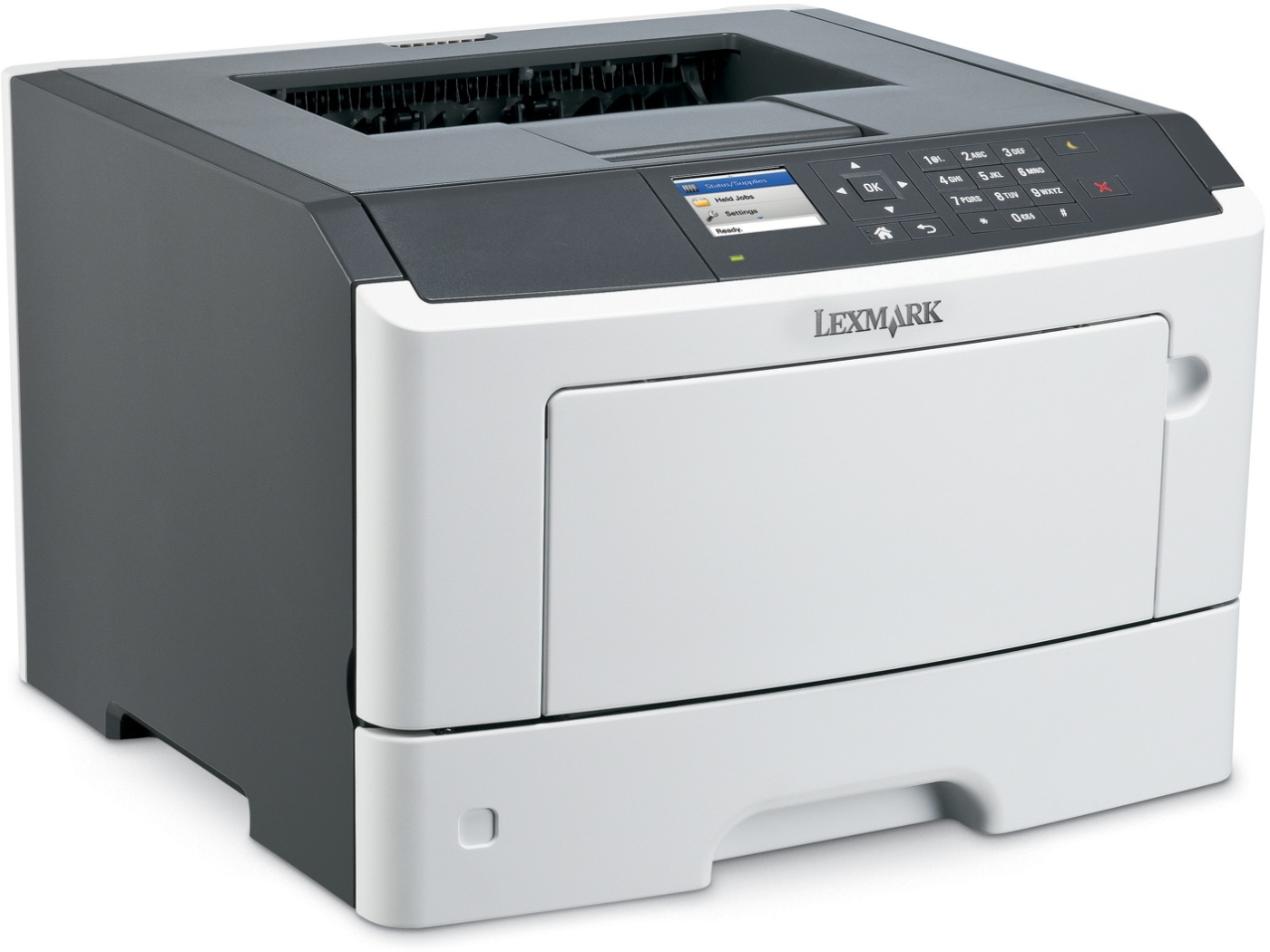



*** ALL TONERS AND SUPPLIES ARE IN STOCK AT DISCOUNTED PRICING , CALL +18882983095.
All reconditioned printers do not include supplies - toners , drums (Imaging Units) (where applicable) , printer cables , manuals , consumables, trays (where applicable). Power cables are included. Drivers can be downloaded from the manufacturers website. Please verify that drivers available are compatible with your software on the manufacturers site.
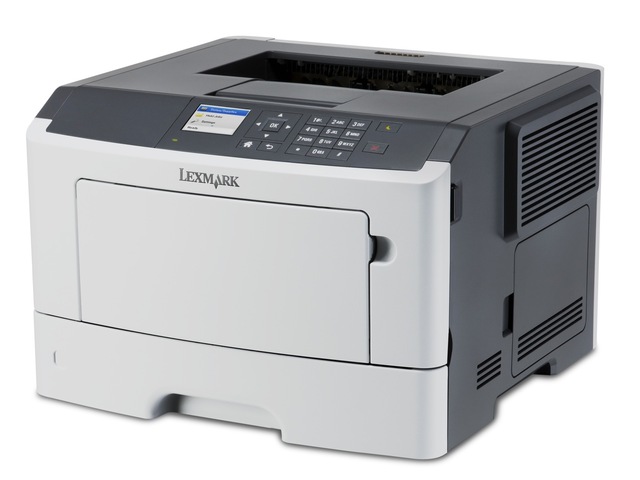
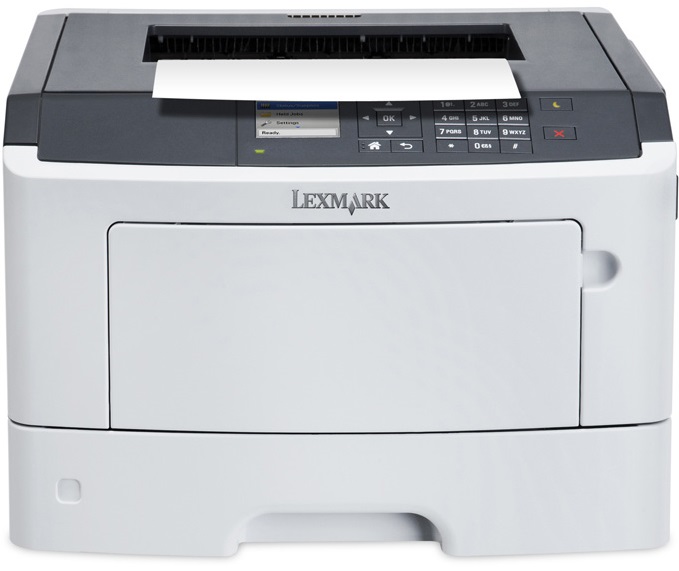
Images are for illustration purposes only and do not necessarily reflect the actual product.Product Details
Specifications
Accessories
Reviews
Product Details
Main Features
- Prints monochrome
- Speed: 40 ppm
- First page out: 6.5 seconds
- 256 MB of memory
- Additional paper tray available to expand paper capacity to 850 sheets
- Mobile printing
- 6 cm color display
- Environmental friendly features
- Duplex prints
Specifications
General Specifications
| Automatic Two-Sided Printing | Yes |
| Networking | Wired |
| Printer Type | Laser |
| Output Type | Black and White |
| Auto Document Feeder | Yes |
| Weight | 31.199999999999999 |
| Connectivity | USB |
| Dimensions | 15.0 x 17.0 x 18.6 in |
| Security Features | SNMPv3 802.1x Authentication: MD5, MSCHAPv2, LEAP, PEAP, TLS, TTLS |
| Maximum Paper Size | Oficio, Universal, Letter, Legal, A5, A4, Executive, Folio, JIS-B5 |
| Recommended Monthly Print Volume | 750 - 7200 pages |
| Maximum Print Resolution | Black: 4800 Color Quality (2400 x 600 dpi), 1200 x 1200 dpi / Color: 4800 Color Quality (2400 x 600 dpi), 1200 x 1200 dpi |
| Productivity Features | Mobile printing |
| Monthly Duty Cycle | 80000 pages per month |
| Processor | Dual Core, 800 MHz |
| Print Speed Black | 6.5 seconds |
| Paper Capacity | 300 pages 20 lb or 75 gsm bond |
| Print Speed | 6.5 seconds |
| Print Memory | 256 MB |
Accessories

Reviews


Using heavy or stiff paper? Feed the paper one sheet at a time or try placing a sheet of plain copier or bond paper behind a heavy sheet.
Make sure to keep your printer up to date by downloading drivers and patches from the manufacturer's site. Most manufacturers provide driver updates for their units which include patches that add fonts or fix incompatibilities.
When power is applied, you should hear the print mechanism initialize and most printers have at least one light which will be illuminated when it is on.
MY ACCOUNT
INFO & POLICIES
SHOP EASY
PAYMENT OPTIONS



