



 Shopping Cart
 Konica Minolta Bizhub 4700P Laser Printer
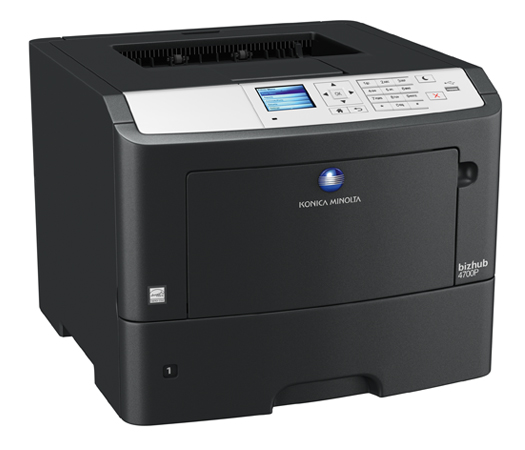


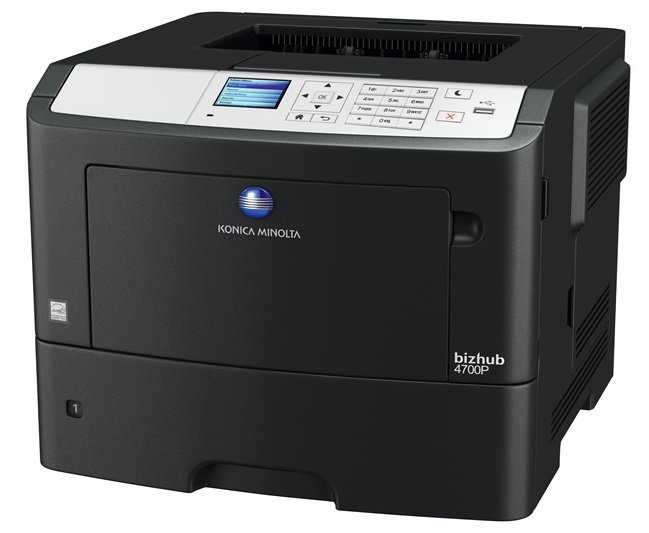
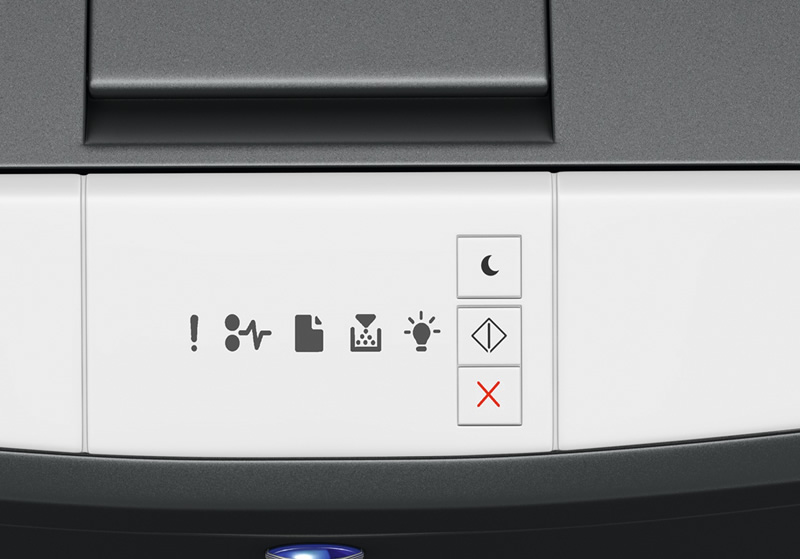
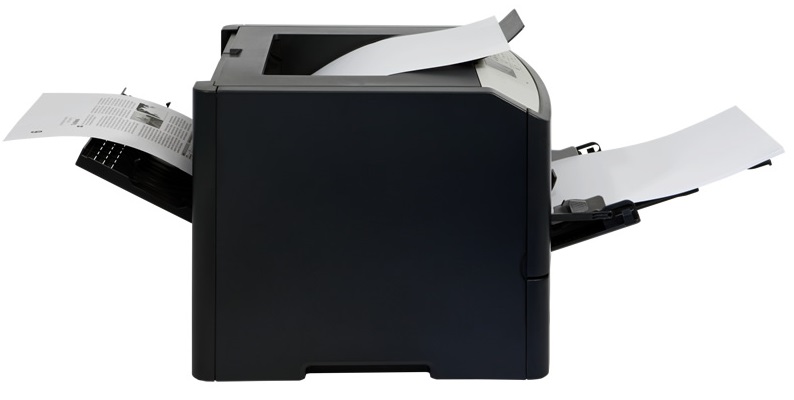
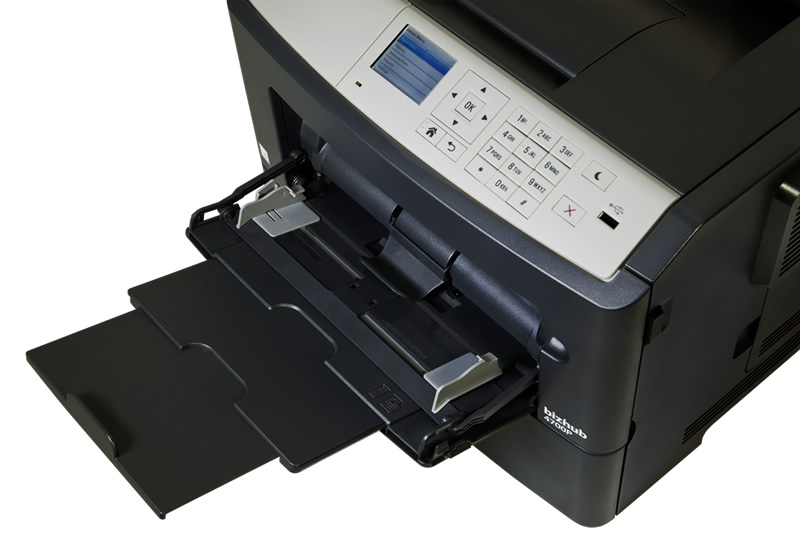
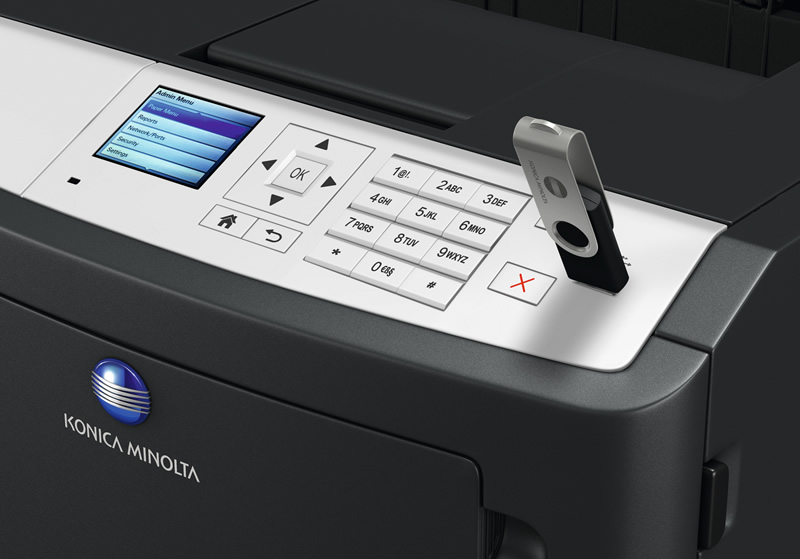


Images are for illustration purposes only and do not necessarily reflect the actual product.
Product Details
Specifications
Accessories
Reviews
Product Details
Main Features
- Speed: 47 ppm
- Resolution: 1200 x 1200 dpi
- Max Paper Capacity: 2300 sheets
- Paper size: 11” x 14”
- Paper Weight: 16 lb. bond to 43 lb. cover stock
- Auto duplex
- Direct USB printing
- 2.4 inch color LCD display
- Hibernation mode: Low energy consumption
- Quiet mode
Specifications
General Specifications
Printer Specifications
| System | Electrostatic laser |
|---|---|
| Print Speed | A4: Up to 47 ppm A4 Autoduplex: Up to 40 ppm |
| First print time | 6.5 sec. |
| Print resolution | 1,200 x 1,200 dpi |
| Controller CPU | 6170 Dual Core, 800 MHz |
| Page description language | PCL 5/6 PostScript 3 XPS |
| Operating systems | Windows VISTA (32/64) Windows 7 (32/64) Windows 8 (32/64) Windows Server 2003 (32/64) Windows Server 2008 (32/64) Windows Server 2008 R2 (64) Windows Server 2012 (64) Windows Server 2012 R2 Macintosh OS X 10.x Linux Citrix |
| Printer fonts | 89 PCL Latin 91 PostScript 3 Emulation Latin |
| Print functions | Duplex, n-up printing |
System Specifications
| System memory | 256 MB (standard) 1.28 GB (optional) |
|---|---|
| Interface | 10-Base-T/100-Base-TX Ethernet USB 2.0, IEEE 1284 Bidirectional Parallel |
| Network protocols | TCP/IP (IPv4 / IPv6); AppleTalk (EtherTalk); TCP; UDP |
| Paper size | A6 - A4, customised paper sizes |
| Paper weight | 60 -163 gsm |
| Paper input capacity | Standard: 650 sheets max.: 2300 sheets Tray 1: 550 sheets, A6 - A4, 60 - 120 gsm Tray 2: 250 or 550 sheets, A5 - A4, 60 - 120 gsm Tray 3: 250 or 550 sheets, A5 - A4, 60 - 120 gsm Tray 4: 250 or 550 sheets, A5 - A4, 60 - 120 gsm |
| Paper output capacity | max.: 250 sheets |
| Manual bypass | 100 sheets, A6 - A4, custom sizes, 60 - 163 gsm |
| Automatic duplexing | A4; 60 - 90 gsm |
| Copy/print volume (monthly) | Recommended: 6,500 pages max.: 100,000 pages |
| Life expectancy | Toner lifetime: Up to 20,000 pages Imaging unit lifetime: Up to 60,000 pages |
| Power Consumption | Power Requirements: 120-127 V , 50/60 Hz max.: Less than 640 W |
| System dimensions (WxDxH, mm) | 399 x 382 x 306 mm |
| System weight | Approx. 16 kg |
System Features
| Security | TCP/UDP port disabling; certificate management; SNMPv3; HTTPS server; SSL protocol; IEEE 802.1x support SMTP authentication; Secure print (print hold/PIN) |
|---|---|
| Software | PageScope Net Care Device Manager |
 Download Manufacturer Specifications
Accessories

Reviews


If your print settings are too dark, it could be detrimental to the life of the cartridge in the long run. It’s important that the density control of the machine be properly set to prevent the machine from pulling too much toner into itself.
Is your printer feeding in the whole paper stack rather than just one piece at a time? Fan the paper before putting it in the tray to help separate the sheets. Also, store your paper in a cool, dry place as humidity can contribute to this problem.
After installing a printer, go to the Windows dialog box and check the settings, so you won't be surprised by what happens the first time you print.
MY ACCOUNT
INFO & POLICIES
SHOP EASY
PAYMENT OPTIONS



* Images are for illustration purposes only.