



 Shopping Cart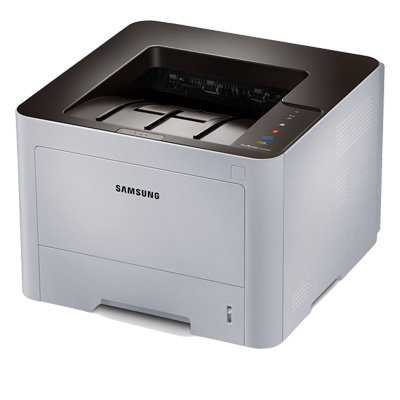



*** ALL TONERS AND SUPPLIES ARE IN STOCK AT DISCOUNTED PRICING , CALL +18882983095..
Printers do not include supplies - toners , drums (Imaging Units) (where applicable) , printer cables , manuals , consumables , trays (where applicable). Power cables are included. Drivers can be downloaded at www.hp.com. Please verify that drivers available are compatible with your software on HP’s site.
Product Details
Specifications
Accessories
Reviews
Product Details
Overview
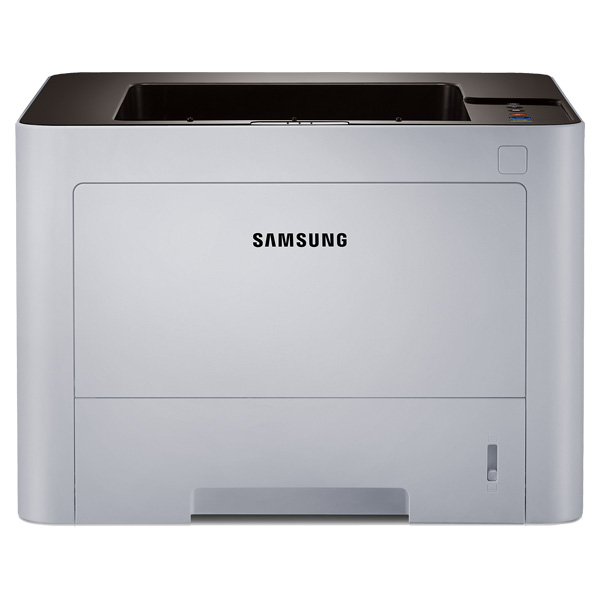
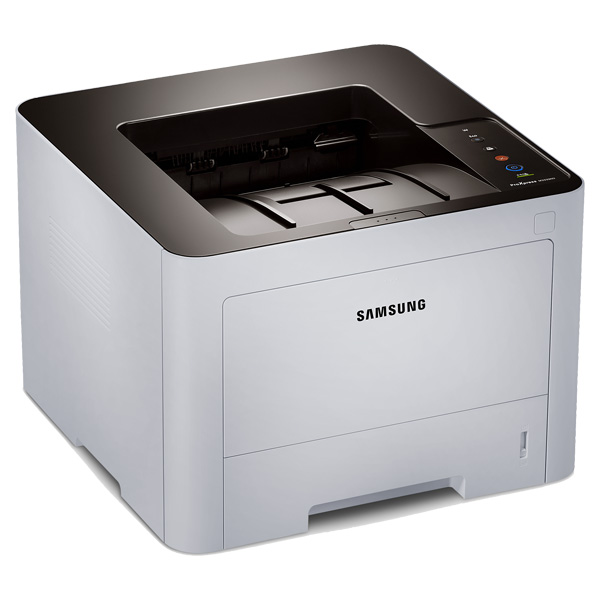
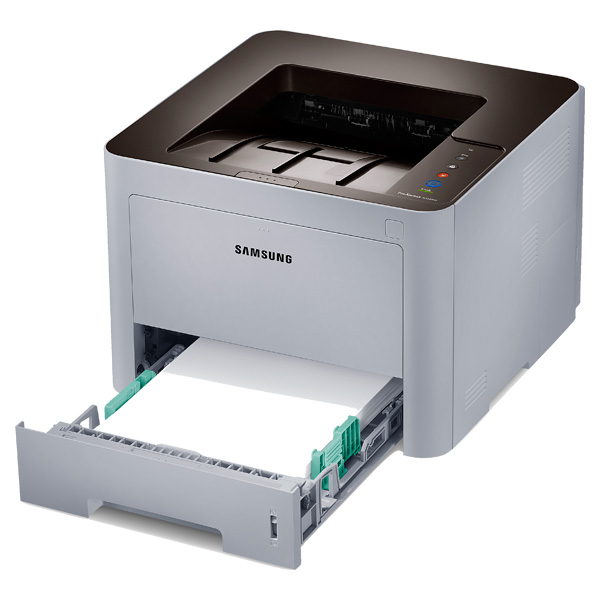
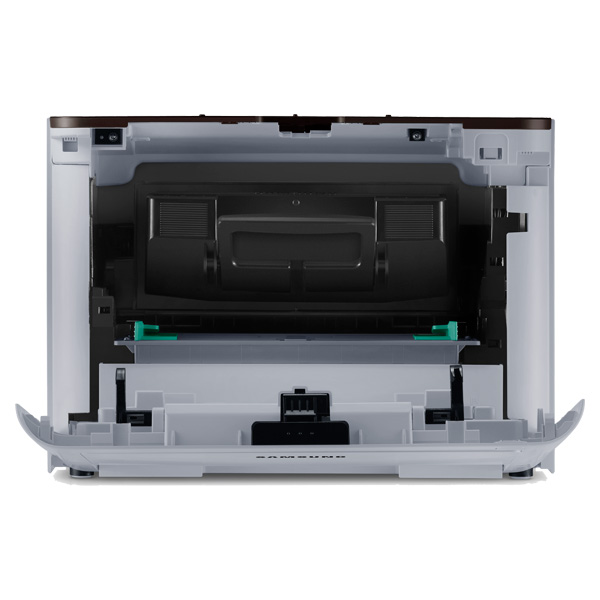
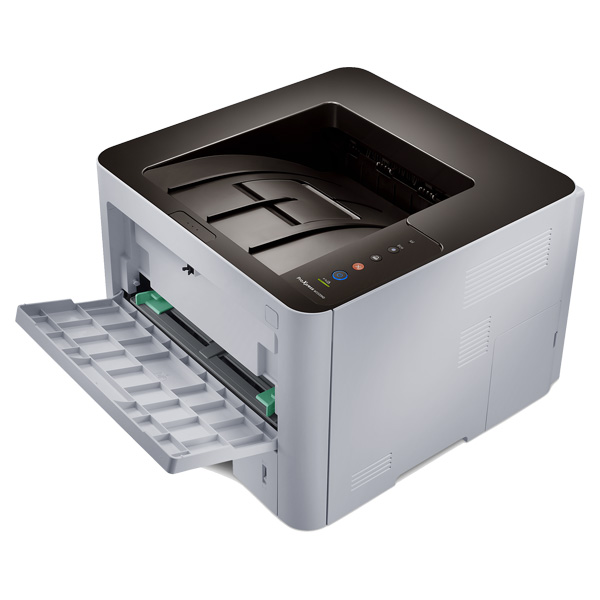
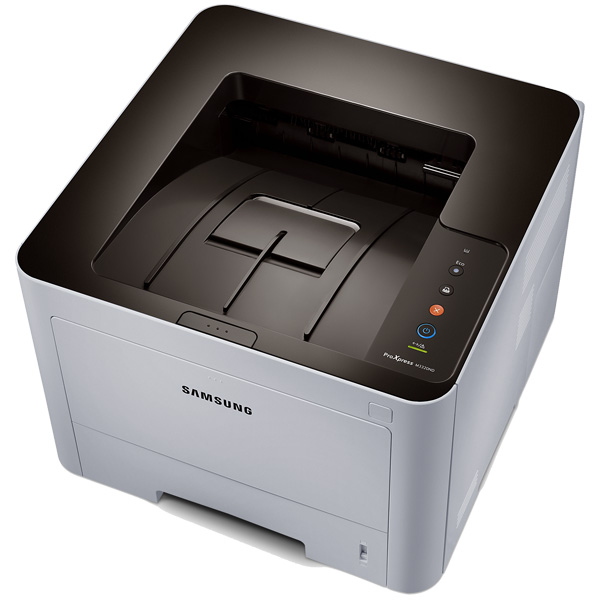
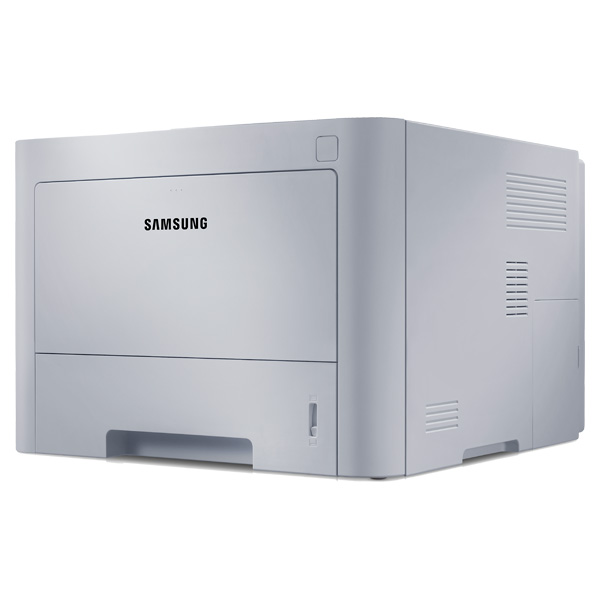
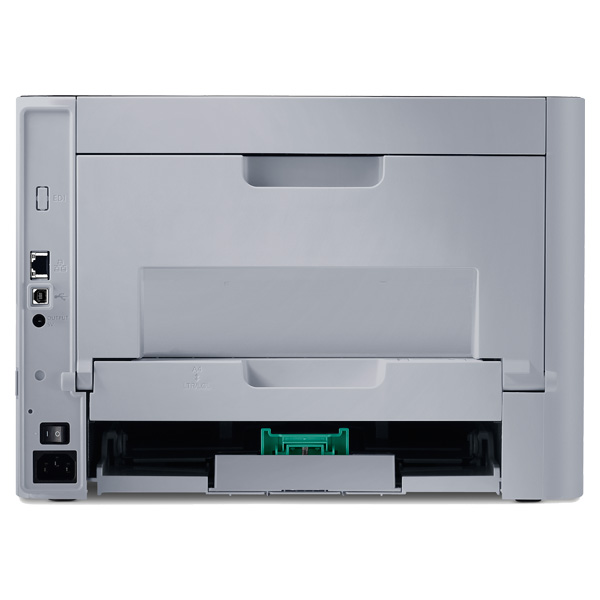
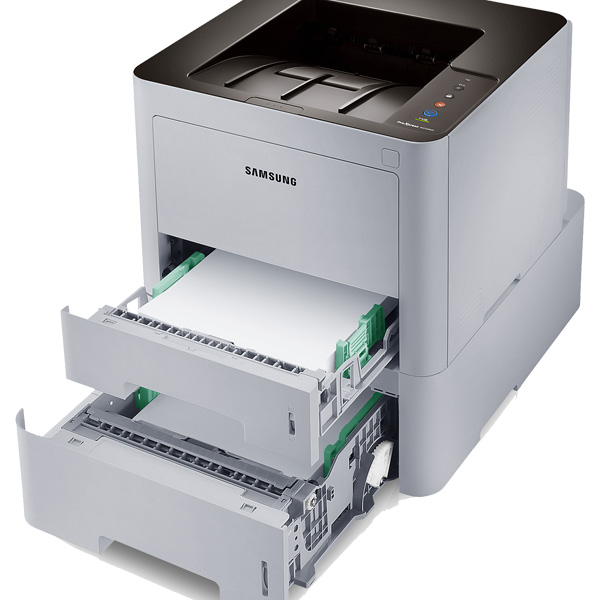
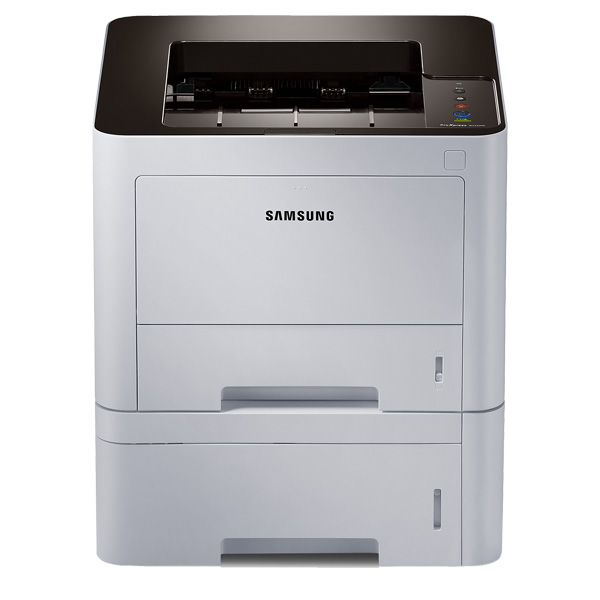
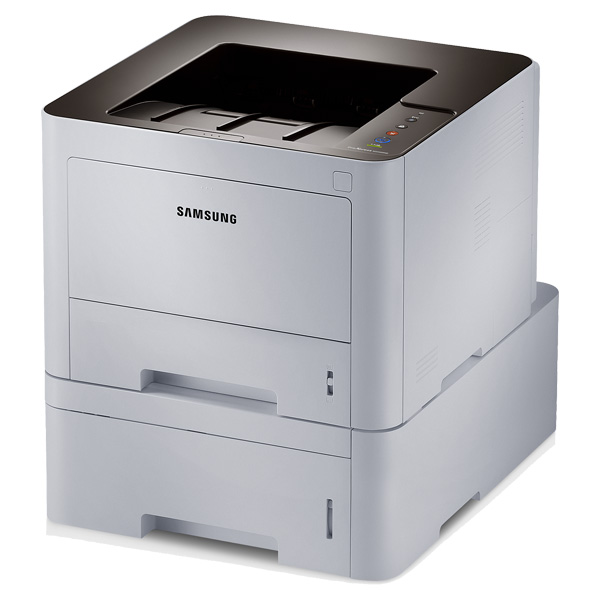
The Samsung ProXpress M3320ND gives you high speed printing with a higher quality print output. This laser printer from Samsung features robust paper handling and wireless with Wi-Fi direct.
Main Features
- High speed printing - 35 PPM
- High quality print output - 1200x1200 dpi
- Robust paper handling - up to 58lbs weight including labels, cards, covers and envelopes
- Built-in duplex printing
- One-touch eco button to lower toner and paper usage
- Easy eco driver software
- Central print usage control
- Convenient mobile printing
- Google cloud print ready
- Enterprise-level document security
- Easy secure printing with built-in numeric pad
Specifications
General Specifications
| Print Speed (ppm) | 35 ppm |
| Printer Connectivity | Hi-Speed USB 2.0, Ethernet 10/100 Base TX |
| Print Resolution (dpi) | 1200 x 1200 dpi |
| Printer Monthly Duty Cycle | 50,000 pages |
| Printer Memory | 128 MB |
| Paper Input Capacity | 250 sheets |
| Printer Output Capacity | 150 sheets |
| Media Types Supported | Plain, Thick, Thin, Bond, Pre-printed, Recycled, Envelope, Transparency, Label, Cardstock, Cotton, Colored, Archive |
| First Page Out (seconds) | As fast as 6.5 seconds |
| Printer System Requirements | Windows (32/64 bit) XP/2003/Vista/2008/7/2008 R2, Mac OS X 10.5~10.8, Various Linux, Various Unix, CiTRIX Presentation Server, Windows Terminal Services |
| Printer Dimensions | 10.3"H x 14.4"W x 14.4"D |
| Printer Weight | 21.7 lb. |
| Wireless Ready (Yes or No) | No |
| Network Ready (Yes or No) | Yes |
| Printer Processor | 600 MHz Cortex A5 |
| Print Technology | Laser |
| Type of Printer | Single-Function |
| Shop by Use | Home Office or Small Business (1-5 users) |
| Output Type | Black & White |
| Type of Printer Connectivity | Network Ready & USB |
| Type of Duplexing (2-sided printing) | Automatic |
| Maximum Paper Size | 8.5" x 14" |
 Download Manufacturer Specifications
Accessories

Reviews




Getting blank pages after you installed a new cartridge? Check that the sticker from the cartridge was properly removed. Alternatively, run the clean print head function to make sure all air bubbles are removed. Do not remove the cartridge once it has been installed.
Printer not working? The printer memory could be full and not getting prints or the prints may be stuck in the print queue. Turn-off the printer, wait a few seconds and turn it back on.
Most printers have a paper-out detector. On most dot matrix printers it is a photo diode. If form-fed paper is not aligned correctly (usually on the left side) the diode won't see it.
MY ACCOUNT
INFO & POLICIES
SHOP EASY
PAYMENT OPTIONS



