



 Shopping Cart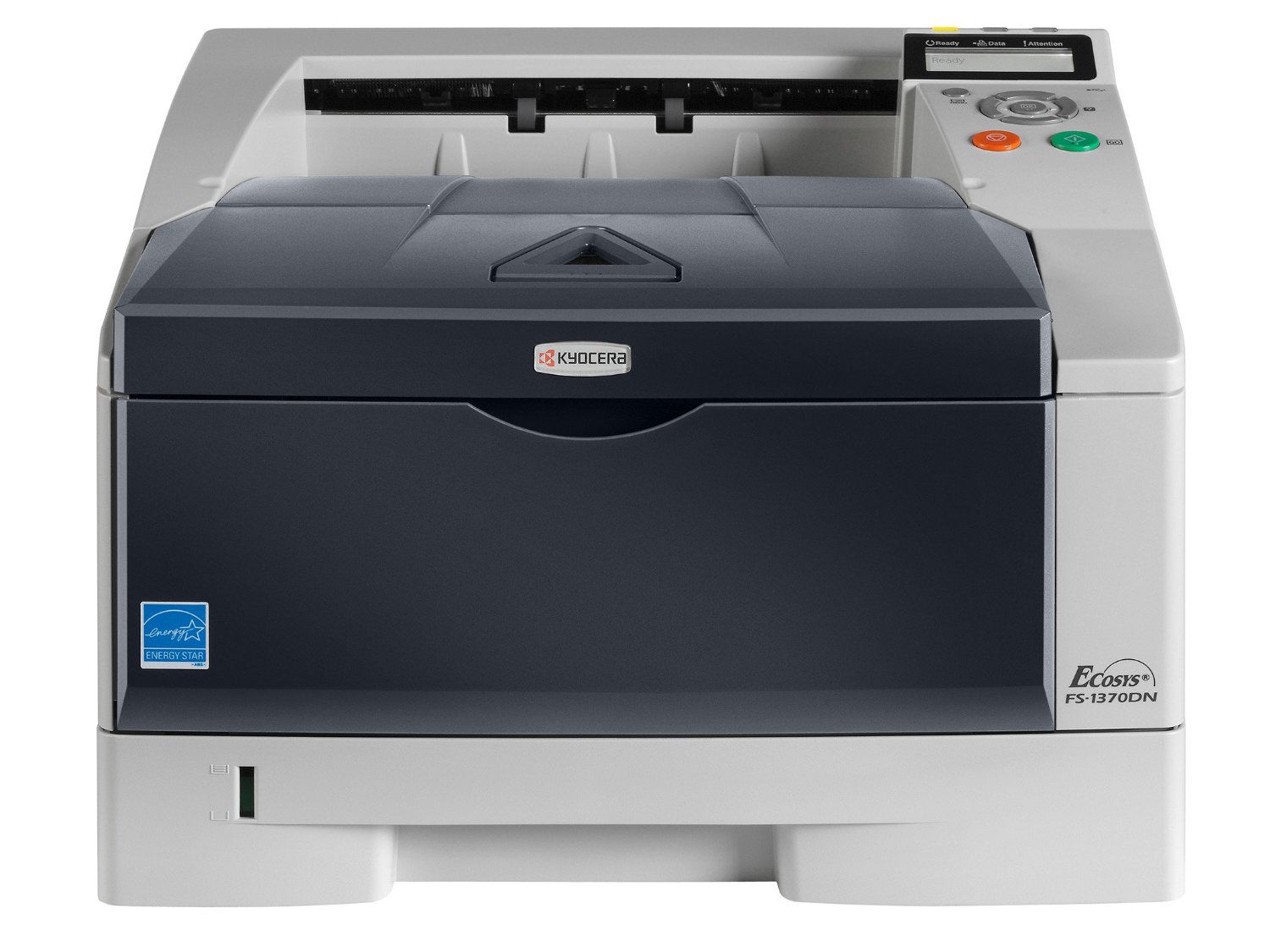

*** ALL TONERS AND SUPPLIES ARE IN STOCK AT DISCOUNTED PRICING , CALL +18882983095..
Printers do not include supplies - toners , drums (Imaging Units) (where applicable) , printer cables , manuals , consumables , trays (where applicable). Power cables are included. Drivers can be downloaded at www.hp.com. Please verify that drivers available are compatible with your software on HP’s site.
Product Details
Specifications
Accessories
Reviews
Product Details
Product Overview:
Fast and efficient, the FS-1370DN is the perfect printer for small teams. Featuring standard network connectivity, automatic duplex, clarity of the LCD control panel for user-friendliness and fast 35 pages per minute A4, the FS-1370DN easily handles larger print volumes. With its strong productivity and low total cost of ownership thanks to Kyocera’s ECOSYS long-life technology, this is the desktop printer you can count on!
| Functions | Network Printer |
| Speed | 37 PPM |
| Max Monthly Duty Cycle | 50,000 Pages Per Month |
| Resolution | Fine 1200 mode (1200x1200dpi) Fast 1200 mode (1800x600dpi) 600x600dpi 300x300dpi |
| Standard Paper Supply | 250 Sheet Drawer, 50 Sheet MPT |
| Max Paper Size | 8.5" x 14" |
| Max Paper Weight | 110lb index |
| Duplexing | Standard Embedded Duplex |
| Network Connectivity | Standard |
| PDL | PCL6 (PCL5c, PCLXL), KPDL (PS3), PRESCRIBE |
Specifications
 Download Manufacturer Specifications
Accessories
*** ALL TONERS AND SUPPLIES ARE IN STOCK AT DISCOUNTED PRICING , CALL +18882983095
Reviews




Use the zoom feature to enlarge or reduce copies for when you need part of a document or want to change the size of the document.
Do not mix two types of paper in one tray of the copier.
Do not store paper which you will use in a copier or printer in a damp or moist atmosphere – such as a basement, or near a window or sink.
MY ACCOUNT
INFO & POLICIES
SHOP EASY
PAYMENT OPTIONS



