



 Shopping Cart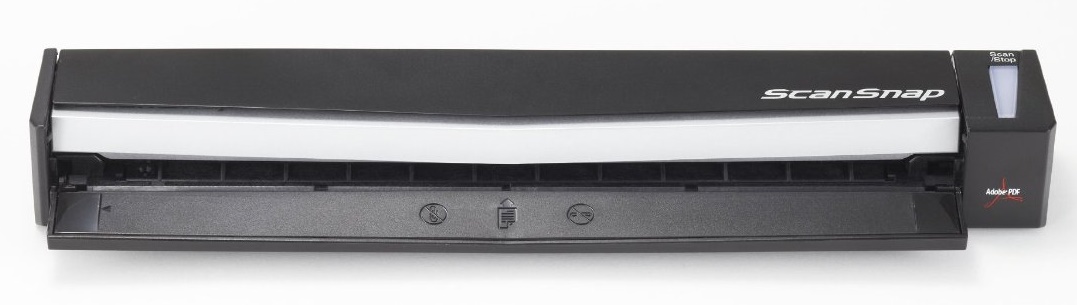






Product Details
Specifications
Accessories
Reviews
Product Details
Main Features
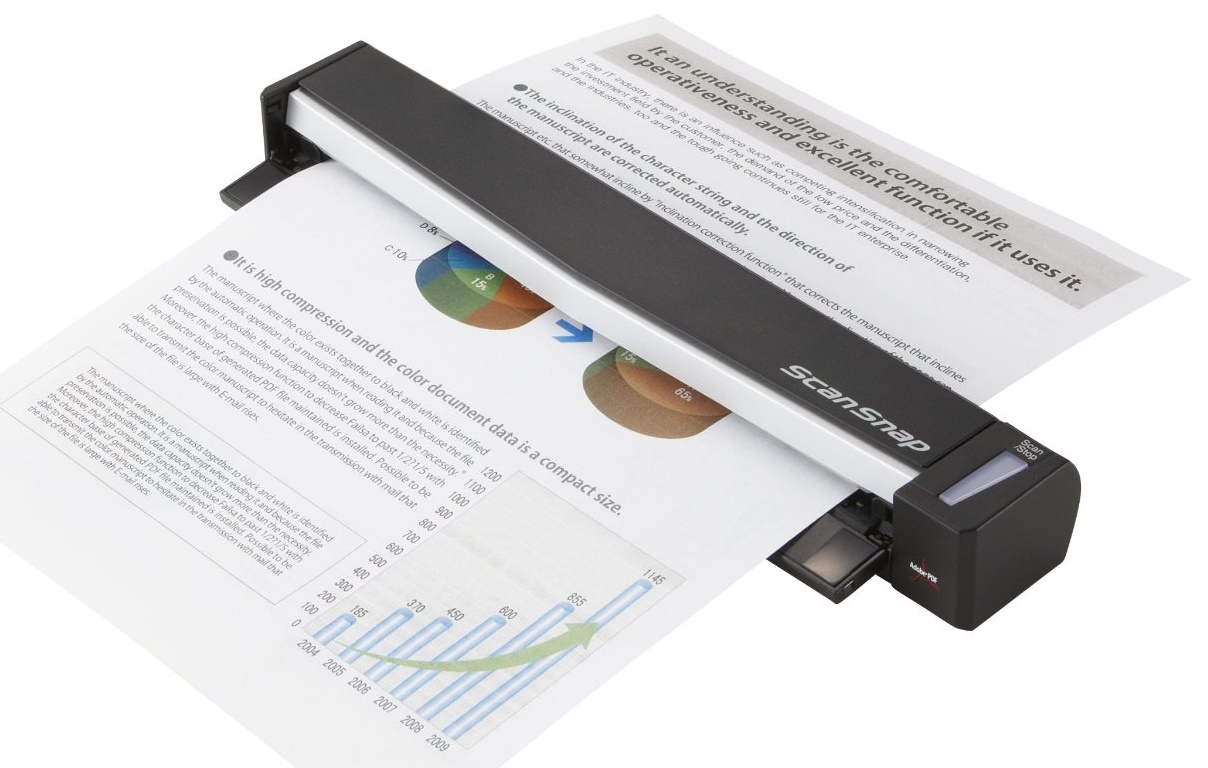
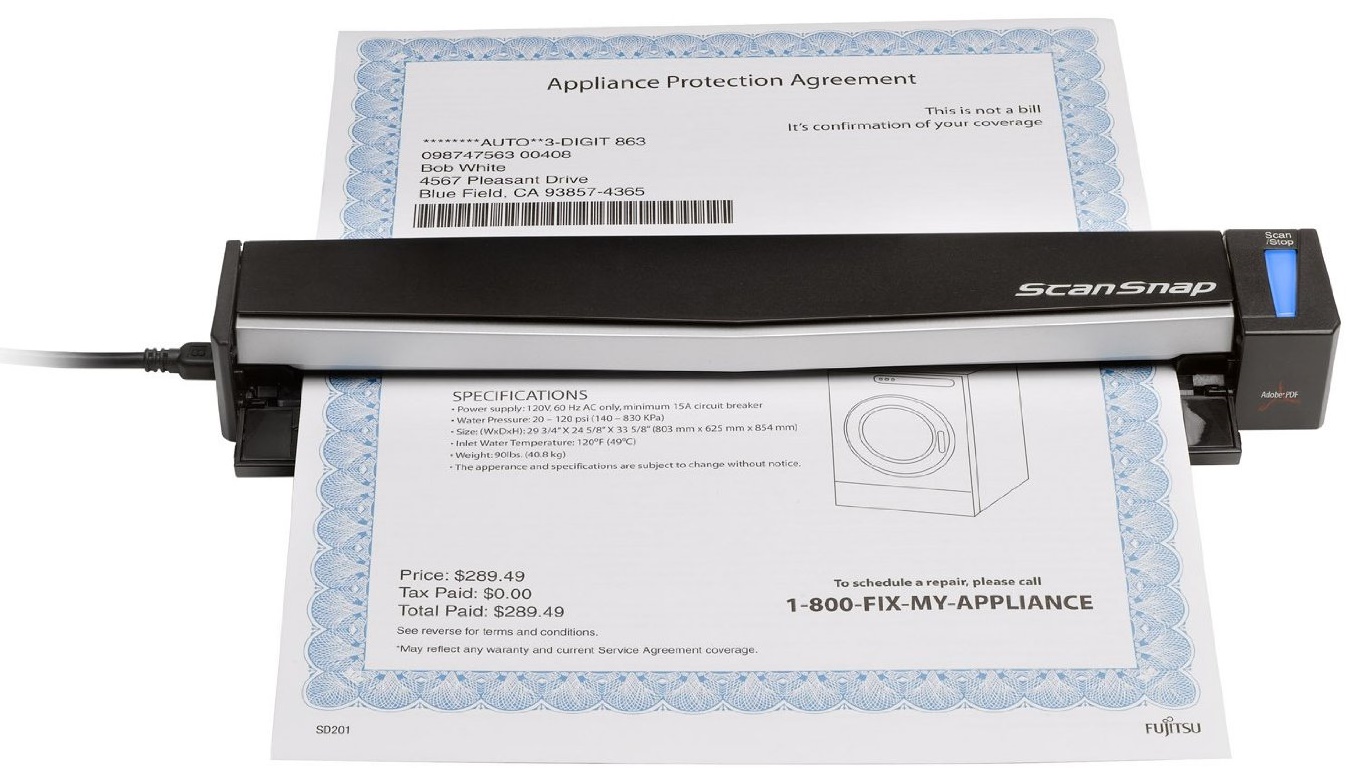
- Create a searchable PDF file with the touch of a button
- Scan paper as small as an inch up to 34 inches long
- Scan to an editable Word and Excel file
- Create searchable keywords with a highlighter
- Business card scanning software
- Supports scanning a plastic ID card
- Cross-platform compatibility for PC and Mac
- USB powered
Additionally, the ScanSnap S1100 Deluxe Bundle includes Rack2-Filer V5.0, an ultra-intuitive scanning and file management application for home or small office. Through the use of graphical cabinets and e-Binders, users will experience a familiar yet heightened level of accessibility and convenience to their digital content.
Rack2-Filer V5.0 Main Features
- Scan PDF and JPG files directly into binders
- Drag binders from one cabinet to another
- Apply pictures to make binders distinctive
- Flip through pages or jump to a section
- Create divider sheets for organizing content
- Use the highlighter tool with color palette
- Attach digital sticky notes to pages
- Import word documents, presentations and spreadsheets
- OCR to search by keyword or phrase
- Manipulate content on the virtual Work Area
- Use magnification tool to see finer details
- Select ImageWriter to print content into binder
Specifications
General Specifications
| Functional Specifications | |||
|---|---|---|---|
| Scanning Technology | CCD image sensor x1 | ||
| Scanning Mode | Black and White / Grayscale / Color | ||
| Document Feeding Mode | ADF | Flatbed | |
| Yes | No | ||
| ADF Capacity | 1 (A4, 80g/m ² ) page Continuous Document Feeding Achievable | ||
| Document Size | ADF minimum: | A8 42.3 to 209.3 g/m² |
|
| ADF maximum: | A4 up to A3 via carrier sheet. 42.3 to 209.3 g/m² |
||
| Flatbed: | - | ||
| Daily Throughput | 50 pages max. | ||
|
Scanning Speeds (200 or 300 dpi, Color, Greyscale and Monochrome) | |||
| Output | Simplex | Duplex | |
| A4 Portrait | 1 page in 7.5 seconds @ 300dpi (Best Mode) 1 page in 35 seconds @ 600dpi (Excellent mode) |
- | |
| Bundled Software | Rack2-Filer Smart, Magic Desktop and ScanSnap Organizer (Windows only), ScanSnap Manager, CardMinder (Windows) /Cardiris (Mac). ABBYY FineReader for ScanSnap™, Evernote, Scan to Microsoft SharePoint (Windows only) | ||
| Functions | Automatic deskew, Automatic rotation, Automatic color detection, Page size detection | ||
| Interface(s) | USB 2.0 | ||
| System compatibility | Windows and Mac | ||
|
Physical Specifications | |||
| Dimensions (Height x Width x Depth) | 34mm x 273mm x 47.5mm | ||
| Weight | 0.35kg | ||
| Power Requirement | 5V 0.5A DC (USB Bus power) | ||
| Power Consumption | <2.5W during operation, <1W in sleep mode, <0.5W during power off | ||
| Operating Temperature | 5-35° C | ||
| Humidity (operating) | 20-80% RH (non-condensing) | ||
Accessories
*** ALL TONERS AND SUPPLIES ARE IN STOCK AT DISCOUNTED PRICING , CALL +18882983095
Reviews


Almost anything that speeds up scanning photos (other than buying a faster scanner) lowers the scan quality, so decide the level of quality you want, and then accept the amount of work that comes with it.
A lot of photo scanners offer a color restore option for restoring color to faded photos.
Make sure the scanning glass is clean and has no dust on it before you start scanning.
MY ACCOUNT
INFO & POLICIES
SHOP EASY
PAYMENT OPTIONS



